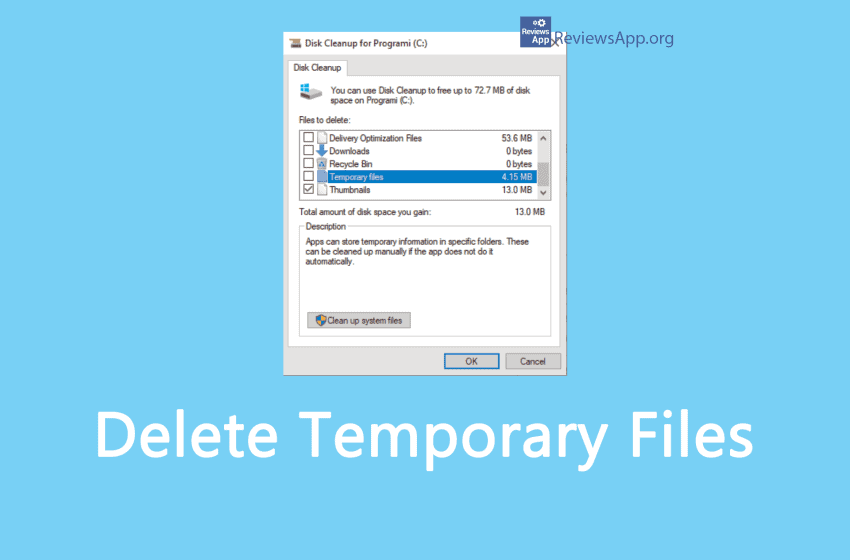
During work, Windows 10 creates quite a number of temporary files. These files accumulate over time and can take up several gigabytes of space, so sometimes it is necessary to delete these files. Deleting temporary files is completely safe because if they are needed again, Windows will automatically recreate them. Watch our video tutorial where […]Read More
Tags : Temporary files
How to Turn Off Automatic Deletion of Files From Downloads Folder and Recycle Bin in Windows 10
By default, Windows 10 will automatically delete data from the Recycle Bin and the Downloads folder. However, you can change this or turn it off completely in the settings. Watch our video tutorial where we show you how to turn off automatic deletion of files from the Downloads folder and Recycle Bin in Windows 10. […]Read More
Too many temporary and junk files on your hard drive not only take up unnecessary space but also slows down your PC and pose a security risk because passwords can be found among these files. There are many programs that help us solve this problem, and Windows itself has its Disk Cleanup, which comes bundled […]Read More
Storage Sense is a Windows 10 program that makes sure that temporary files stay just that, temporary. Namely, it automatically deletes temporary files from the Internet or applications and programs. It also deletes files from the Recycle Bin and Downloads folder. Files from the Recycle Bin will be deleted automatically after a while, while files […]Read More
Temporary files are created to contain information while creating a new file temporarily. They can be created by computer programs for various purposes; mainly when the program cannot allocate enough memory for its tasks, when the program works on data larger than the address space of the architecture, or as a primitive form of interprocess […]Read More