By default, when someone sends you a picture or video using Viber, that file will be automatically downloaded and saved to your phone. This can easily cause your phone memory to fill up and you will constantly have to delete unnecessary files. However, you can stop the automatic download of files in the settings. Watch […]Read More
Tags : file
TagSpaces is a free, open-source file manager that uses tags for organizing and searching files and folders. It’s available for Windows, macOS, Linux, and as an extension for Chrome and Firefox browsers. TagSpaces Functions The number of files that make up operating systems and applications is enormous, and to this, we must add, often even […]Read More
When someone sends you a file using Skype, by default, that file will be downloaded. If you don’t want Skype to download files automatically, you can turn off this option in the settings, and it will only take a few clicks. Watch our video tutorial where we show you how to turn automatic file downloads […]Read More
By default, when you start downloading a file using Google Chrome, this Internet browser will ask you where to save the file. However, there is an option in the settings that, when turned on, will always automatically save files to the folder you selected. Watch our video tutorial where we show you how to turn […]Read More
We all occasionally or often need to copy the name of a file. Windows does not have a dedicated option for this, and the way most of us do this is by clicking on the option to change the file name from the context menu, and then using the CTRL + C key combination to […]Read More
When Windows 10 is updated, the files used during installation remain on your computer. These files are not necessary for the proper functioning of Windows, and over time they accumulate and can take up several gigabytes of space on the hard disk. That’s why it’s best to delete these files. Watch our video tutorial where […]Read More
File Manager is a program whose task is to provide the user with quick and easy access to files and folders located on his computer. One such program, which we are all familiar with, is Windows File Explorer, which comes with the Windows operating system. The problem with Windows File Explorer is that it is […]Read More
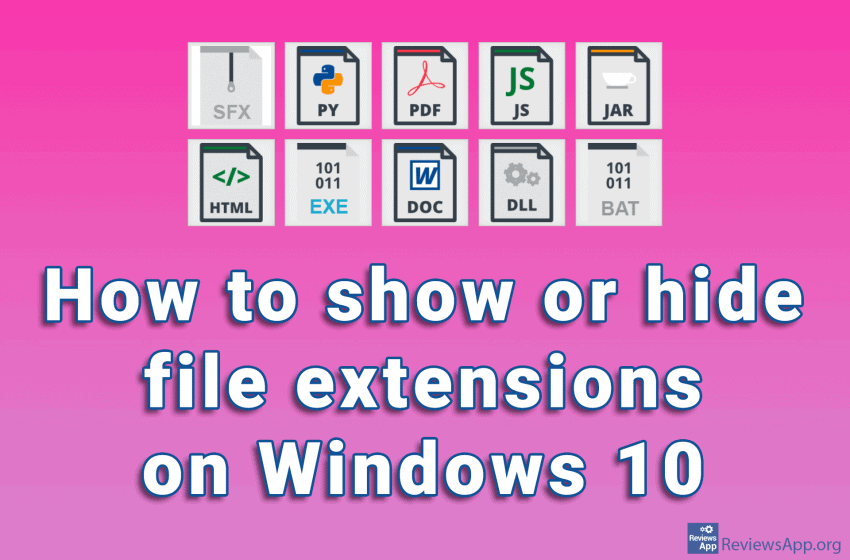
Every file on your computer has an extension that tells Windows what type of file it is. File extensions have three or four characters, although they can be longer. If, for example, we have the file “Example.docx”, Windows knows that it is a Word document due to the .docx extension, so it will start Microsoft […]Read More