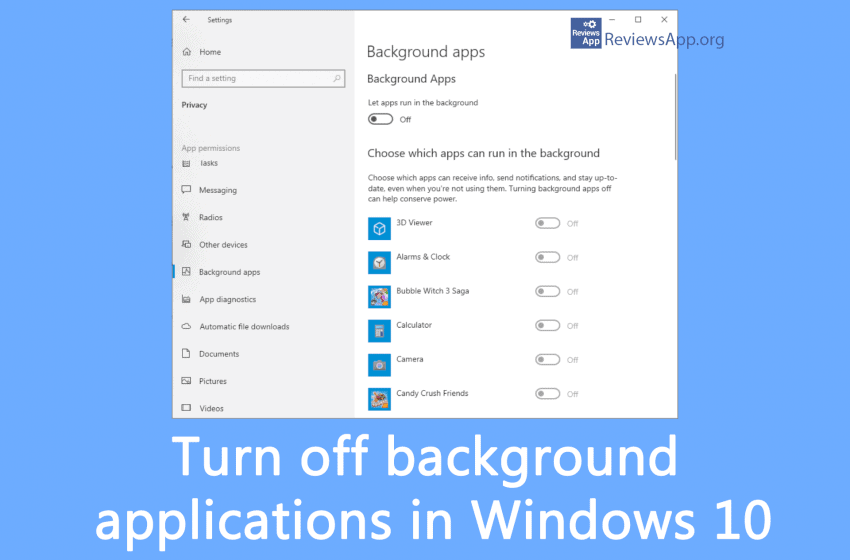
Apps that run in the background of Windows 10 can receive info, send notifications, and stay updated, even when you aren’t using them – which can be useful, but they can also reduce your laptop battery life and increase your data flow, which can be pretty inconvenient if you’re connecting to the internet via a […]Read More
Tags : how to
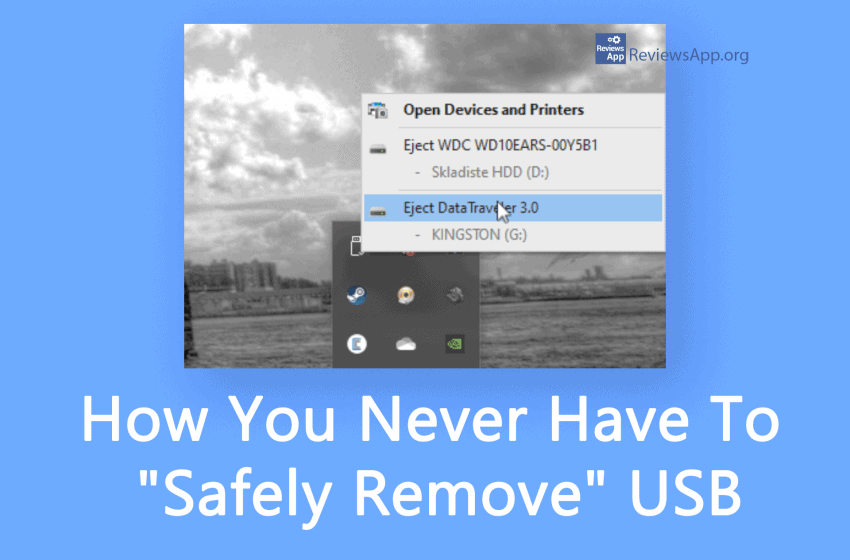
Do you always “eject” your USB drives before unplugging them? You can save yourself some clicks and some time with this simple tip because you’ll never have to eject a flash drive again. See how in our video below. Video transcript: Make sure that your USB device is plugged in In the search field type […]Read More
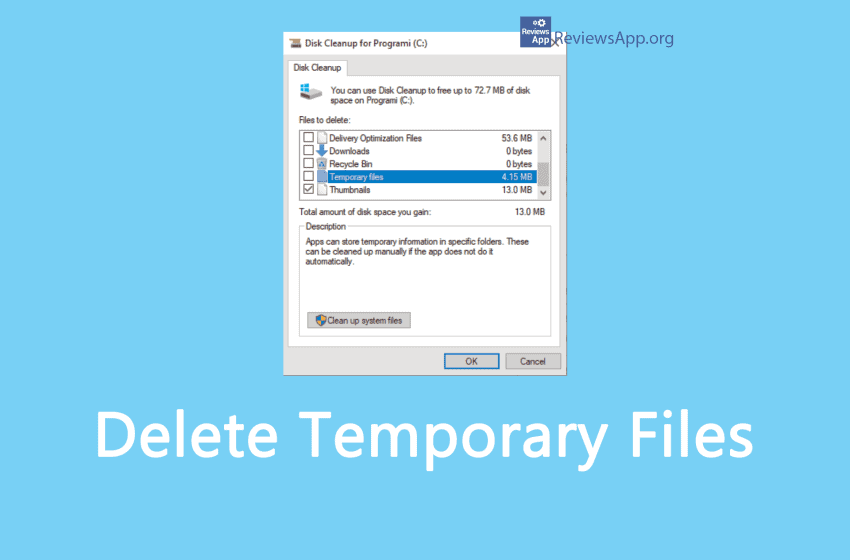
Temporary files are created to contain information while creating a new file temporarily. They can be created by computer programs for various purposes; mainly when the program cannot allocate enough memory for its tasks, when the program works on data larger than the address space of the architecture, or as a primitive form of interprocess […]Read More
Facebook’s Messenger app does not include a logout option. Quite a big omission in our opinion, but fortunately there is an easy way to do this. See how in our video below. Video transcript: Messenger does not have the option to logout within the application. However, there is a relatively easy way to do this. […]Read More
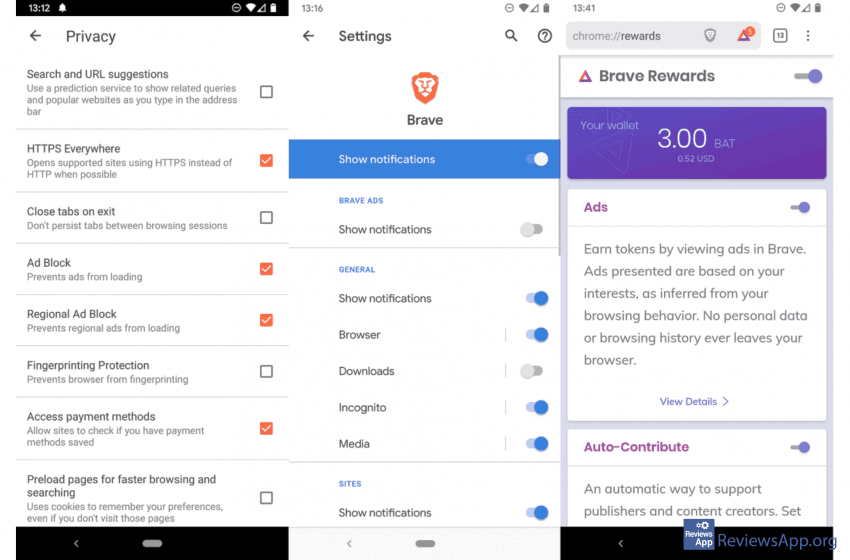
Brave is one of those new, modern, ultralight browsers available for Android, Windows, iOS, and Linux. It’s great to browse the web in the fastest, safest way and free of annoying ads. Brave Browser also offers the functionality of private browser windows. It is three times faster than Chrome because it blocks all ads, cookies, […]Read More
It is a known fact that Facebook doesn’t want you to delete your account, that is why they are keeping that option hidden deep in its settings. If you want to delete your Facebook account, we will show you how in our video below. Video transcript: Click on arrow Click on Settings Click on Your […]Read More
We all have websites that we visit on a daily basis, and it would be nice to have a shortcut to them on our Android or iOS phone or tablet Home Screen, so we don’t have to type in the address or go to bookmarks all the time. Here’s how to create a shortcut for […]Read More
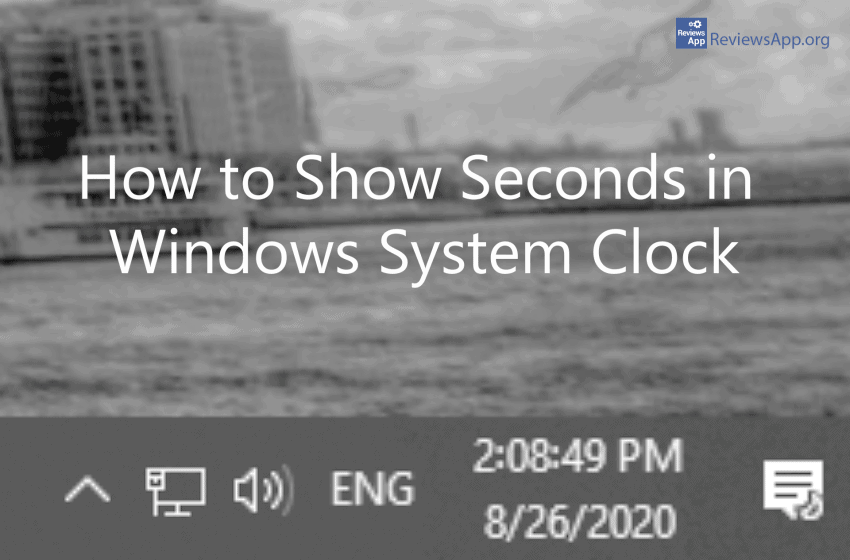
Did you know that you can show seconds in the Windows system clock? For some reason, the only way to do this is by tinkering with registries. We show you how to do this in our next video. Video transcript: Type in regedit and press enter Open HKEY_CURRENT_USER Open Software Open Microsoft Open Windows Open […]Read More
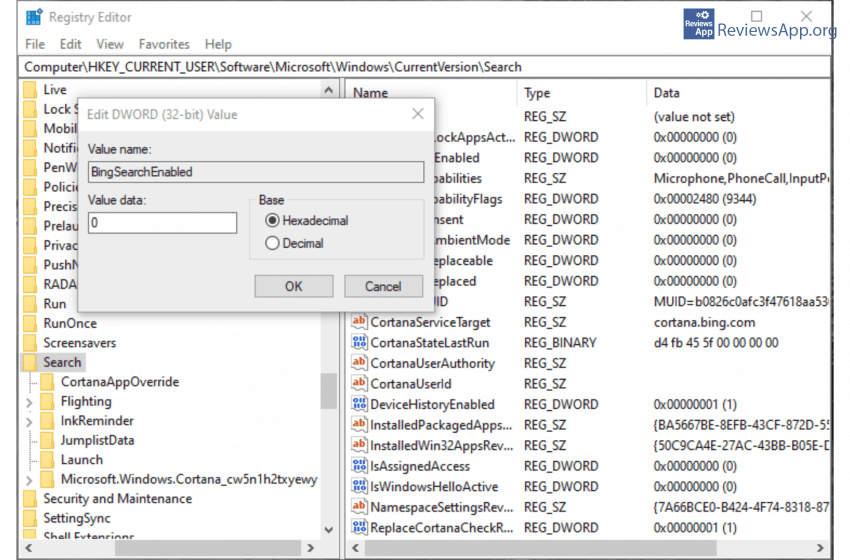
Built-in Search functionality in Windows 10 is very powerful, but did you know that everything you type in the Search is being transferred to the servers of the company from Redmond so that other than local, it will perform an online search using Bing service? We will show you an easy way to stop this […]Read More
High-Efficiency Video Coding or HEVC, also known as H.265 and MPEG-H Part 2 is a successor to the widely used Advanced Video Coding (AVC, H.264, or MPEG-4 Part 10), designed as part of the MPEG-H project. HEVC offers from 25% to 50% better data compression at the same level of video quality as AVC. Supported […]Read More