Regularly updating programs is very important. This not only gives you new options, but also bug fixes and security patches. Windows 11 offers the option of regular and automatic program updates. This way, you don’t have to worry about using the latest versions of your programs. Check out our video tutorial where we show you […]Read More
How to fine tune up your PC, mobile phone or tablet? Learn how to setup safe environment on your devices. We will teach you how do this and much more.
In Windows 10, as in Windows 11, you can see which edition of Windows you have. This is important because certain editions offer options that are not present in other editions. For example, BitLocker is an option that helps with security by encrypting all data on the Hard Disk. However, this option is only available […]Read More
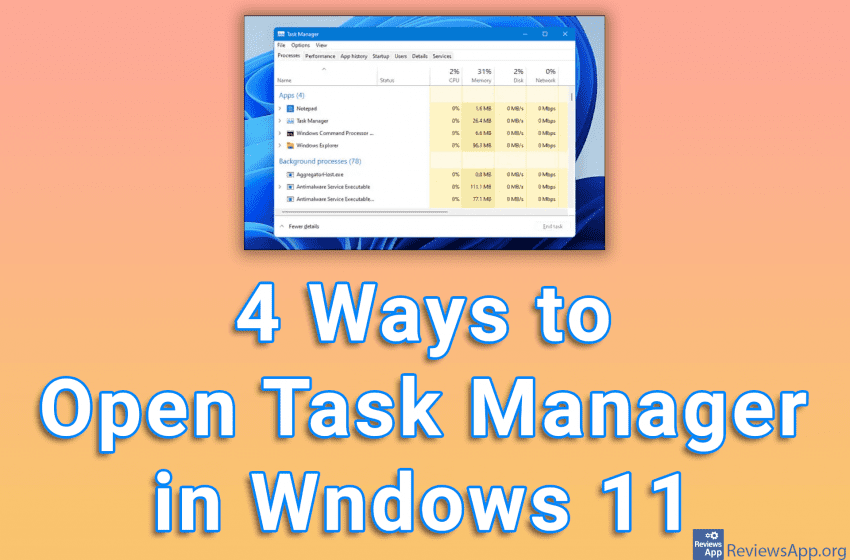
In Windows 11, you can’t open Task Manager by right-clicking an empty spot on the taskbar and launching it from there, as in Windows 10. This was one of the most convenient ways and we don’t know why Microsoft removed it. Fortunately, this is not the only method to start Task Manager, and we will […]Read More
PDF is the format we use when we want a document to load exactly the same on all computers. That way, all formatting will be saved, no matter what program the document was created with. Google Docs includes the option to save the document in PDF format, whether it’s a file written in Docs or […]Read More
In Windows 10, as in Windows 11, you can turn on Dark Mode. This option will change all the colors of this operating system to dark ones. Many users like to use this option because they prefer this look of Windows. However, Dark Mode helps to make your eyes less tired when you look at […]Read More
When you delete a file in Windows 11, it will be sent to the Recycle Bin, from where you can restore it if you deleted it by mistake. If you want to delete files permanently, you must empty the Recycle Bin. If you want the Recycle Bin can to be emptied automatically after a certain […]Read More
If you happen to come across the message “Some of these settings are managed by your organization” when you want to change certain settings in Windows 11, the good news is that you can fix this. However, keep in mind that if you use a computer at work or at school, this is probably done […]Read More
Registries are an essential part of the Windows operating system and contain program settings, hardware information, and more. For this reason, it is recommended that every time you want to change registry values, you make a backup so that if a problem occurs you can fix the problem quickly and easily. Check out our video […]Read More
We recently showed you how to make your taskbar larger or smaller in Windows 11, and now we will show you how to change its color. This way you can easily personalize your operating system and make it more beautiful. Watch our video tutorial where we show you how to change the taskbar color in […]Read More
Windows 11 offers several ways to edit the mouse cursor, and one of them is the ability to change its color. When choosing a color, you can use one of the already offered colors or you can choose any color yourself. This can help make the cursor more visible on the screen or simply make […]Read More
Search
Most popular
- How to turn off Program Compatibility Assistant in Windows 10
- Brave browser – Spotify with No Ads and Youtube on the Locked Screen
- How to show FPS in games using NVIDIA GeForce Experience
- How to Unlock Google CAPTCHA on Windows and Android
- How to Add, Show and Delete Section Breaks In Google Docs?
- Battery charge alarm – free app for Android
- How to Enable DuckDuckGo Browser to Always Use Duck Player on YouTube
- Custom Cursor – a fun extension for Google Chrome
- How to Make YouTube Videos Always Fill the Phone Screen on Android
- How to Add Animated GIF to a Word Document