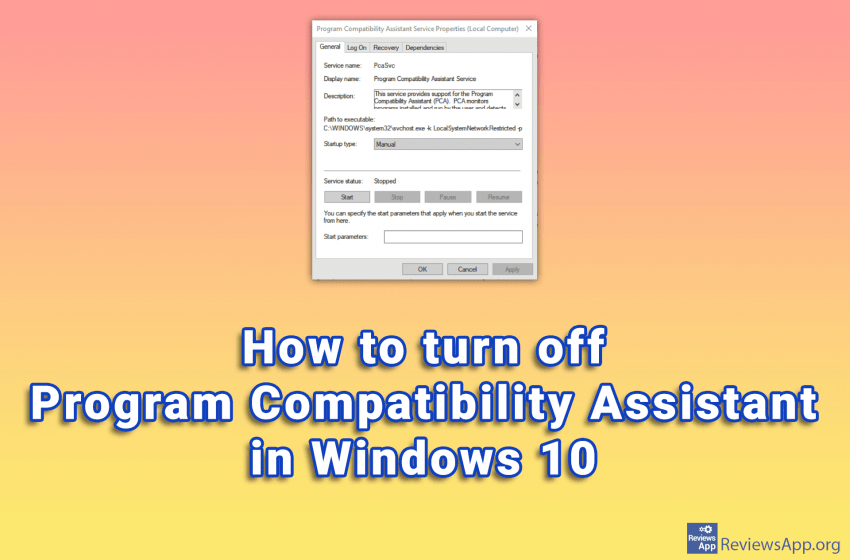
Windows 10 has phenomenal compatibility with older programs. This means that old programs run on this operating system without problems or errors. One of the tools that Windows 10 uses to accomplish this is the Program Compatibility Assistant. If you’re trying to install an incompatible program on Windows 10, this feature is great. The Program […]Read More
How to fine tune up your PC, mobile phone or tablet? Learn how to setup safe environment on your devices. We will teach you how do this and much more.
We have two types of memory in the computer, hard disk and RAM. A hard disk is where your operating system, programs, images, music, and more are located. RAM is working memory, which means that data is going there when you use it. RAM is much faster than a hard disk, but it is more […]Read More
Do you have a video of the concert that you like to listen to often? When you are on the go, you can transfer this to your phone, so you can always listen to it while walking. However, in this case, it might be better to have only audio without the video. After all, you […]Read More
Game Mode option in Windows 10 aims to improve computer performance when playing video games. This is accomplished by the fact that when you run a game, Windows detects it and allocates computer resources to the game instead of background programs. Also, all updates will be stopped as long as you are in the game. […]Read More
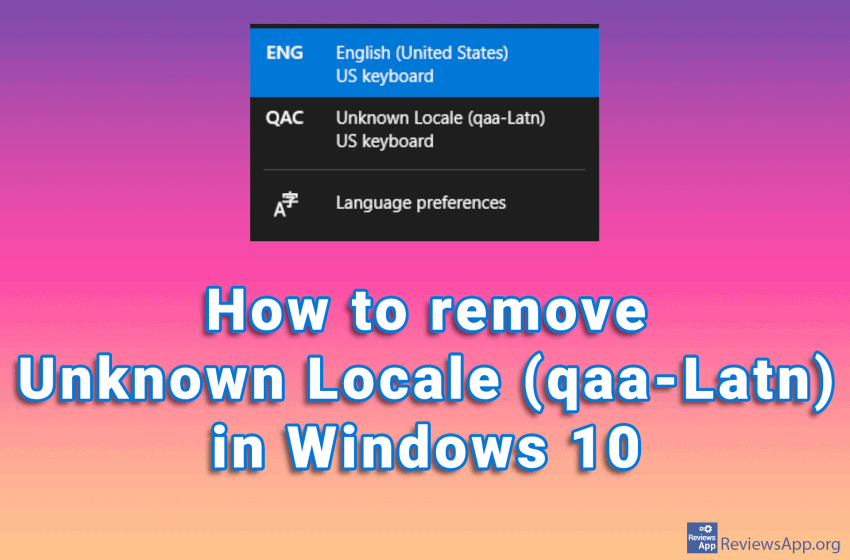
Did you notice the Unknown Locale (qaa-Latn) language among the languages in the Windows Task Bar? If you go to the language settings in Windows 10 and try to delete this, you will notice that it is not among the installed languages. This problem can occur if you have corrupt system registries, also installing applications, […]Read More
Starting with Android version 10 and onwards, if you’re connected to a Wi-Fi network but don’t know the password, there’s an easy way to allow another device to connect to that network. You can generate a QR code on your phone, which another phone needs to scan and connect to the network without having to […]Read More
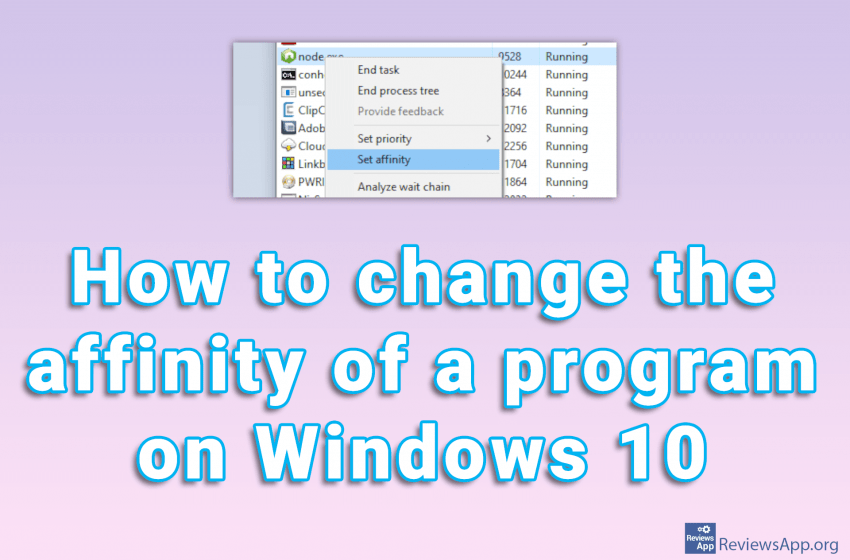
Changing the process affinity means that you restrict the application from running only on certain processor cores. This can be very useful if you have a program that occupies the entire CPU. If this happens, your computer will be almost unusable until the program frees up resources. That’s why we’ve created a tutorial showing you […]Read More
We wrote about how to translate a document using Google Translate. The biggest advantage of this method is that you don’t have to have a Google account. However, most of us are already part of the Google family, so we’ll show you, in our opinion, a better method for translating documents. We will use Google […]Read More
Google Translate not only translates words and phrases, this powerful translator can translate entire documents. The formats it supports are .doc, .docx, .odf, .pdf, .ppt, .pptx, .ps, .rtf, .txt, .xls, .xlsx, and HTML, and the maximum file size you can upload is 10 MB. All you have to do is upload the document you want […]Read More
No matter what computer you have, when you install a new game, it is always a good idea to check the FPS (Frames Per Second). If this number is too low, below 30FPS, the game will be choppy, and playing it will be unpleasant. If it’s too high, more than 60FPS, you might be able […]Read More
Search
Most popular
- How to turn off Program Compatibility Assistant in Windows 10
- Brave browser – Spotify with No Ads and Youtube on the Locked Screen
- How to show FPS in games using NVIDIA GeForce Experience
- How to Unlock Google CAPTCHA on Windows and Android
- How to Add, Show and Delete Section Breaks In Google Docs?
- Battery charge alarm – free app for Android
- How to Enable DuckDuckGo Browser to Always Use Duck Player on YouTube
- Custom Cursor – a fun extension for Google Chrome
- How to Make YouTube Videos Always Fill the Phone Screen on Android
- How to Add Animated GIF to a Word Document