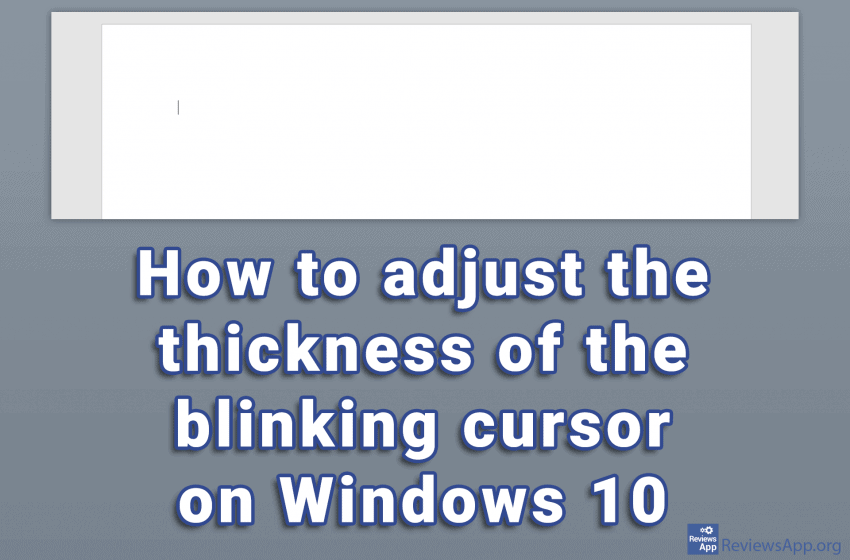
If you have a small monitor, poor eyesight, or you often find yourself staring at the screen in search of a blinking cursor, you can increase its thickness and make your job easier. The thickness you can choose goes from reasonable to a cursor so thick that we sincerely believe that the only reason it […]Read More
How to fine tune up your PC, mobile phone or tablet? Learn how to setup safe environment on your devices. We will teach you how do this and much more.
Every file on your computer has an extension that tells Windows what type of file it is. File extensions have three or four characters, although they can be longer. If, for example, we have the file “Example.docx”, Windows knows that it is a Word document due to the .docx extension, so it will start Microsoft […]Read More
If you have an older computer, which has difficulty running Windows 10, turning off the animations can significantly improve performance. Windows 10 offers a convenient solution in which you can set the system to the best performance and thus delay the purchase of a new computer, at least for a while. Check out our video […]Read More
When we get a new mouse, it often takes a while to get used to it. The wheel can be a big problem to get used to as the strength required to turn the wheel can vary greatly. On some, we have to use all our might just to move it a little bit, while […]Read More
If your computer has startup problems or makes mistakes while working, chances are that your Windows system files are corrupted. Windows 10, like most previous versions, includes a program called Windows Resource Protection that allows you to scan, verify, and repair system files. You run this program from the Command Prompt. If you can’t start […]Read More
Using a table of contents in your document makes it easier for the reader to navigate. In Microsoft Word, you can create a table of contents automatically from the titles in a document. This is a two-step process. We must first “tell” Word that these are actually titles, and then, in just a few clicks […]Read More
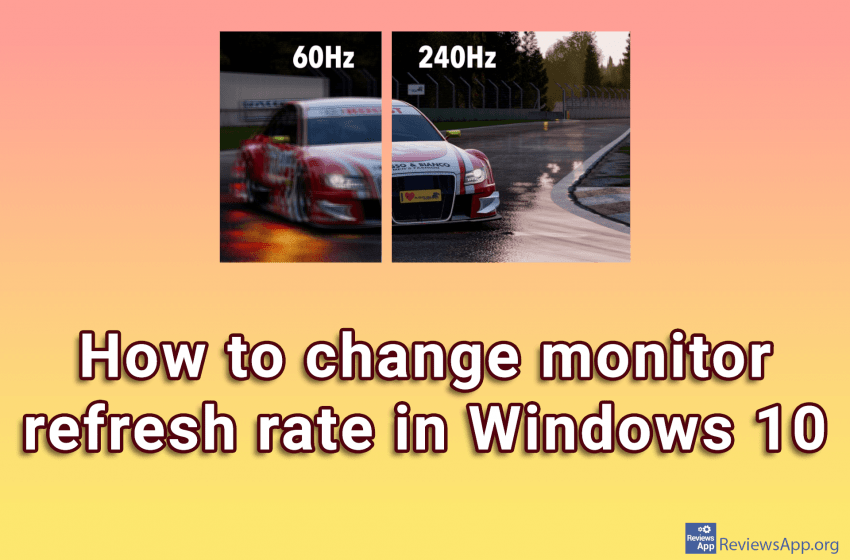
When we buy a new monitor for our computer, what we pay the most attention to is the screen size and color quality. We are not claiming that this is not important, but one very important item, that we often forget, is the refresh rate of the monitor. The refresh rate of the monitor is […]Read More
If you have a document in Excel that is protected by a password you don’t know or have forgotten, unfortunately, there is no way to get that password. However, there is a way to remove the password and use that document normally. Watch our video where we show you how to remove a password from […]Read More
If you’ve encountered the problem that when you perform a search on your Windows 10 computer, the search takes a very long time, takes a large amount of processing power, or doesn’t find what you’re looking for, the problem is probably the Windows Search Index. Windows 10 indexes all the files on your computer by […]Read More
We spend more and more time at the computer or mobile phone, and then we are mostly online. The Internet has become such an important part of our lives that it is almost impossible to go back to the time before this discovery without serious consequences for our society. It is estimated that two-thirds of […]Read More
Search
Most popular
- How to turn off Program Compatibility Assistant in Windows 10
- Brave browser – Spotify with No Ads and Youtube on the Locked Screen
- How to show FPS in games using NVIDIA GeForce Experience
- How to Unlock Google CAPTCHA on Windows and Android
- How to Add, Show and Delete Section Breaks In Google Docs?
- Battery charge alarm – free app for Android
- How to Enable DuckDuckGo Browser to Always Use Duck Player on YouTube
- Custom Cursor – a fun extension for Google Chrome
- How to Make YouTube Videos Always Fill the Phone Screen on Android
- How to Add Animated GIF to a Word Document