When using email services, careful contact management has always been one of the most important tasks. If all important contact information is stored and available, sending private or professional emails is nothing more than a mere formality. In addition to the ability to manually add contacts, most email services have a function to import contacts. […]Read More
How to fine tune up your PC, mobile phone or tablet? Learn how to setup safe environment on your devices. We will teach you how do this and much more.
When we hear that big tech companies keep our private information, we immediately think of the worst. However, sometimes obsessively recording and storing everything we have ever done online can be useful to us, provided we can access that data. Gmail keeps contact information of everyone we’ve ever contacted using this service. Standard contact information […]Read More
Today, we can’t even imagine browsing the Internet without tabs in the browser. The older ones among us remember the time before this revolutionary discovery, and to tell you the truth, it was not pleasant. By default, every time you start Google Chrome, a blank tab opens. Did you know that there is a setting […]Read More
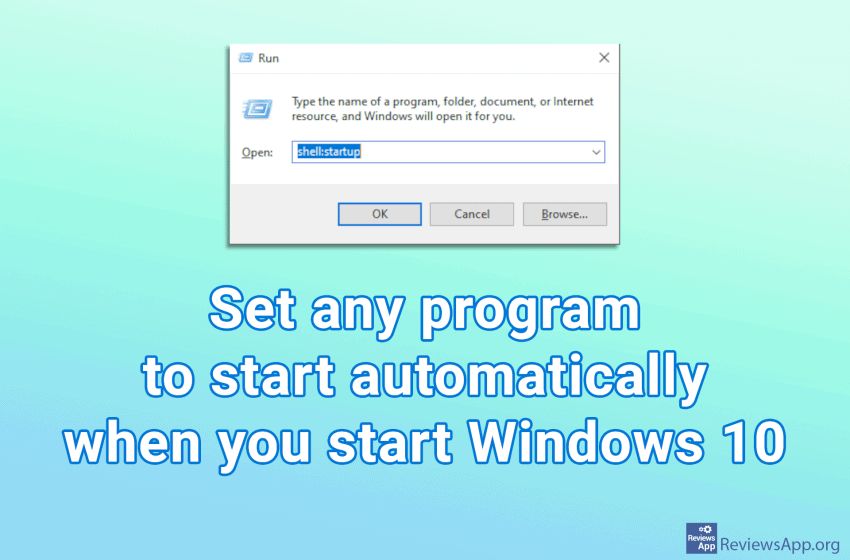
When you turn on your computer, certain programs will start automatically when Windows starts. This is good because there are programs we use often so we want them to always be on, for example, Skype or Viber. Some programs, in their settings, have an option that tells them to start along with Windows, however, this […]Read More
Storage Sense is a Windows 10 program that makes sure that temporary files stay just that, temporary. Namely, it automatically deletes temporary files from the Internet or applications and programs. It also deletes files from the Recycle Bin and Downloads folder. Files from the Recycle Bin will be deleted automatically after a while, while files […]Read More
When you scan a document, the file format you get is usually JPG or PNG, that is, you get an image. It is not possible to change the text with such files, so they are not very useful. In order to use scanned documents, it is necessary to convert them into a text document. Probably […]Read More
When copying something to your USB drive, it is recommended that you always use the “Safely Remove Hardware” option before removing the device. This is because, although Windows has shown that copying is complete, it sometimes happens that there are still a couple of uncopied bits left. When you use this option, you tell Windows […]Read More
Incognito mode in Google Chrome is a private web browsing mode. When using incognito mode, your history, cookies, website data, and any information you enter on the web sites you visit will not be stored on your computer. Anything you download or bookmarks you create will be saved unless you delete them manually. It is […]Read More
HTTPS is a security protocol, and it is the method for maintaining privacy and security on the Internet. This protocol establishes an encrypted connection between your internet browser and a web server that prevents eavesdropping or unauthorized alteration of the data exchanged between you and the website you are visiting. The HTTPS protocol’s main problem […]Read More
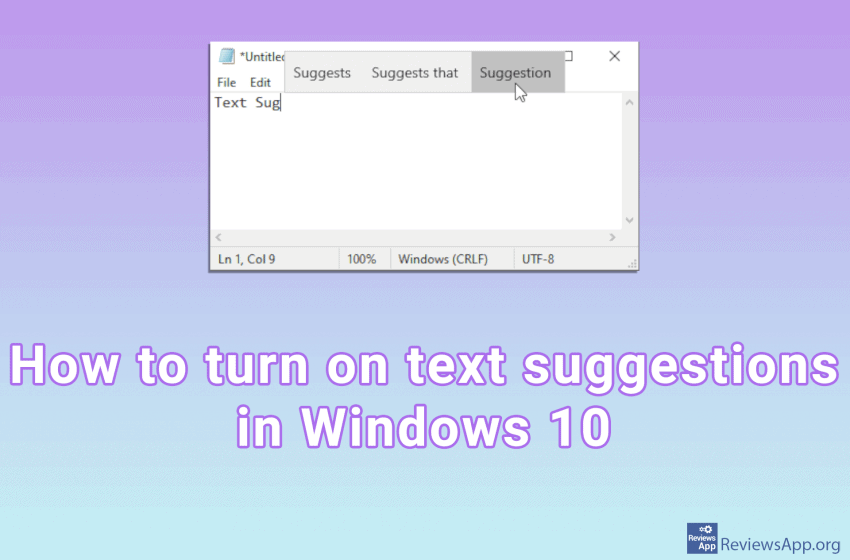
Most of us have come into contact with automatic text suggestions when we are typing mobile phone messages. When we start typing a word, three suggestions will appear at the top of the keyboard, which we can tap, and the word will be written in our message. Did you know that Windows 10 also has […]Read More
Search
Most popular
- How to turn off Program Compatibility Assistant in Windows 10
- Brave browser – Spotify with No Ads and Youtube on the Locked Screen
- How to show FPS in games using NVIDIA GeForce Experience
- How to Unlock Google CAPTCHA on Windows and Android
- How to Add, Show and Delete Section Breaks In Google Docs?
- Battery charge alarm – free app for Android
- How to Enable DuckDuckGo Browser to Always Use Duck Player on YouTube
- Custom Cursor – a fun extension for Google Chrome
- How to Make YouTube Videos Always Fill the Phone Screen on Android
- How to Add Animated GIF to a Word Document