If your computer has startup problems or makes mistakes while working, chances are that your Windows system files are corrupted. Windows 10, like most previous versions, includes a program called Windows Resource Protection that allows you to scan, verify, and repair system files. You run this program from the Command Prompt. If you can’t start […]Read More
How to fine tune up your PC, mobile phone or tablet? Learn how to setup safe environment on your devices. We will teach you how do this and much more.
Using a table of contents in your document makes it easier for the reader to navigate. In Microsoft Word, you can create a table of contents automatically from the titles in a document. This is a two-step process. We must first “tell” Word that these are actually titles, and then, in just a few clicks […]Read More
Modern Android devices allow us an impressive amount of customization. Gone are the days when we could only change the melody and the background image. One setting, which we believe will be useful to many, is adjusting the font size. Whether you have poor eyesight or simply want larger letters on the screen to make […]Read More
When we buy a new monitor for our computer, what we pay the most attention to is the screen size and color quality. We are not claiming that this is not important, but one very important item, that we often forget, is the refresh rate of the monitor. The refresh rate of the monitor is […]Read More
If you have a document in Excel that is protected by a password you don’t know or have forgotten, unfortunately, there is no way to get that password. However, there is a way to remove the password and use that document normally. Watch our video where we show you how to remove a password from […]Read More
If you’ve encountered the problem that when you perform a search on your Windows 10 computer, the search takes a very long time, takes a large amount of processing power, or doesn’t find what you’re looking for, the problem is probably the Windows Search Index. Windows 10 indexes all the files on your computer by […]Read More
We spend more and more time at the computer or mobile phone, and then we are mostly online. The Internet has become such an important part of our lives that it is almost impossible to go back to the time before this discovery without serious consequences for our society. It is estimated that two-thirds of […]Read More
Sleep mode in Windows is a state in which the computer saves electricity. Instead of shutting down your computer completely, you can put it to sleep so that when it wakes up, it will resume where you left off. This way, you won’t have to wait for the system to boot, or restart the programs […]Read More
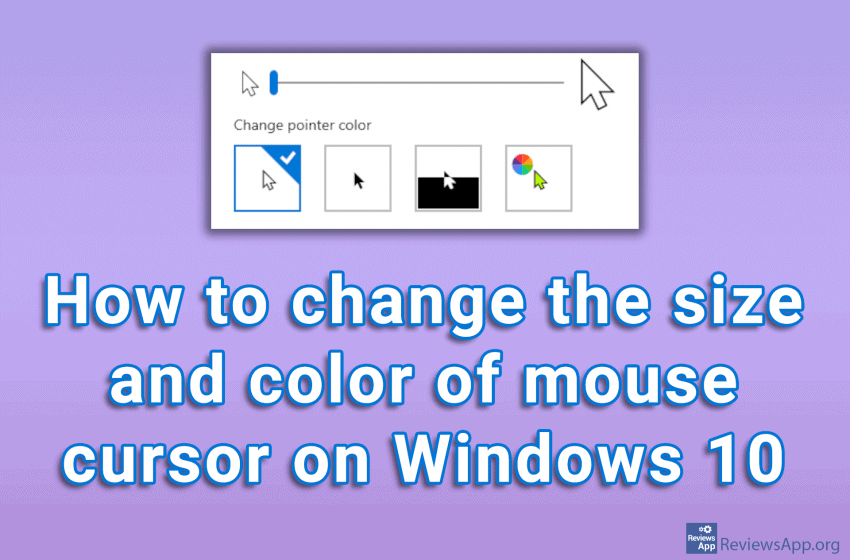
The computer mouse was invented in 1963 and was originally considered a completely useless invention. This is hard to imagine, considering that today the computer mouse is the main way we interact with our PCs. To understand why people had such a misconception about this invention, we must keep in mind that the graphical user […]Read More
Widgets on the screens of our smartphones are very useful because they give us quick access to important information. With them, we can have a better insight into our emails, calendars, or weather reports. To learn how to add the widget on your phone’s home screen, check out our video tutorial showing you how to […]Read More
Search
Most popular
- How to turn off Program Compatibility Assistant in Windows 10
- Brave browser – Spotify with No Ads and Youtube on the Locked Screen
- How to show FPS in games using NVIDIA GeForce Experience
- How to Unlock Google CAPTCHA on Windows and Android
- How to Add, Show and Delete Section Breaks In Google Docs?
- Battery charge alarm – free app for Android
- How to Enable DuckDuckGo Browser to Always Use Duck Player on YouTube
- Custom Cursor – a fun extension for Google Chrome
- How to Make YouTube Videos Always Fill the Phone Screen on Android
- How to Add Animated GIF to a Word Document