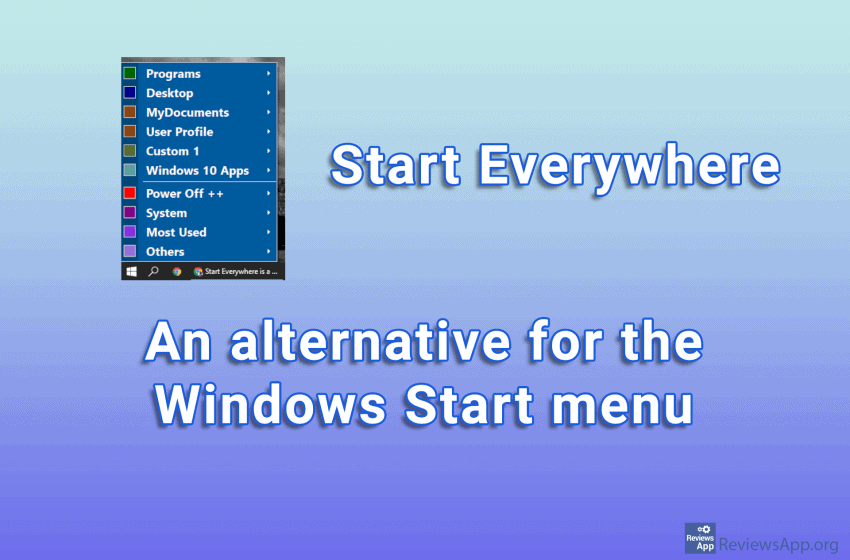
The start menu in Windows 10 has always been the subject of criticism. Aside from the ads Microsoft has decided to cram into it, poor organization, and a lack of setup options, this isn’t surprising. Fortunately, we have many programs that change, add-on, or give us an alternative to the default Start menu. One such […]Read More
Customize your desktop so it does more for you. File managers, search capabilities, keyboard shortcuts, system menus and more.
One feature in Windows that is used relatively infrequently, but is sometimes incredibly useful, is the ability to hold a particular window above all others. Even if you click on another window, this one will always stay on top. This function is called “Always on Top”. Although it is not used very often, it is […]Read More
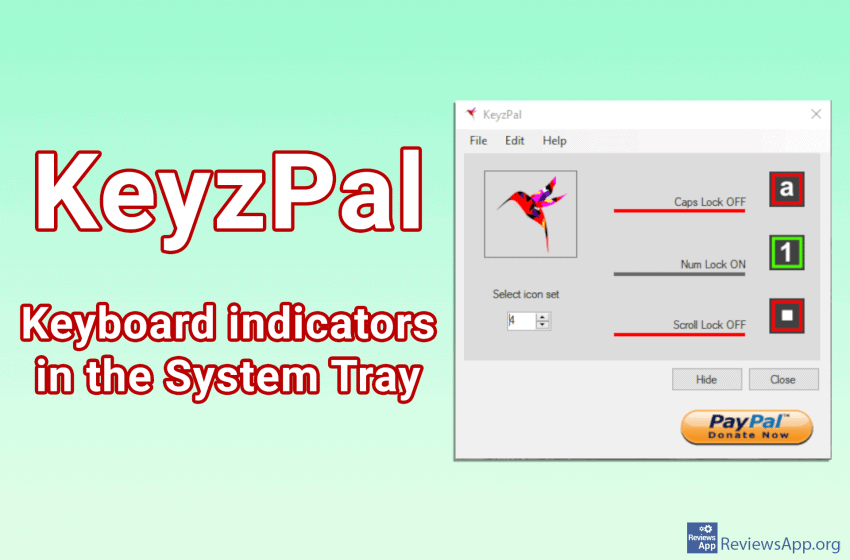
If your keyboard has broken LED lights, which indicate when the ‘Caps Lock’, ‘Num Lock’ and ‘Scroll Lock’ buttons are on, or you have a small keyboard or laptop that does not have these lights, you probably have a hard time seeing when these keys on or off, we have a solution for you, KeyzPal […]Read More
We’ve already written about Linkbar and Biniware Run, programs which help us better organize our desktop. These two programs achieve this in very different ways. SideSlide is a free program for Windows 7, 8, and 10, which tries to solve the problem of overcrowded desktop in another way. Namely, SideSlide creates a new mini desktop […]Read More
If you have a bunch of programs installed on your computer, your desktop is probably full of icons, and navigating in all that chaos can be a real challenge. You can solve this by creating folders in which to organize your shortcuts, but there is a better solution. Linkbar is a free program for Windows […]Read More
To find out what the weather is like outside you just have to look out the window, but if you need to know what the weather will be like all day or even longer, this is not exactly the best method. You can wait for the weather forecast to appear on your TV but why […]Read More
Search
Most popular
- How to turn off Program Compatibility Assistant in Windows 10
- Brave browser – Spotify with No Ads and Youtube on the Locked Screen
- How to show FPS in games using NVIDIA GeForce Experience
- How to Unlock Google CAPTCHA on Windows and Android
- How to Add, Show and Delete Section Breaks In Google Docs?
- Battery charge alarm – free app for Android
- How to Enable DuckDuckGo Browser to Always Use Duck Player on YouTube
- Custom Cursor – a fun extension for Google Chrome
- How to Make YouTube Videos Always Fill the Phone Screen on Android
- How to Add Animated GIF to a Word Document