Anyone who often needs to take a screenshot knows how time-consuming such a simple task can be. When you use the usual method for this, using the Print Screen button on the keyboard, you get a screenshot of your whole screen, which you then have to open in an image processing program, and if you […]Read More
Customize your desktop so it does more for you. File managers, search capabilities, keyboard shortcuts, system menus and more.
In the past, before the advent of modern LCD monitors, screensavers played an important role. Namely, if one and the same image, without any changes, is displayed on the CRT monitor for too long, there is a chance that a so-called burn-in effect will occur, which will engrave the image on the screen, so it […]Read More
The problem that Windows users have been pointing to since its earliest days is the lack of options to adjust the look of this operating system. This problem is most pronounced when it comes to the taskbar. In Windows 10, we got certain options for adjusting the functionality of the taskbar, but the options for […]Read More
Not so long ago, it was not uncommon to see a desktop full of icons. It’s easy to look at this and make fun of those who had such a messy desktop, but keep in mind that we didn’t have as many different options for running programs then as we do today. Fortunately, things have […]Read More
Imagine a situation where you are working on a computer and you have multiple opened windows. One of these windows contains data that you must constantly monitor and, depending on it, do something in other windows. In this case, it would be best to always keep that window above the other windows, and even if […]Read More
When you are doing something with multiple windows open on your computer or you have more than one monitor, it would be convenient to be able to restrict the movement of the mouse cursor to a certain area. This option, unfortunately, does not exist in Windows, so to achieve this it is necessary to install […]Read More
The program that we will present to you today is not very useful and we do not believe that many will want to use it, at least not for a long time. It’s not even that unique, because there are much better programs of this kind. However, it is free and can make you nostalgic. […]Read More
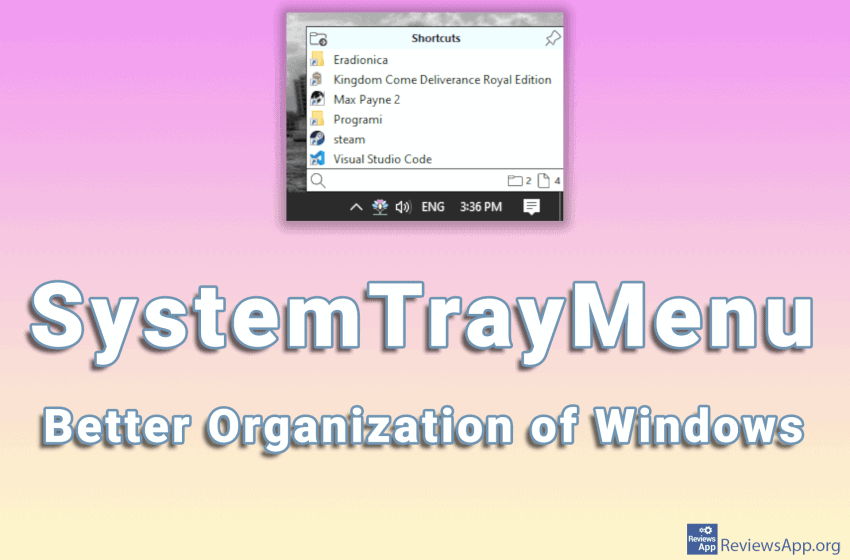
Accessing installed programs on Windows is most convenient using desktop shortcuts. However, the space on the desktop is limited and it is easy to overload it with icons and make navigating very difficult and slow. The purpose of the Start menu is to take some of the work from the desktop and provide another way […]Read More
Do you often write messages to yourself on sticky notes and stick them on the monitor, table, shelf, or who knows what, with the hope that you will notice them and remind yourself to complete the chore written on the message. A much better solution is to use a program instead of paper notes. Introducing […]Read More
PC users tend to install many programs as well as cover the desktop with icons. This is completely understandable because when program shortcuts are on the desktop, access is quick and easy. However, navigating in the sea of icons can be very inconvenient. Super Launcher is a free program for Windows 7, 8, and 10, […]Read More
Search
Most popular
- How to turn off Program Compatibility Assistant in Windows 10
- Brave browser – Spotify with No Ads and Youtube on the Locked Screen
- How to show FPS in games using NVIDIA GeForce Experience
- How to Unlock Google CAPTCHA on Windows and Android
- How to Add, Show and Delete Section Breaks In Google Docs?
- Battery charge alarm – free app for Android
- How to Enable DuckDuckGo Browser to Always Use Duck Player on YouTube
- Custom Cursor – a fun extension for Google Chrome
- How to Make YouTube Videos Always Fill the Phone Screen on Android
- How to Add Animated GIF to a Word Document