Tags : how to

Tutorials

How to Reset Advertising ID on Android

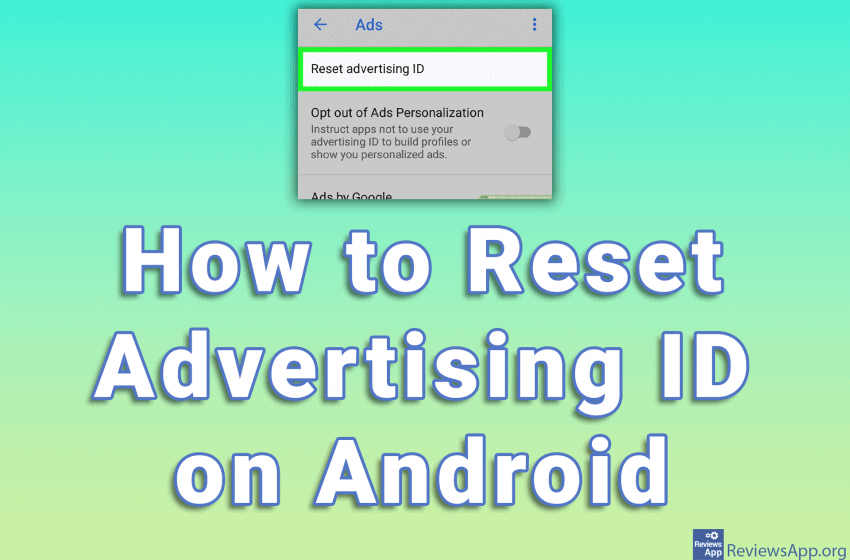
The Android operating system has a unique identifier called Advertising ID. Advertising companies use this ID to track your activity in applications and on the Internet and to serve you targeted advertisements. This identifier cannot be removed, but it can be reset. In this way, your activity is deleted, that is, you get a new […]Read More

Tutorials

How to Hide Last Seen Status on WhatsApp

On WhatsApp, you can see when someone is online. When you open the chat, at the top of the screen, below the name of the person you chated with, you will see if that person is online and if not, when was the last time they were online. Also, this way others can see if […]Read More

Tutorials

How to Switch Back to Old Facebook Design

A couple of years ago, Facebook modernized the look of its website but left the option to restore the old look for users who liked the old look. Unfortunately, this option was recently removed, so now everyone has to use the new look. Fortunately, there is a way to bring back the old look of […]Read More

Tutorials

How to Check Video Bit Rate and Frame Rate on Android

If you try to see video information on your Android phone using pre-existing options, you’ll only be able to see basic information, such as file size, resolution, and video duration. To see detailed information such as Bit Rate and Frame Rate you will need to install an additional application. There are various applications that you […]Read More

Tutorials

How to Allow Pop-ups in Microsoft Edge

Popups are very annoying we can all agree on that. Luckily, today all browsers have the option to block them automatically. This was not always the case and we used to have to install programs that block pop-ups. However, in Microsoft Edge, for certain websites to work properly, it is necessary to allow pop-ups. This […]Read More

Tutorials

How to Turn on Power Saving Mode on Android

When you do not have a charger or power outlet on hand, it is important to take care of the battery on your mobile phone or tablet. Newer versions of Android pay special attention to battery life and offer a Power Saving option. When you enable this option, background applications will be turned off and […]Read More

Tutorials

How to Turn off Automatic Updates for a Single App on Android

Regularly updating applications on your mobile phone is extremely important. Firstly, updates fix security vulnerabilities in applications, as well as bug fixes and the addition of new features. For this reason, automatic updating should always be turned on. However, updates can also introduce new bugs and make the application unusable. Also, it sometimes happens that […]Read More

Tutorials

How to Change the Notification Sound on Android

Although sometimes extremely annoying, notifications are a key part of the smartphone experience, and the sounds that go with them are equally important. If you’re hearing notification sounds all day, you might as well make them sound better. Watch our video in which we show you how to change the sound of notifications on Android. […]Read More

Tutorials

How to Change the Language of Android Devices

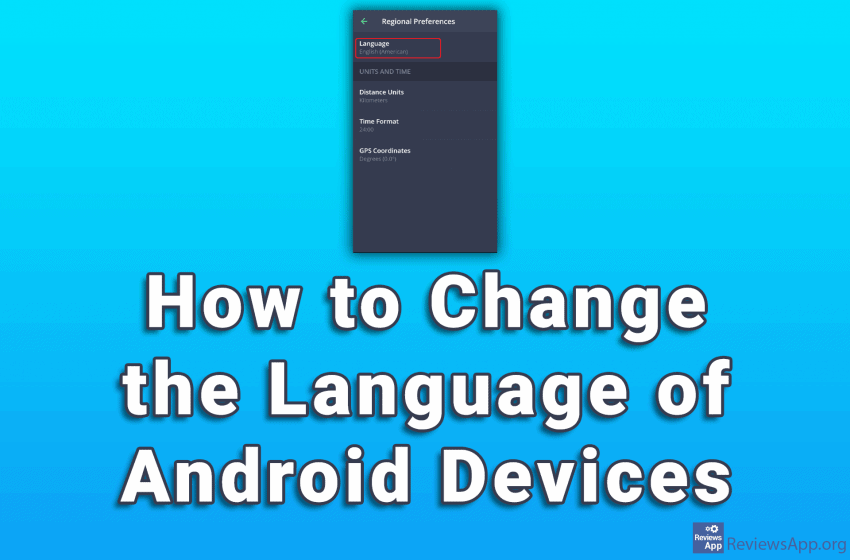
Whether you bought a new mobile phone running Android in a language, you don’t speak, or accidentally changed the language when setting up the phone, the good news is that changing the language on Android is very easy. Watch our video where we show you how to change the language of your Android device. Depending […]Read More