If the keyboard on your mobile phone is too small, so you have difficulty comfortably using it, the solution is to increase the size of the keyboard. We will show how to do this on the Microsoft SwiftKey keyboard app, but even if you are using a different app, the process will be similar, so […]Read More
Tags : how to
Android has many features that help and make it easier for people with disabilities to use this operating system. One of those features is a filter for colorblind people. When you turn on this option, you can choose between filters for protanopia, deuteranopia, and tritanopia, depending on the type of color blindness you have. Watch […]Read More
Unwanted calls from various marketing companies, promoters or people in your life can be very annoying. One solution to this problem is to block a number that is bothering you. Watch our video where we show you how to block and unblock a contact on Android. Video transcript: Open the calls Tap and hold on […]Read More
Your Android phone is listening to everything you say! This is not a conspiracy theory but a fact. Android has a voice assistant that you can use to browse the Internet or dictate messages using your voice. To activate the voice assistant you need to say the phrase “OK Google” or “Hey Google”. When you […]Read More
If you have problems with Wi-Fi, mobile internet, or Bluetooth on your Android phone, a possible solution is to reset the network settings. Resetting network settings can help if the internet is slow or if the phone has problems connecting to Wi-Fi. Watch our video where we show you how to reset network settings on […]Read More
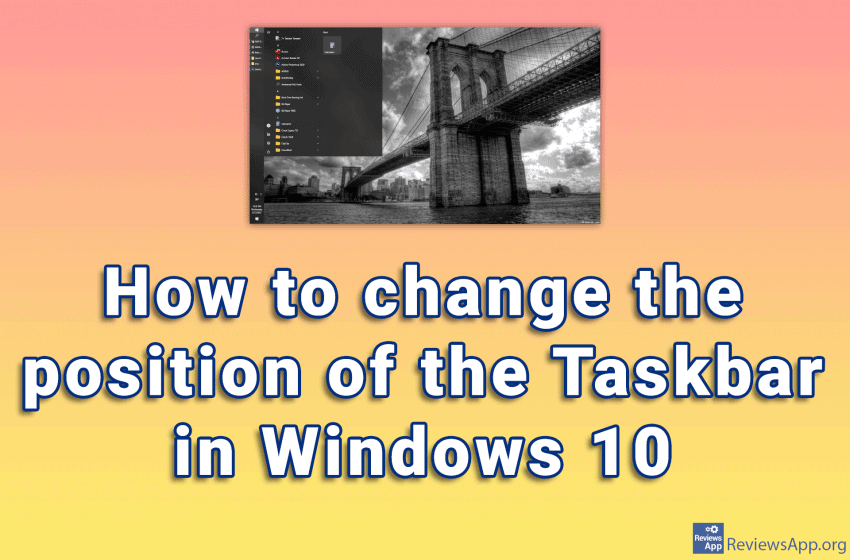
Since Windows was created, the taskbar has been at the bottom of the screen. The position of the taskbar can be changed, that is, it can be placed along any edge of the screen. Watch our video where we show you how to change the position of the Taskbar in Windows 10. Video transcript: Right-click […]Read More
Are you tired of looking at the same image on your computer desktop? Even the most beautiful pictures can be boring when you look at them for weeks or months. We suggest you try the slideshow option. When you turn on the slideshow option, the images in the folder you selected for the slideshow will […]Read More
Microsoft Defender Antivirus is a free antivirus program that comes bundled with the Windows operating system. It is recommended that this antivirus be always on, especially if you do not have another antivirus installed on your computer. Watch our video where we show you how to turn on Microsoft Defender Antivirus in Windows 10. Video […]Read More
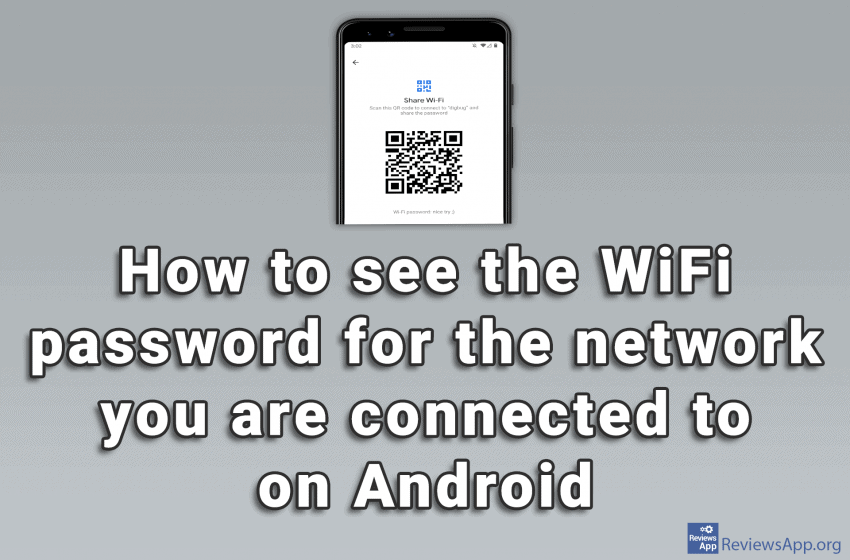
We’ve already written about how to share Wi-Fi if you forgot the password for it on Android, but what we haven’t shown there is how to see what the password is for the Wi-Fi. To do this, we need to install the QR & Barcode Reader application, which you can download HERE. The process is […]Read More
Windows 10 has many features that help and make it easier for people with disabilities to use this operating system. One of those features is a filter for colorblind people. When you turn on this option, you can choose between filters for protanopia, deuteranopia, and tritanopia, depending on the type of color blindness you have. […]Read More