Tags : how to

Tutorials

How to restrict apps from accessing the internet on Android

Do you often avoid unnecessary downloads to limit data consumption on your Android device? But you can’t understand why a lot of data is still consumed, even when you’re not using your phone? Here’s the thing: Some apps suck up data regularly, even when you’re not using it. Sometimes this is justified. The application needs […]Read More

Tutorials

How to turn on or off Game Mode in Windows 10

Game Mode option in Windows 10 aims to improve computer performance when playing video games. This is accomplished by the fact that when you run a game, Windows detects it and allocates computer resources to the game instead of background programs. Also, all updates will be stopped as long as you are in the game. […]Read More

Tutorials

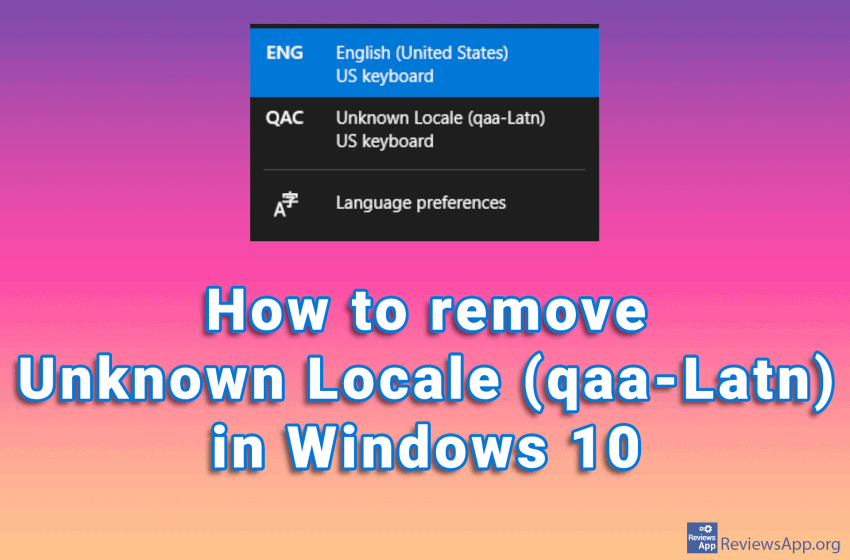
How to remove Unknown Locale (qaa-Latn) in Windows 10

Did you notice the Unknown Locale (qaa-Latn) language among the languages in the Windows Task Bar? If you go to the language settings in Windows 10 and try to delete this, you will notice that it is not among the installed languages. This problem can occur if you have corrupt system registries, also installing applications, […]Read More

Tutorials

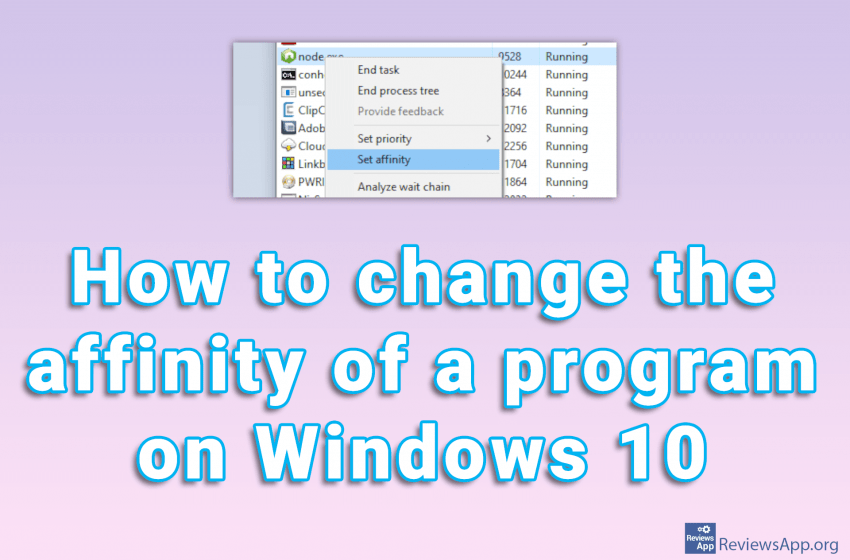
How to change the affinity of a program on Windows 10

Changing the process affinity means that you restrict the application from running only on certain processor cores. This can be very useful if you have a program that occupies the entire CPU. If this happens, your computer will be almost unusable until the program frees up resources. That’s why we’ve created a tutorial showing you […]Read More

Tutorials

How to translate any document using Google Docs

We wrote about how to translate a document using Google Translate. The biggest advantage of this method is that you don’t have to have a Google account. However, most of us are already part of the Google family, so we’ll show you, in our opinion, a better method for translating documents. We will use Google […]Read More

Tutorials

How to translate any document using Google Translate

Google Translate not only translates words and phrases, this powerful translator can translate entire documents. The formats it supports are .doc, .docx, .odf, .pdf, .ppt, .pptx, .ps, .rtf, .txt, .xls, .xlsx, and HTML, and the maximum file size you can upload is 10 MB. All you have to do is upload the document you want […]Read More