Tags : how to

Tutorials

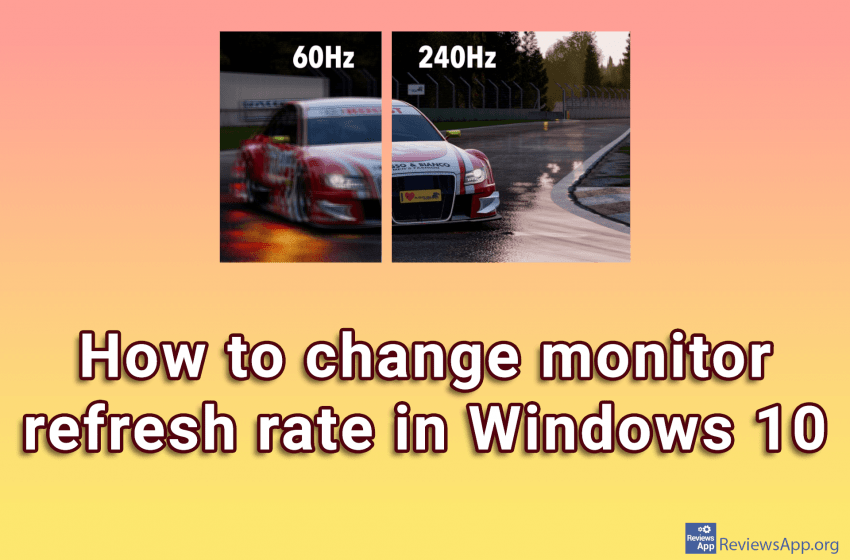
How to change monitor refresh rate in Windows 10

When we buy a new monitor for our computer, what we pay the most attention to is the screen size and color quality. We are not claiming that this is not important, but one very important item, that we often forget, is the refresh rate of the monitor. The refresh rate of the monitor is […]Read More
Tutorials

How to rebuild Windows 10 search index

If you’ve encountered the problem that when you perform a search on your Windows 10 computer, the search takes a very long time, takes a large amount of processing power, or doesn’t find what you’re looking for, the problem is probably the Windows Search Index. Windows 10 indexes all the files on your computer by […]Read More

Tutorials

How to disable mouse from waking up the PC in Windows 10

Sleep mode in Windows is a state in which the computer saves electricity. Instead of shutting down your computer completely, you can put it to sleep so that when it wakes up, it will resume where you left off. This way, you won’t have to wait for the system to boot, or restart the programs […]Read More

Tutorials

How to add a widget to the home screen on Android

Widgets on the screens of our smartphones are very useful because they give us quick access to important information. With them, we can have a better insight into our emails, calendars, or weather reports. To learn how to add the widget on your phone’s home screen, check out our video tutorial showing you how to […]Read More

Tutorials

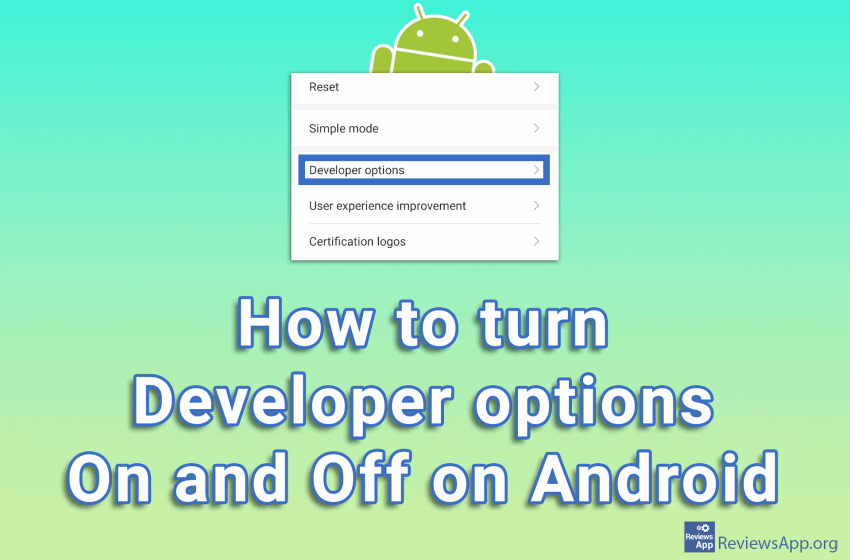
How to turn Developer options on and off on Android

Android’s hidden developer menu, called Developer options, contains a lot of cool settings. You can enable wireless ADB, display fake GPS location, have the screen always run at 90 Hz, or even force incompatible apps to run in dark mode. The thing is, these settings are hidden for a reason. This is because Google does […]Read More

Tutorials

Bitwarden for Android – a complete guide

We recently published a complete guide for Bitwarden on Windows 10. In that tutorial and this one, we paid particular attention to the fact that you must not lose your password. If this happens, there is no way to get it back, and your account will be lost, along with all the login information stored […]Read More

Tutorials

How to create a System restore point in Windows 10

System restore point is a Windows tool designed to protect and repair the operating system in the event of a system crash. When you create a restore point, Windows takes a snapshot of all files and registries at the time the restore point is created. If the system crashes, with the help of restore point […]Read More

Tutorials

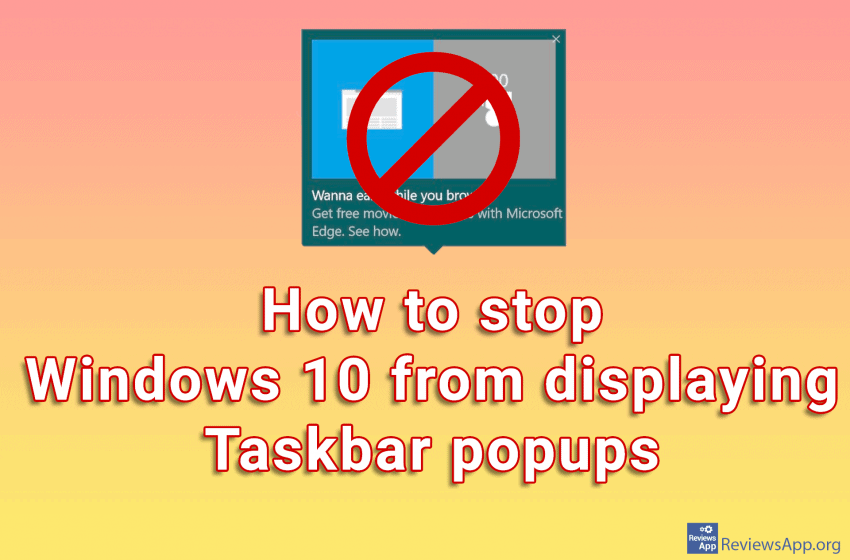
How to stop Windows 10 from displaying Taskbar popups

Windows 10 looks more and more like a bad free-to-play mobile game by inserting ads wherever possible. What’s worse is that they often try to disguise those ads and present them as something else. Microsoft calls the ads it displays in the taskbar “tips, tricks, and suggestions.” These “tips” have included recommendations for users to […]Read More