Do you remember the good old days when you fell asleep watching television? If this is the case, you have probably used the timer function to turn off the TV after a certain time. Nobody likes to have his TV working all night. What if you don’t watch TV that often anymore, but use a […]Read More
Tags : how to
Steam is the largest digital platform for selling and playing video games, and with good reason. Frequent sales, a program that works great, uncensored user reviews of games, and phenomenal support for mods are just some of the reasons. Most gamers have at least a few games in their Steam library. When we want to […]Read More
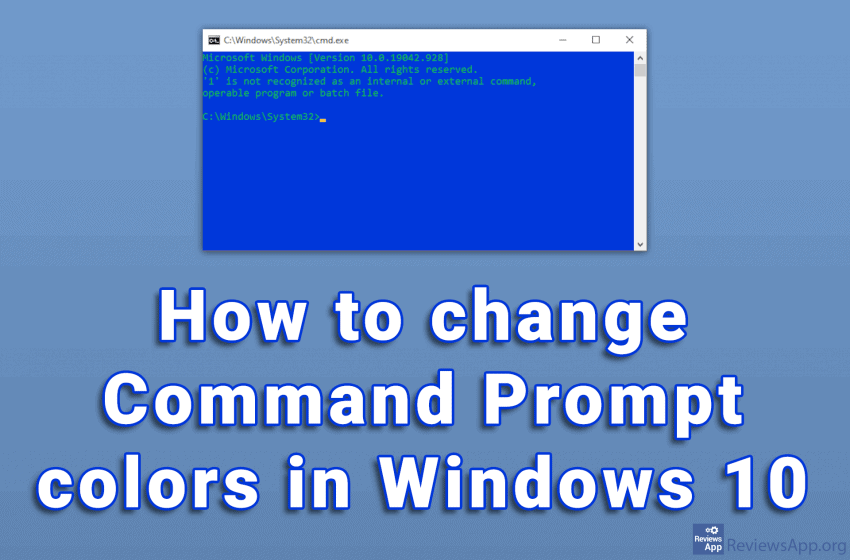
The white text on the black background of the Command Prompt looks very outdated. To be honest, the overall design of the program is not very modern. Given what it does, we do not need anything more than that. The problem is that with this color scheme, the text can sometimes be difficult to read. […]Read More
When you turn on Bluetooth, other users identify your device using the Bluetooth name. By default, this name is the model of your smartphone. This can often be confusing, especially if there are other devices with the same model nearby. The name that Bluetooth displays can be changed and this is a very simple process. […]Read More
Google sends users emails notifying them of news and “best” offers in the Play Store. These are essentially advertisements, which aim to draw you into the Play Store, where you will potentially spend money, from which Google takes 30%. Fortunately, there is an option to stop these emails. Watch our video where we show you […]Read More
Windows 10 has a handy option that automatically adjusts the time and time zone on your computer using the Internet. It is often the case that this option is disabled by default. Watch our video where we show you how to turn on automatic time and time zone sync in Windows 10. Video transcript: Click […]Read More
System sounds in Windows 10 serve to give us notifications about things that are happening in the operating system and thus make it easier for us to use. In addition to sound notification, we always have visuals ones, so it is often the case that these sounds only annoy us. Watch our video where we […]Read More
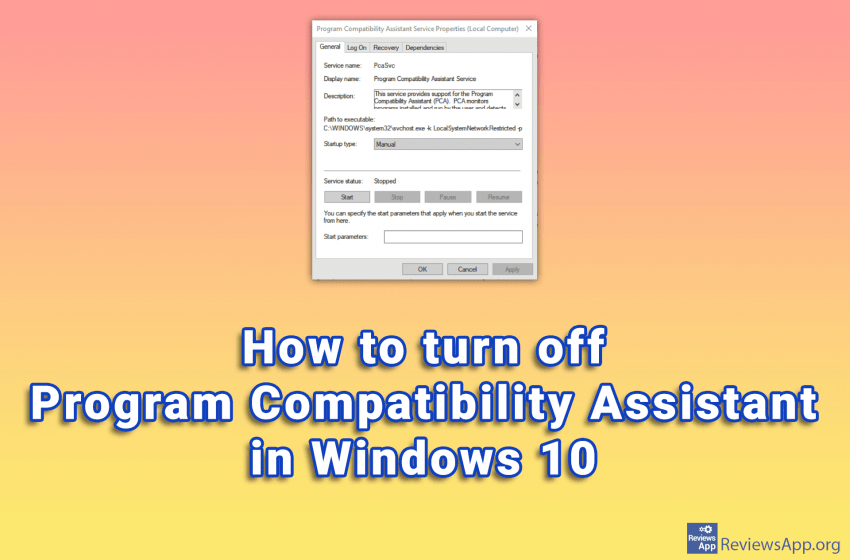
Windows 10 has phenomenal compatibility with older programs. This means that old programs run on this operating system without problems or errors. One of the tools that Windows 10 uses to accomplish this is the Program Compatibility Assistant. If you’re trying to install an incompatible program on Windows 10, this feature is great. The Program […]Read More