Windows 10 allows you to create multiple user accounts on a single computer. Each account can have different settings, as well as access to different parts of the computer. When you create an account, Windows 10 will ask you to enter your Microsoft account or create one if you don’t have it. However, it is […]Read More
How to fine tune up your PC, mobile phone or tablet? Learn how to setup safe environment on your devices. We will teach you how do this and much more.
When you have multiple tabs open in Google Chrome and you turn off your browser and then start it again, one empty tab will open. However, there is a handy setting that will launch all tabs that were opened before you turned off Chrome. Check out our video where we show you how to open […]Read More
If you want to save a message (email) from Gmail so that you can upload it to another email service, you need to save it as an EML (Electronic Mail Format) file. When you save the message like this, all Attachments, as well as text styling in the email, will be saved. This way it […]Read More
Did you happen to download a document, but then you can’t find it, or do you want to change the place where the files are downloaded to. In Google Chrome, we can set the location where the files are downloaded. Watch our video where we show you how to change the download folder location in […]Read More
Formatting text helps us better highlight some of its parts. However, this should not be overdone. When a paragraph or the whole text has a different font, color, and font size, reading can be difficult. In Google Docs, there is a handy option to remove all formatting from the document. This option can be used […]Read More
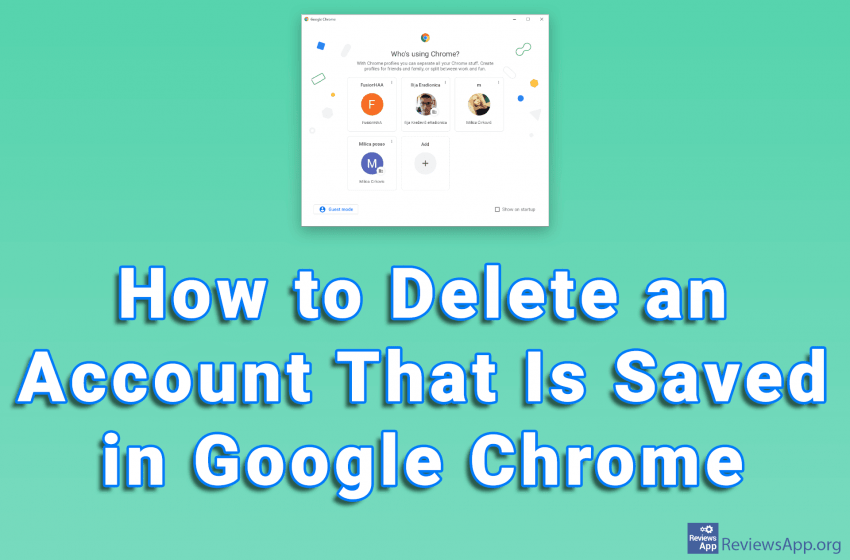
Google Chrome offers the ability to store multiple accounts on a single PC. This way, changing the account is quick and easy, because you don’t have to type in the username and password. Deleting an account is also very simple. Watch our video where we show you how to delete an account that is saved […]Read More
Dark Mode is a handy option when you want to reduce eye strain caused by looking at a monitor. The Dark Mode option on YouTube changes the standard white theme of the website to black. If you want to protect your eyes or the Dark Mode just looks cool to you, check out our video […]Read More
Video recommendations that YouTube gives us are not always the best. Sometimes a channel, which we are not interested in at all, constantly appears in our Recommended section and no matter how much we ignore the videos from that channel, it somehow always finds its way to us. The solution to this problem is to […]Read More
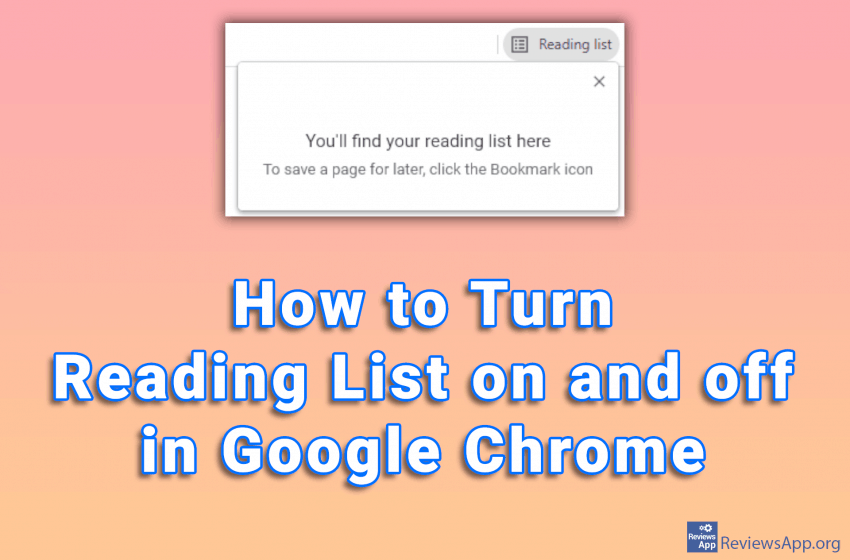
The Reading List feature in Google Chrome can be very useful. Here you can save the web pages you want to read later, similar to Bookmark. The difference is that you can access the web pages saved here without an internet connection. However, if you do not use this option, it just takes up space […]Read More
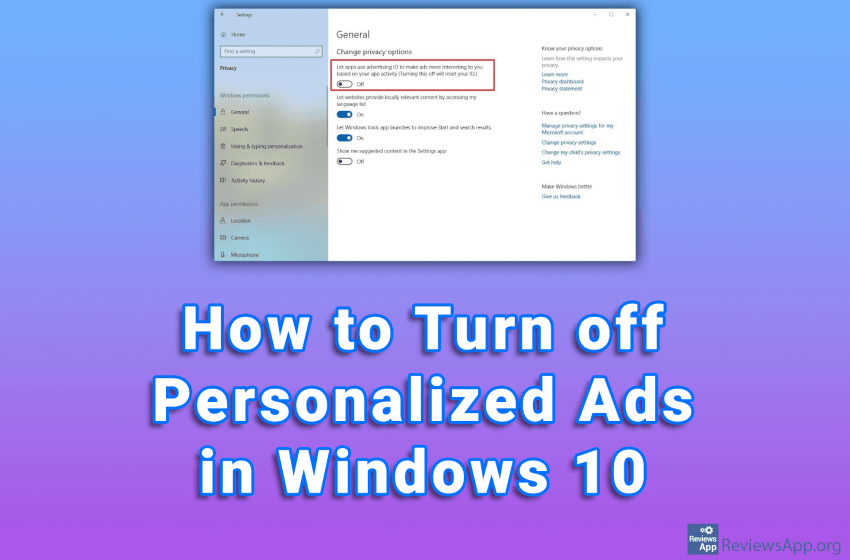
Windows 10, like many other programs and online services, assigns each user a unique identifier called the Advertising ID. This identifier is used to monitor user activities, on the basis of which personalized advertisements are served. If you don’t want to get personalized ads, Windows 10 has the option to turn them off. This does […]Read More
Search
Most popular
- How to turn off Program Compatibility Assistant in Windows 10
- Brave browser – Spotify with No Ads and Youtube on the Locked Screen
- How to show FPS in games using NVIDIA GeForce Experience
- How to Unlock Google CAPTCHA on Windows and Android
- How to Add, Show and Delete Section Breaks In Google Docs?
- Battery charge alarm – free app for Android
- How to Enable DuckDuckGo Browser to Always Use Duck Player on YouTube
- Custom Cursor – a fun extension for Google Chrome
- How to Make YouTube Videos Always Fill the Phone Screen on Android
- How to Add Animated GIF to a Word Document