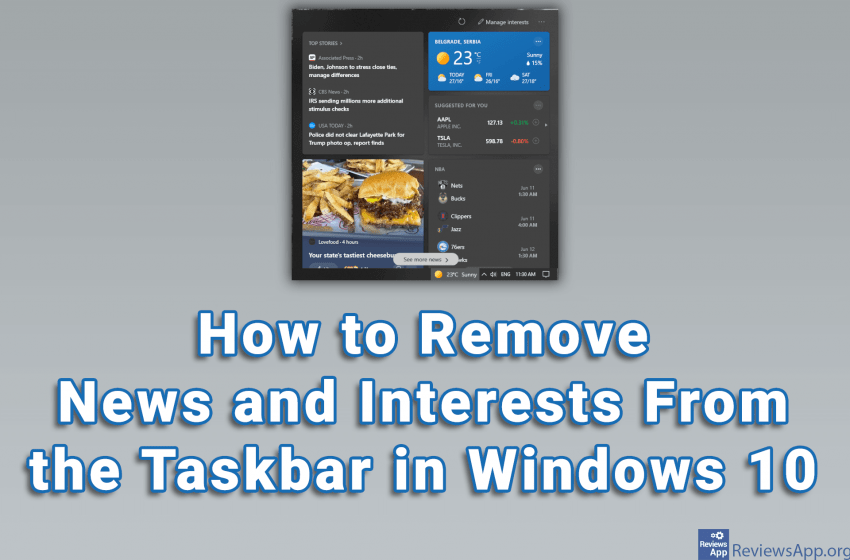
Not all of the features that Microsoft adds to Windows 10 are good. A widget showing news and weather has recently been added to the Taskbar. The good news is that this is very easy to remove. Watch our video where we show you how to remove news and interests from the Taskbar in Windows […]Read More
How to fine tune up your PC, mobile phone or tablet? Learn how to setup safe environment on your devices. We will teach you how do this and much more.
Most Android devices allow us to change the resolution from the Settings. However, this is not possible on some devices. With devices like this, the only way to change the screen resolution is from developer options (see how to turn developer options on and off on Android). You must be very careful when using developer […]Read More
One of the easiest ways to add some flair to your Android device is to set a custom wallpaper. You can select one of the existing images, as well as the image you took with the camera or downloaded from the Internet. Depending on the Android device you have, this process may be slightly different, […]Read More
By default, Windows 10 does not display My Computer (This PC) on the desktop. However, this is very easy to solve. In the same way, you can also display User’s Files, Network, Recycle Bin, and Control Panel icons on the desktop. Watch our video where we show you how to display My Computer (This PC) […]Read More
Windows 10 has brought with it many new features, one of which is the Quick access section in File Explorer. With Quick Access, you can directly access your desktop, Downloads and Documents folders, and it displays up to four recently used folders. However, many don’t like Quick Access and they would like to remove it. […]Read More
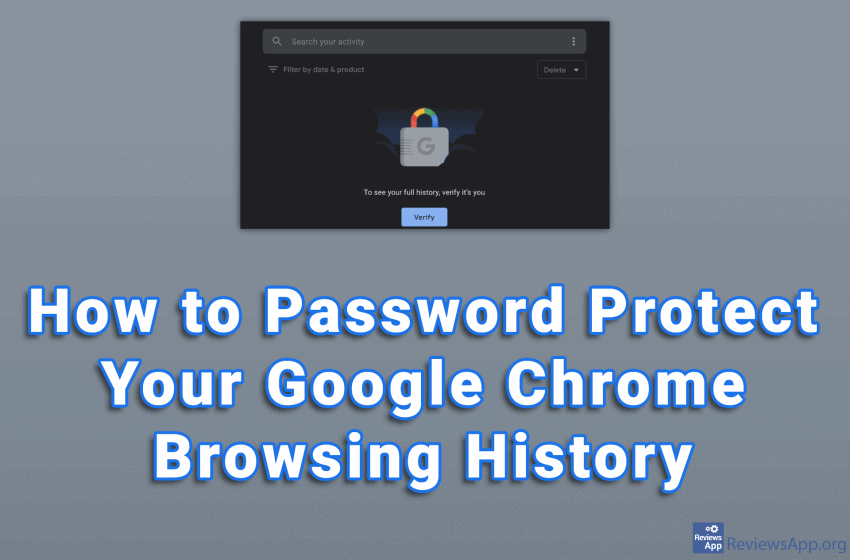
The old joke is to ask your best friend to delete your browser‘s search history if something happens to you. Now that we have Incognito mode, this is no longer such a big problem. However, we have a lot of private information in our search history, and that information is easily accessible to anyone who […]Read More
Incognito mode is a standard option in most modern browsers. This option can be useful in other applications as well. Google Maps contains this option and it can be surprisingly handy. When you turn on Incognito Mode in Google Maps, a number of things will happen. First, just like in the browsers, everything you search […]Read More
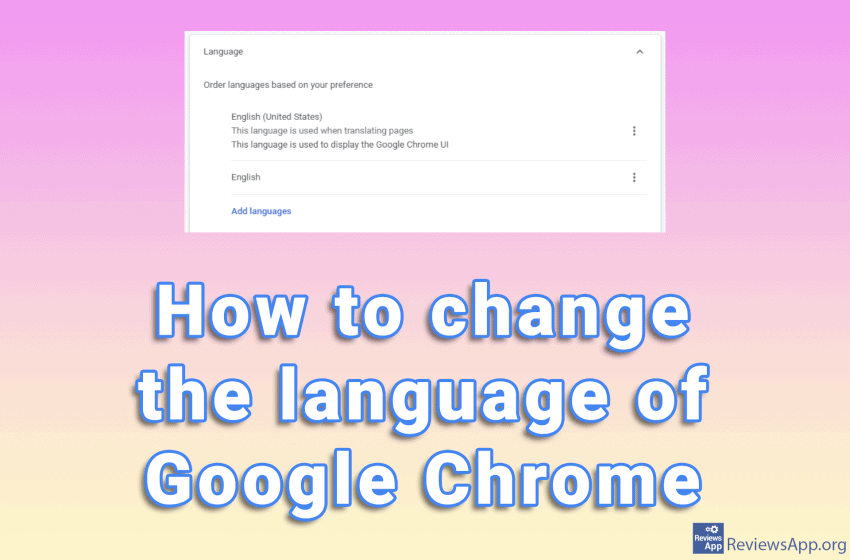
Google Chrome automatically selects the language based on your location. However, this may not be the language you want to use. Moreover, in some cases, the language can be changed without warning. This usually happens after the update. Changing the language manually is very simple. Watch our video where we show you how to change […]Read More
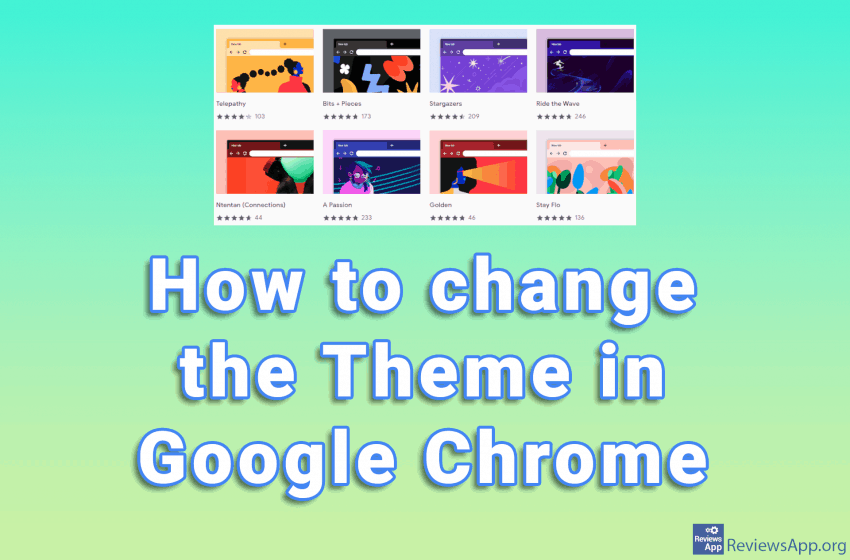
Google Chrome is the most popular internet browser, but we can all agree that it looks rather boring. The minimalist look is fine, but it would be nice if we could bring a bit of life into its look. Fortunately, this is possible with themes, and changing the theme is very easy. Watch our video […]Read More
Every other day, cryptocurrency makes it into the headlines. Kids who become millionaires overnight, unfortunate souls who lose everything due to a sharp drop in the value of cryptocurrencies or a shortage of graphics cards caused by mining. Although investing in cryptocurrencies or mining equipment seems tempting, it is important to understand exactly what cryptocurrencies […]Read More
Search
Most popular
- How to turn off Program Compatibility Assistant in Windows 10
- Brave browser – Spotify with No Ads and Youtube on the Locked Screen
- How to show FPS in games using NVIDIA GeForce Experience
- How to Unlock Google CAPTCHA on Windows and Android
- How to Add, Show and Delete Section Breaks In Google Docs?
- Battery charge alarm – free app for Android
- How to Enable DuckDuckGo Browser to Always Use Duck Player on YouTube
- Custom Cursor – a fun extension for Google Chrome
- How to Make YouTube Videos Always Fill the Phone Screen on Android
- How to Add Animated GIF to a Word Document