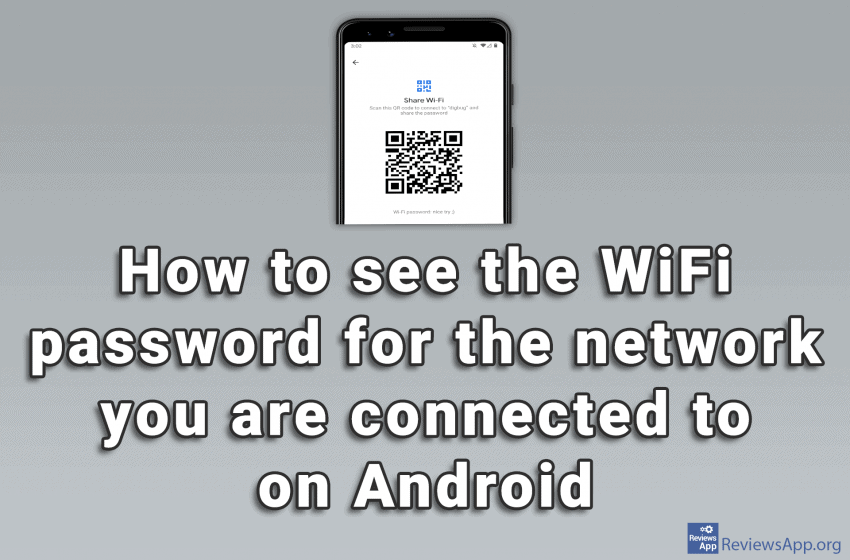
We’ve already written about how to share Wi-Fi if you forgot the password for it on Android, but what we haven’t shown there is how to see what the password is for the Wi-Fi. To do this, we need to install the QR & Barcode Reader application, which you can download HERE. The process is […]Read More
How to fine tune up your PC, mobile phone or tablet? Learn how to setup safe environment on your devices. We will teach you how do this and much more.
Windows 10 has many features that help and make it easier for people with disabilities to use this operating system. One of those features is a filter for colorblind people. When you turn on this option, you can choose between filters for protanopia, deuteranopia, and tritanopia, depending on the type of color blindness you have. […]Read More
Do you remember the good old days when you fell asleep watching television? If this is the case, you have probably used the timer function to turn off the TV after a certain time. Nobody likes to have his TV working all night. What if you don’t watch TV that often anymore, but use a […]Read More
Steam is the largest digital platform for selling and playing video games, and with good reason. Frequent sales, a program that works great, uncensored user reviews of games, and phenomenal support for mods are just some of the reasons. Most gamers have at least a few games in their Steam library. When we want to […]Read More
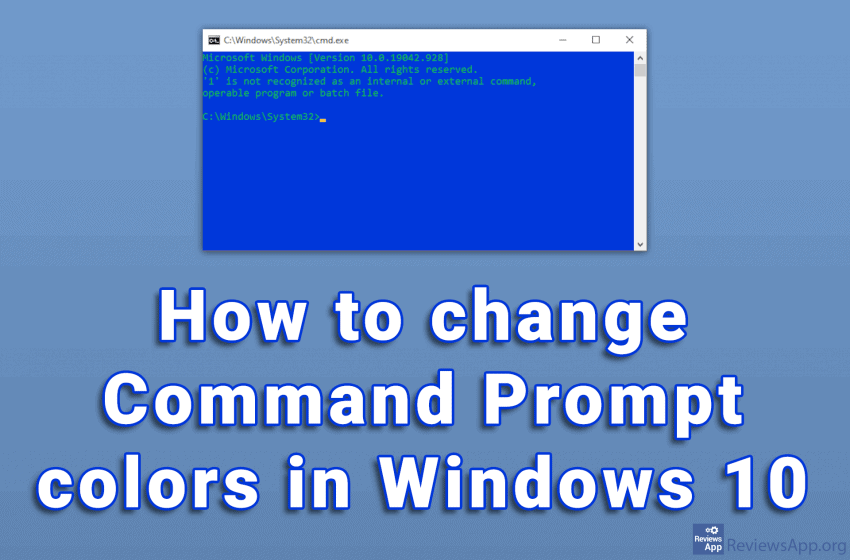
The white text on the black background of the Command Prompt looks very outdated. To be honest, the overall design of the program is not very modern. Given what it does, we do not need anything more than that. The problem is that with this color scheme, the text can sometimes be difficult to read. […]Read More
Have you ever forgotten to send an SMS? You may have thought it was too early to send a message, so you decided to do it later, but in the end, you forgot and got into trouble. Or you may want to automate sending birthday messages so your friends don’t think you’ve forgotten. The solution […]Read More
When you turn on Bluetooth, other users identify your device using the Bluetooth name. By default, this name is the model of your smartphone. This can often be confusing, especially if there are other devices with the same model nearby. The name that Bluetooth displays can be changed and this is a very simple process. […]Read More
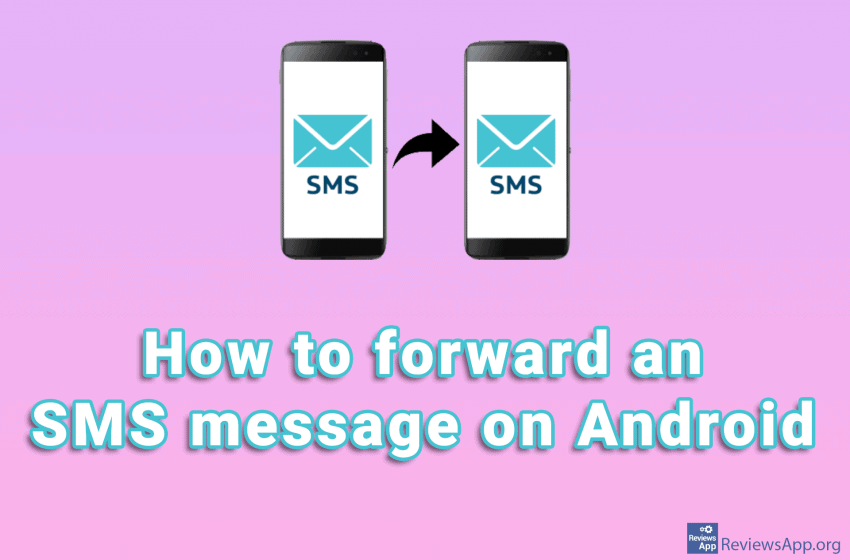
If you want to forward a text message to someone on Android, you don’t have to type the message or use the copy/paste method. You can, instead, use the message forwarding function. The forwarding process may differ depending on the phone model and Android version. However, on all devices, the process is similar and very […]Read More
Google sends users emails notifying them of news and “best” offers in the Play Store. These are essentially advertisements, which aim to draw you into the Play Store, where you will potentially spend money, from which Google takes 30%. Fortunately, there is an option to stop these emails. Watch our video where we show you […]Read More
Windows 10 has a handy option that automatically adjusts the time and time zone on your computer using the Internet. It is often the case that this option is disabled by default. Watch our video where we show you how to turn on automatic time and time zone sync in Windows 10. Video transcript: Click […]Read More
Search
Most popular
- How to turn off Program Compatibility Assistant in Windows 10
- Brave browser – Spotify with No Ads and Youtube on the Locked Screen
- How to show FPS in games using NVIDIA GeForce Experience
- How to Unlock Google CAPTCHA on Windows and Android
- How to Add, Show and Delete Section Breaks In Google Docs?
- Battery charge alarm – free app for Android
- How to Enable DuckDuckGo Browser to Always Use Duck Player on YouTube
- Custom Cursor – a fun extension for Google Chrome
- How to Make YouTube Videos Always Fill the Phone Screen on Android
- How to Add Animated GIF to a Word Document