Microsoft’s Internet browser, Edge is the successor to Internet Explorer. Although Edge is quite solid in doing its job, users have mostly opted for browsers from other companies. This is not helped at all by the fact that Microsoft is relentlessly trying to force us to use its internet browser and thus only arouse our […]Read More
Utilities should always be in your toolbox. Updates, cleaning junk files, backups, better performance, we will help you achieve all this and more.
A few months ago when Windows 11 was first announced, the main question that arose was what the system requirements would be for the new Microsoft operating system. This issue has become so important because the fact has been revealed that a lot of computers, many of which are less than a year old, will […]Read More
We can all agree that computers have become an integral part of the modern world, and more and more of us are spending a significant part of the day behind the screen. Whether it’s for work, online video games, or anything else, we often need to take a screenshot. Every modern, and most antique keyboard, […]Read More
Win10 Brightness Slider – A Slider for Adjusting the Brightness of the Monitor in Windows
Some laptops and keyboards have special buttons on them for adjusting the brightness level of the monitor. These buttons are handy because they give us a quick and easy way to change the brightness of the monitor depending on the time of day or current needs. If you do not have these buttons on your […]Read More
In all respects, desktop computers are superior to laptops. They are cheaper, work better and last longer. Still, laptops have one undeniable advantage that desktops can’t compete with, portability. This single advantage is enough for many users to opt for this type of computer. So it’s a bit ironic that the battery is, for the […]Read More
It is generally known that the battery is usually the first thing that breaks down on a laptop. That is if you are not careless as a writer of this text and throw a lighter in the direction of the laptop, which is only a few hours old and break the screen (true story). Basically, […]Read More
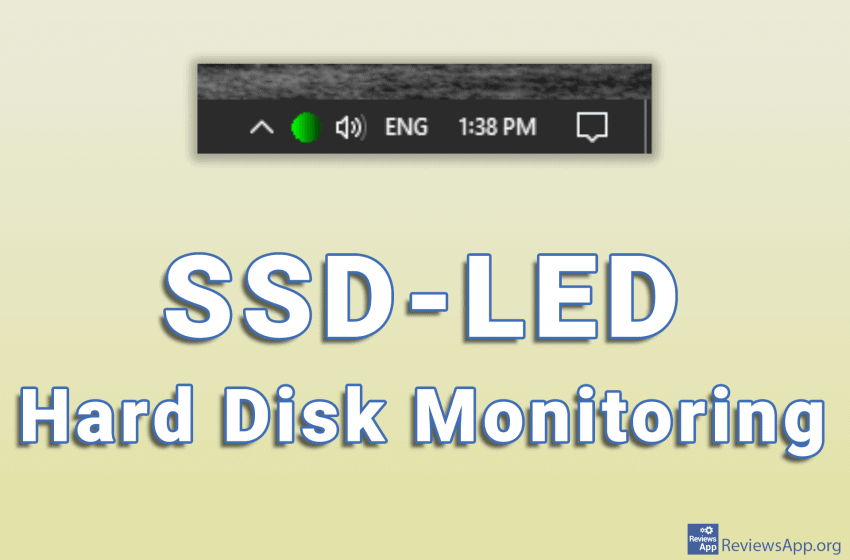
If you have a computer that does not have LED lights that show the activity of the hard disk, we have the perfect solution for you. Introducing the SSD-LED, a free program for Windows 7, 8, and 10, that allows you to monitor hard drive activity from the comfort of the System Tray (lower right […]Read More
We all know that looking at the bright screen of a monitor at night is tiring for the eyes. In addition, there are studies that have shown that this leads to poor sleep. The solution is to reduce the brightness of the screen at night and increase it during the day. However, doing this using […]Read More
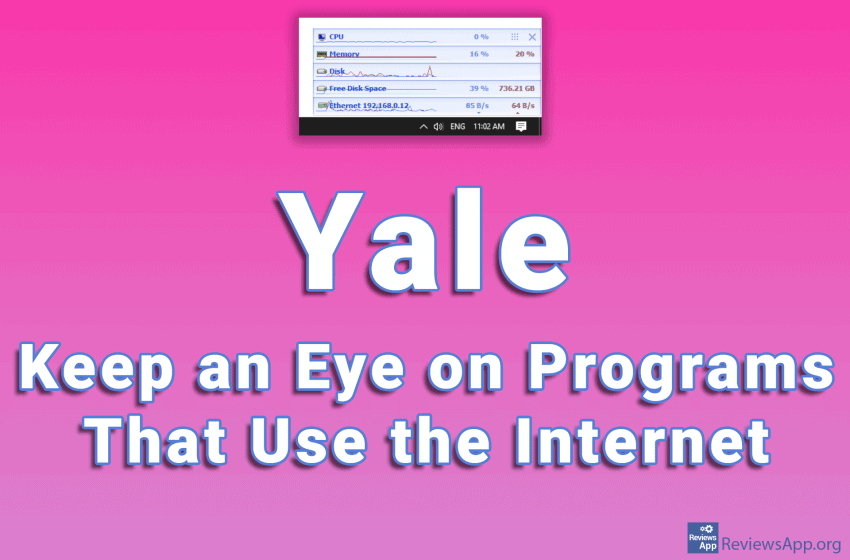
It often happens that several programs running on the computer all use the Internet at the same time. In this case, it can happen that one of the programs takes up a large percentage of internet traffic that can lead to a slow down of the entire system. The problem is that it is difficult […]Read More
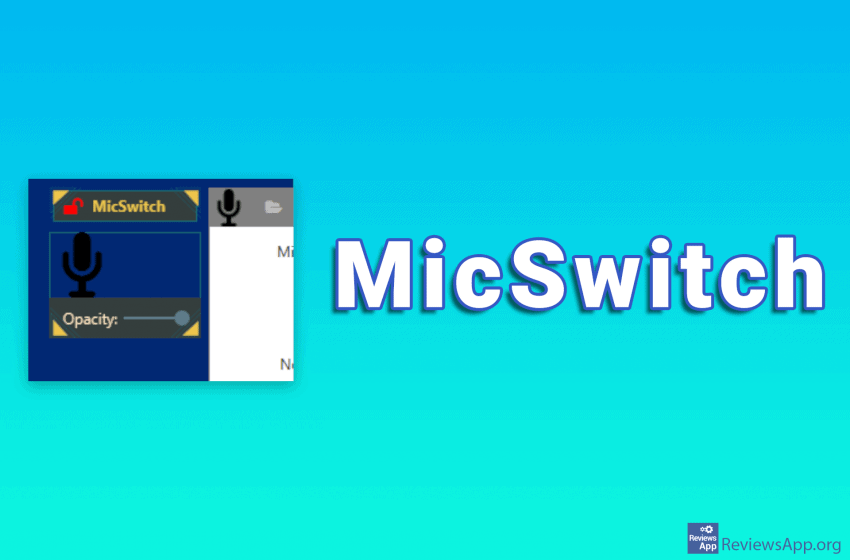
If you’ve ever played an online game where you used a microphone to communicate, you’ve probably heard your teammates talk to their family, because they forgot to turn off the microphone. There is a good chance that something like this happened to you too. In Windows, muting a microphone can be done in several ways. […]Read More
Search
Most popular
- How to turn off Program Compatibility Assistant in Windows 10
- Brave browser – Spotify with No Ads and Youtube on the Locked Screen
- How to show FPS in games using NVIDIA GeForce Experience
- How to Unlock Google CAPTCHA on Windows and Android
- How to Add, Show and Delete Section Breaks In Google Docs?
- Battery charge alarm – free app for Android
- How to Enable DuckDuckGo Browser to Always Use Duck Player on YouTube
- Custom Cursor – a fun extension for Google Chrome
- How to Make YouTube Videos Always Fill the Phone Screen on Android
- How to Add Animated GIF to a Word Document