Incognito mode in Google Chrome is a private web browsing mode. When using incognito mode, your history, cookies, website data, and any information you enter on the web sites you visit will not be stored on your computer. Anything you download or bookmarks you create will be saved unless you delete them manually. It is […]Read More
Tags : Chrome
Plug-ins (Extensions) are automatically turned off when you use Incognito mode in Google Chrome. The reason is to protect your privacy. Namely, when you use Incognito mode, Chrome tries to preserve your anonymity on the Internet as much as possible. One way to achieve this is to turn off all plug-ins as they can potentially […]Read More
In working from the home era, we are constantly looking for better and better tools to help us. While we have programs that solidly perform individual functions like Viber for chatting, Google Keep for creating lists, and Zoom for video conferences, there are few that combine multiple functionalities and do it well. We found one […]Read More
Dark Mode is a feature that allows you to switch the color of the application or the entire operating system to black or something close to it and thus reduce eye strain. Many mobile applications offer a Dark Theme, but on the web on a PC, the color choice of each web page is set […]Read More
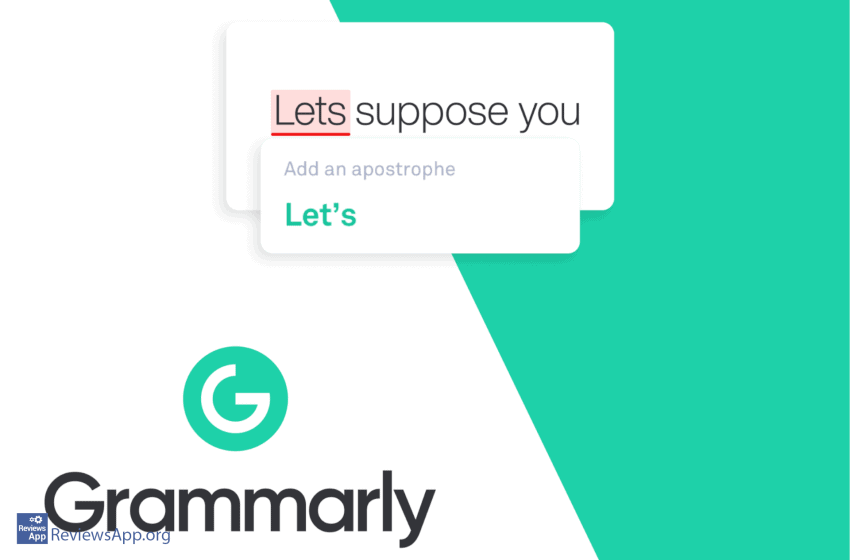
Grammarly is a great writing tool to help you check for text errors in the English language. It detects grammatical and punctuation errors in two modes – basic and advanced. It also provides suggestions on how to correct these errors. This application is useful both for those with advanced and basic knowledge of English. Program […]Read More
We all have websites that we visit on a daily basis, and it would be nice to have a shortcut to them on our Android or iOS phone or tablet Home Screen, so we don’t have to type in the address or go to bookmarks all the time. Here’s how to create a shortcut for […]Read More
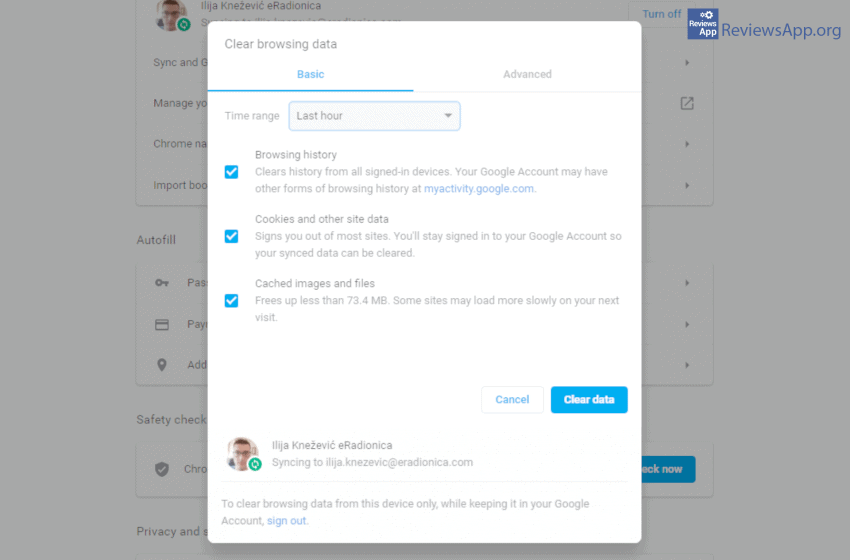
When user online activity tracking is mentioned, we all instinctively think of malicious intent. In practice, most of this is exclusively for users benefit. Still, after some time, all that data starts to take up quite a lot of space. Watch how to clear browsing data in our video below. Video transcript: Open Google Chrome […]Read More
Internet privacy is crucial to us all, and our trust in internet providers and other services is at the all-time low. Therefore we are always looking for new ways of protecting our privacy. To help us with that we have DNS over HTTPS (DoH). What is DoH? DoH is an internet protocol that encrypts our […]Read More