Tags : turn on

Tutorials

How to Turn On or Off Live Caption in Chrome

Live Caption is an option that makes subtitles in audio and video recordings. These subtitles are automatically generated, which means that every recording can have them, but since they are not “manually” made, there can be a misinterpretation of the spoken words. However, this is handy if you are listening to a recording that is […]Read More
Tutorials

How to Turn on Dark Mode on YouTube

Dark Mode is a handy option when you want to reduce eye strain caused by looking at a monitor. The Dark Mode option on YouTube changes the standard white theme of the website to black. If you want to protect your eyes or the Dark Mode just looks cool to you, check out our video […]Read More

Tutorials

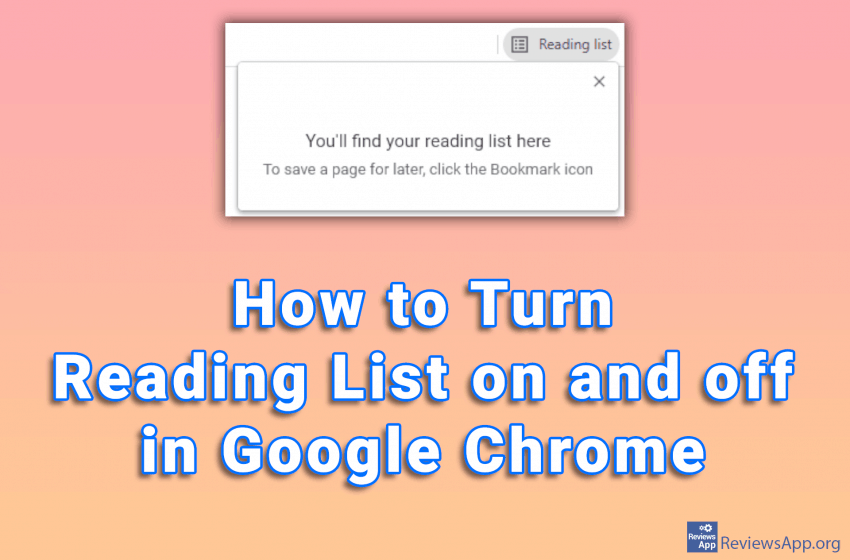
How to Turn Reading List on and off in Google Chrome

The Reading List feature in Google Chrome can be very useful. Here you can save the web pages you want to read later, similar to Bookmark. The difference is that you can access the web pages saved here without an internet connection. However, if you do not use this option, it just takes up space […]Read More

Tutorials

How to Allow Pop-ups in Microsoft Edge

Popups are very annoying we can all agree on that. Luckily, today all browsers have the option to block them automatically. This was not always the case and we used to have to install programs that block pop-ups. However, in Microsoft Edge, for certain websites to work properly, it is necessary to allow pop-ups. This […]Read More

Tutorials

How to turn on Microsoft Defender Antivirus in Windows 10

Microsoft Defender Antivirus is a free antivirus program that comes bundled with the Windows operating system. It is recommended that this antivirus be always on, especially if you do not have another antivirus installed on your computer. Watch our video where we show you how to turn on Microsoft Defender Antivirus in Windows 10. Video […]Read More

Tutorials

How to turn on Dark Mode on Android

Dark Mode is a feature that allows us to switch the color of the application to black. This option was designed with the idea of reducing eye strain when using the application in the dark. Of course, users did not listen to the designers, so many keep the Dark Mode always on because they prefer […]Read More