Tags : tutorial

Tutorials

How to change Bluetooth name on Android

When you turn on Bluetooth, other users identify your device using the Bluetooth name. By default, this name is the model of your smartphone. This can often be confusing, especially if there are other devices with the same model nearby. The name that Bluetooth displays can be changed and this is a very simple process. […]Read More
Tutorials

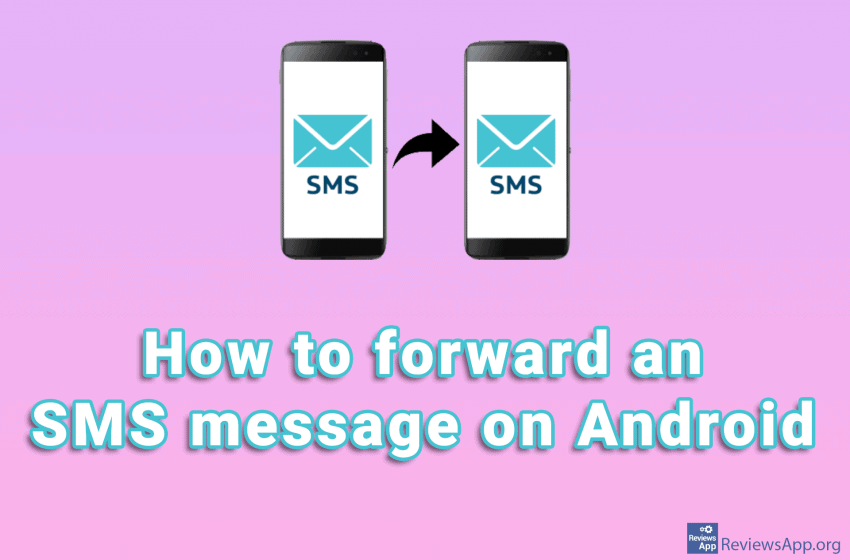
How to forward an SMS message on Android

If you want to forward a text message to someone on Android, you don’t have to type the message or use the copy/paste method. You can, instead, use the message forwarding function. The forwarding process may differ depending on the phone model and Android version. However, on all devices, the process is similar and very […]Read More

Tutorials

How to stop emails from Google Play Store on Android

Google sends users emails notifying them of news and “best” offers in the Play Store. These are essentially advertisements, which aim to draw you into the Play Store, where you will potentially spend money, from which Google takes 30%. Fortunately, there is an option to stop these emails. Watch our video where we show you […]Read More

Tutorials

How to turn off system sounds in Windows 10

System sounds in Windows 10 serve to give us notifications about things that are happening in the operating system and thus make it easier for us to use. In addition to sound notification, we always have visuals ones, so it is often the case that these sounds only annoy us. Watch our video where we […]Read More

Tutorials

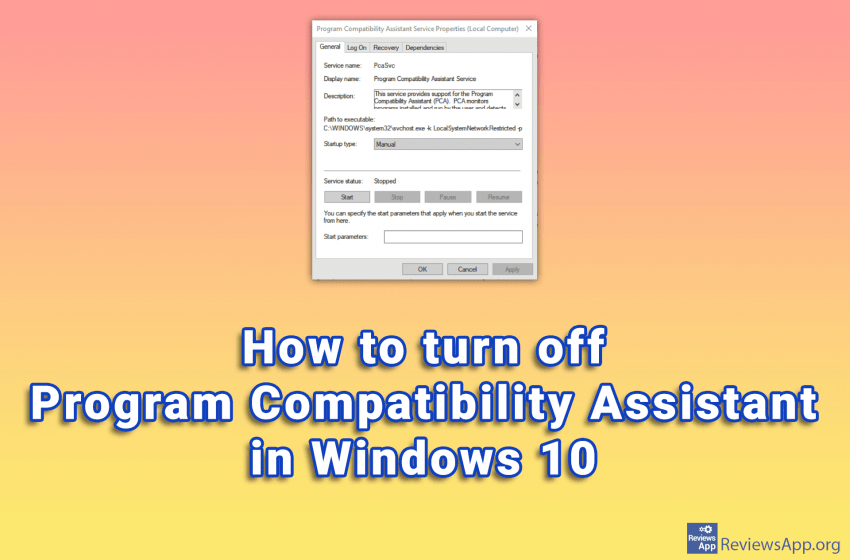
How to turn off Program Compatibility Assistant in Windows 10

Windows 10 has phenomenal compatibility with older programs. This means that old programs run on this operating system without problems or errors. One of the tools that Windows 10 uses to accomplish this is the Program Compatibility Assistant. If you’re trying to install an incompatible program on Windows 10, this feature is great. The Program […]Read More

Tutorials

How to restrict apps from accessing the internet on Android

Do you often avoid unnecessary downloads to limit data consumption on your Android device? But you can’t understand why a lot of data is still consumed, even when you’re not using your phone? Here’s the thing: Some apps suck up data regularly, even when you’re not using it. Sometimes this is justified. The application needs […]Read More

Tutorials

How to turn on or off Game Mode in Windows 10

Game Mode option in Windows 10 aims to improve computer performance when playing video games. This is accomplished by the fact that when you run a game, Windows detects it and allocates computer resources to the game instead of background programs. Also, all updates will be stopped as long as you are in the game. […]Read More