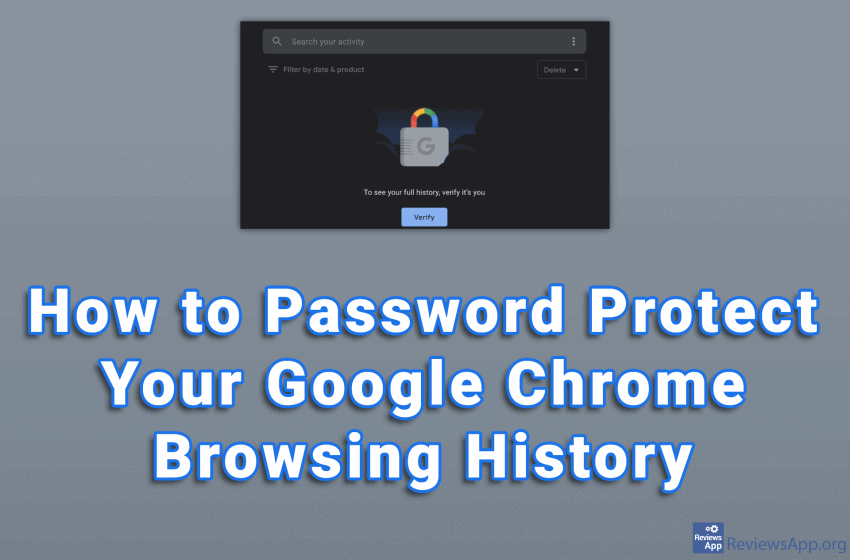
The old joke is to ask your best friend to delete your browser‘s search history if something happens to you. Now that we have Incognito mode, this is no longer such a big problem. However, we have a lot of private information in our search history, and that information is easily accessible to anyone who […]Read More
Tags : tutorial
Incognito mode is a standard option in most modern browsers. This option can be useful in other applications as well. Google Maps contains this option and it can be surprisingly handy. When you turn on Incognito Mode in Google Maps, a number of things will happen. First, just like in the browsers, everything you search […]Read More
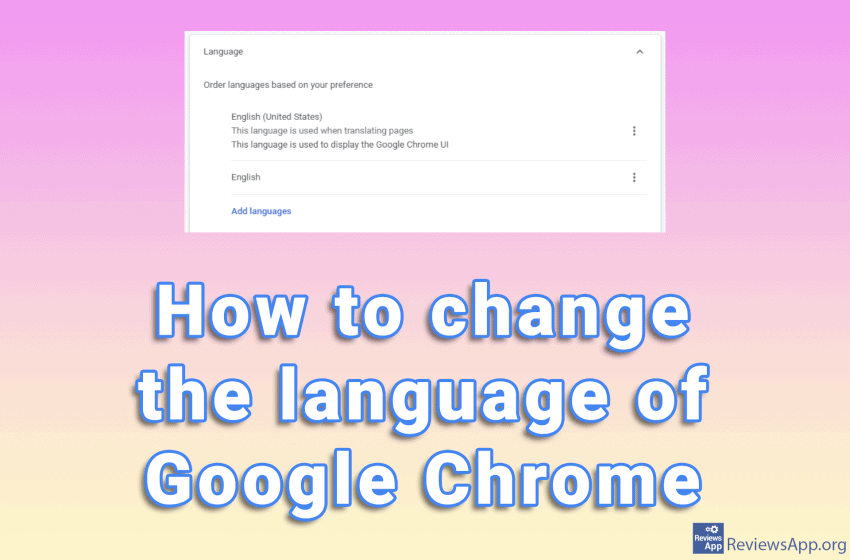
Google Chrome automatically selects the language based on your location. However, this may not be the language you want to use. Moreover, in some cases, the language can be changed without warning. This usually happens after the update. Changing the language manually is very simple. Watch our video where we show you how to change […]Read More
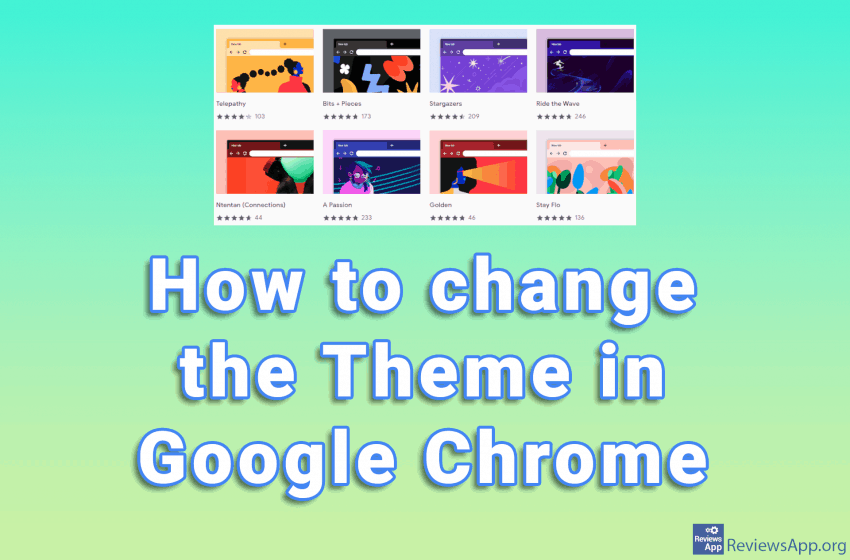
Google Chrome is the most popular internet browser, but we can all agree that it looks rather boring. The minimalist look is fine, but it would be nice if we could bring a bit of life into its look. Fortunately, this is possible with themes, and changing the theme is very easy. Watch our video […]Read More
Google Chrome has a built-in password manager, but it’s not the most secure. That’s why we recommend that you use Bitwarden, which is probably the best free password manager out there. See our Bitwarden complete guide for Windows and Bitwarden complete guide for Android to learn how to use Bitwarden. If you’ve used Chrome Password […]Read More
If the keyboard on your mobile phone is too small, so you have difficulty comfortably using it, the solution is to increase the size of the keyboard. We will show how to do this on the Microsoft SwiftKey keyboard app, but even if you are using a different app, the process will be similar, so […]Read More
Android has many features that help and make it easier for people with disabilities to use this operating system. One of those features is a filter for colorblind people. When you turn on this option, you can choose between filters for protanopia, deuteranopia, and tritanopia, depending on the type of color blindness you have. Watch […]Read More
Unwanted calls from various marketing companies, promoters or people in your life can be very annoying. One solution to this problem is to block a number that is bothering you. Watch our video where we show you how to block and unblock a contact on Android. Video transcript: Open the calls Tap and hold on […]Read More
Your Android phone is listening to everything you say! This is not a conspiracy theory but a fact. Android has a voice assistant that you can use to browse the Internet or dictate messages using your voice. To activate the voice assistant you need to say the phrase “OK Google” or “Hey Google”. When you […]Read More
If you have problems with Wi-Fi, mobile internet, or Bluetooth on your Android phone, a possible solution is to reset the network settings. Resetting network settings can help if the internet is slow or if the phone has problems connecting to Wi-Fi. Watch our video where we show you how to reset network settings on […]Read More