Tags : tutorial

Tutorials

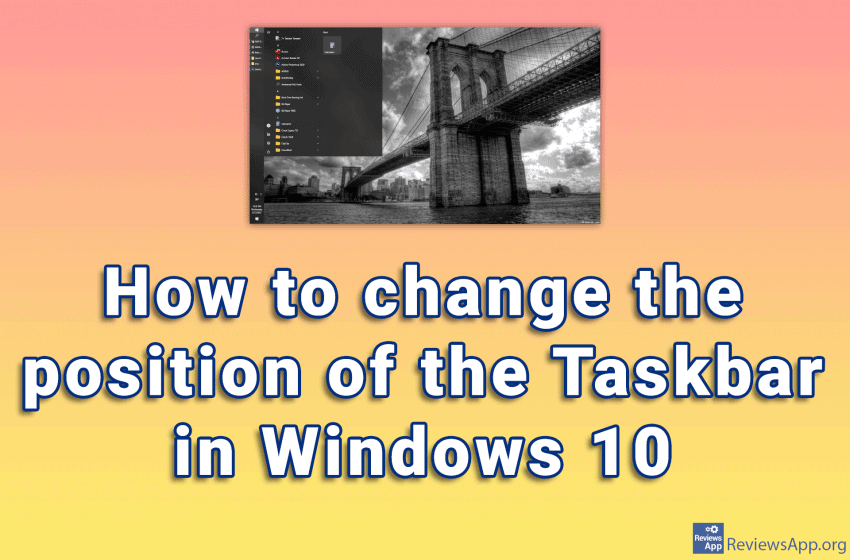
How to change the position of the Taskbar in Windows 10

Since Windows was created, the taskbar has been at the bottom of the screen. The position of the taskbar can be changed, that is, it can be placed along any edge of the screen. Watch our video where we show you how to change the position of the Taskbar in Windows 10. Video transcript: Right-click […]Read More
Tutorials

Six things to do right after installing Windows 10

Installing Windows 10 is fairly simple, and once you’re done with the installation, setting up your operating system is the next important step. While there are no rules on how best to set up Windows 10, there are certain steps that are recommended to ensure that everything will work smoothly. We’ll look at the first […]Read More

Tutorials

How to turn on Microsoft Defender Antivirus in Windows 10

Microsoft Defender Antivirus is a free antivirus program that comes bundled with the Windows operating system. It is recommended that this antivirus be always on, especially if you do not have another antivirus installed on your computer. Watch our video where we show you how to turn on Microsoft Defender Antivirus in Windows 10. Video […]Read More

Tutorials

How to turn on colorblind filter in Windows 10

Windows 10 has many features that help and make it easier for people with disabilities to use this operating system. One of those features is a filter for colorblind people. When you turn on this option, you can choose between filters for protanopia, deuteranopia, and tritanopia, depending on the type of color blindness you have. […]Read More

Tutorials

How to create a desktop shortcut for a Steam game

Steam is the largest digital platform for selling and playing video games, and with good reason. Frequent sales, a program that works great, uncensored user reviews of games, and phenomenal support for mods are just some of the reasons. Most gamers have at least a few games in their Steam library. When we want to […]Read More

Tutorials

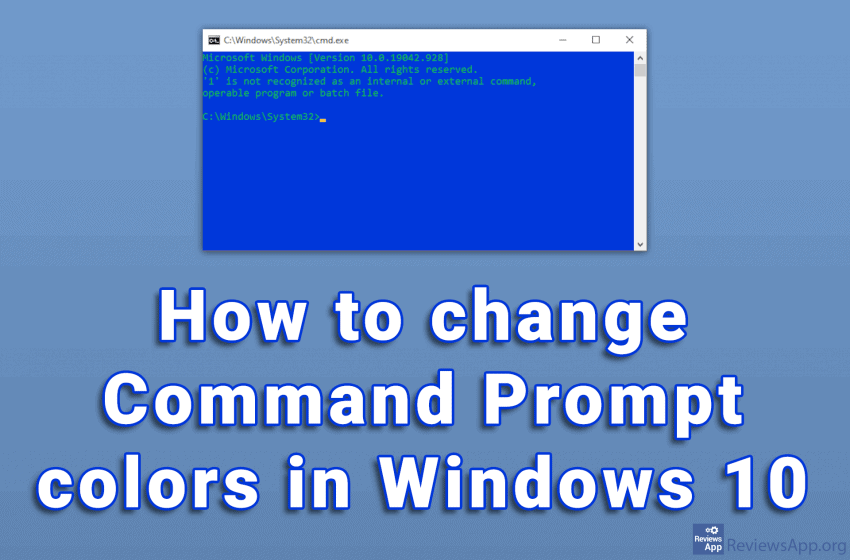
How to change Command Prompt colors in Windows 10

The white text on the black background of the Command Prompt looks very outdated. To be honest, the overall design of the program is not very modern. Given what it does, we do not need anything more than that. The problem is that with this color scheme, the text can sometimes be difficult to read. […]Read More

Tutorials

How to schedule SMS message sending on Android

Have you ever forgotten to send an SMS? You may have thought it was too early to send a message, so you decided to do it later, but in the end, you forgot and got into trouble. Or you may want to automate sending birthday messages so your friends don’t think you’ve forgotten. The solution […]Read More