Windows 10 has many features that help and make it easier for people with disabilities to use this operating system. One of those features is a filter for colorblind people. When you turn on this option, you can choose between filters for protanopia, deuteranopia, and tritanopia, depending on the type of color blindness you have. […]Read More
Websites use cookies to store data such as your login information or settings and create personalized content depending on your behavior on the website. For example, if you go to YouTube and type something in the search field, the website will use that information to offer you similar videos because it thinks that is what […]Read More
Do you remember the good old days when you fell asleep watching television? If this is the case, you have probably used the timer function to turn off the TV after a certain time. Nobody likes to have his TV working all night. What if you don’t watch TV that often anymore, but use a […]Read More
Choosing a video player is like choosing a browser. There are a lot of conflicting opinions, everyone has their favorite, and if you choose one of the popular brands, you usually won’t go wrong. However, there are differences, and the goal of this top list is to help you find the perfect solution for you. […]Read More
Steam is the largest digital platform for selling and playing video games, and with good reason. Frequent sales, a program that works great, uncensored user reviews of games, and phenomenal support for mods are just some of the reasons. Most gamers have at least a few games in their Steam library. When we want to […]Read More
Today, it is not enough for us to use only letters in our text messages. Whichever chat application we use, we often use smileys and stickers. For those who like to express their thoughts and feelings in this way, we present Bitmoji, a free application for Android and iOS, with which you can create original […]Read More
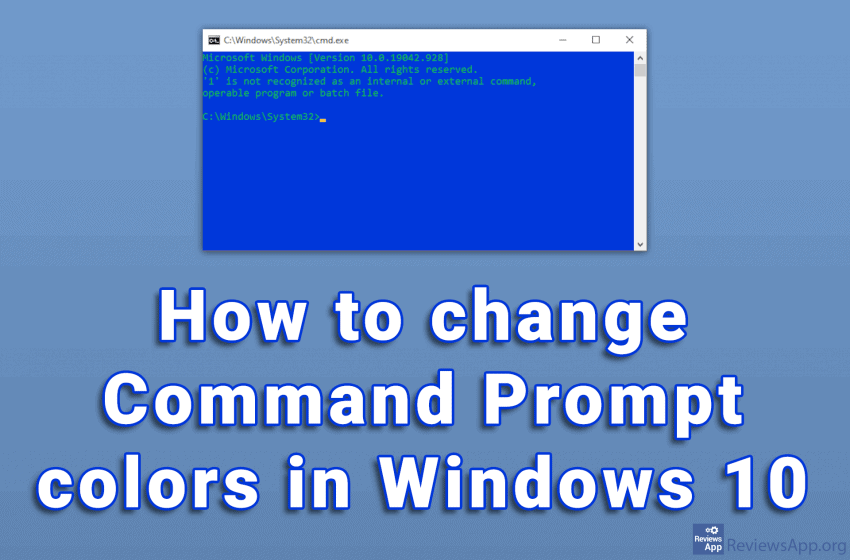
The white text on the black background of the Command Prompt looks very outdated. To be honest, the overall design of the program is not very modern. Given what it does, we do not need anything more than that. The problem is that with this color scheme, the text can sometimes be difficult to read. […]Read More
The taskbar is an essential part of Windows, and it is one of the best tools we use to manage running programs. With it, we can quickly navigate between the programs, we have the Start button that allows us to launch programs and the System Tray, which contains the clock and icons of programs running […]Read More
When you turn on Bluetooth, other users identify your device using the Bluetooth name. By default, this name is the model of your smartphone. This can often be confusing, especially if there are other devices with the same model nearby. The name that Bluetooth displays can be changed and this is a very simple process. […]Read More