When you do not have a charger or power outlet on hand, it is important to take care of the battery on your mobile phone or tablet. Newer versions of Android pay special attention to battery life and offer a Power Saving option. When you enable this option, background applications will be turned off and […]Read More
Tags : Android
Regularly updating applications on your mobile phone is extremely important. Firstly, updates fix security vulnerabilities in applications, as well as bug fixes and the addition of new features. For this reason, automatic updating should always be turned on. However, updates can also introduce new bugs and make the application unusable. Also, it sometimes happens that […]Read More
Although sometimes extremely annoying, notifications are a key part of the smartphone experience, and the sounds that go with them are equally important. If you’re hearing notification sounds all day, you might as well make them sound better. Watch our video in which we show you how to change the sound of notifications on Android. […]Read More
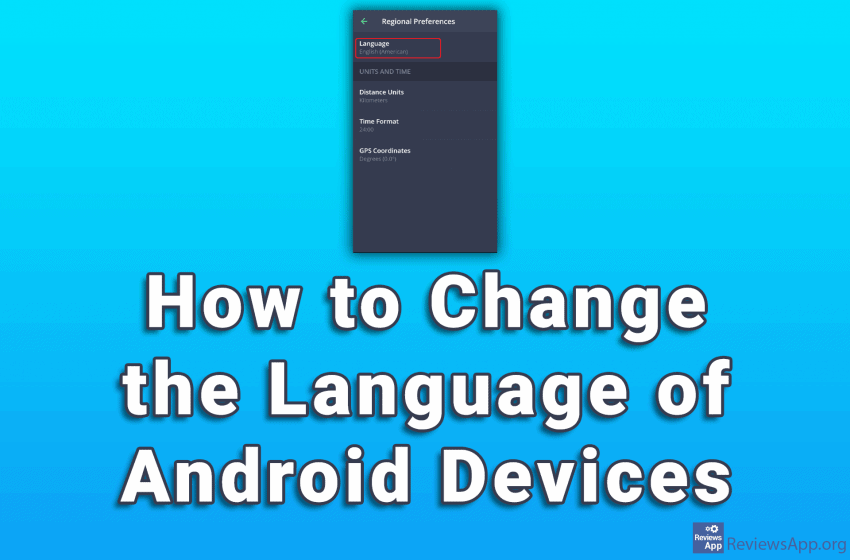
Whether you bought a new mobile phone running Android in a language, you don’t speak, or accidentally changed the language when setting up the phone, the good news is that changing the language on Android is very easy. Watch our video where we show you how to change the language of your Android device. Depending […]Read More
Do you work in a team and need a task organization program? We have found the right solution for you. Asana a free internet project management program. What is Asana? Asana is a tool for managing tasks among a group of people. More specifically, Asana keeps records of which team members are responsible for which […]Read More
When cryptocurrencies are mentioned, Bitcoin is the first thing that comes to mind. Although the cryptocurrency market is very volatile, and prices are constantly rising and falling, people’s interest in them is not waning. As interest grows, the question arises, how best to store cryptocurrencies and which are the best crypto wallets. There are two […]Read More
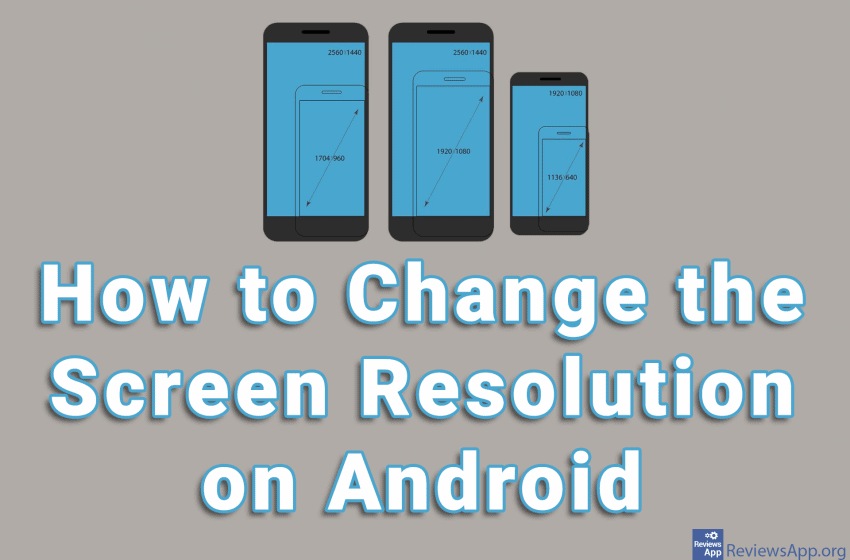
Most Android devices allow us to change the resolution from the Settings. However, this is not possible on some devices. With devices like this, the only way to change the screen resolution is from developer options (see how to turn developer options on and off on Android). You must be very careful when using developer […]Read More
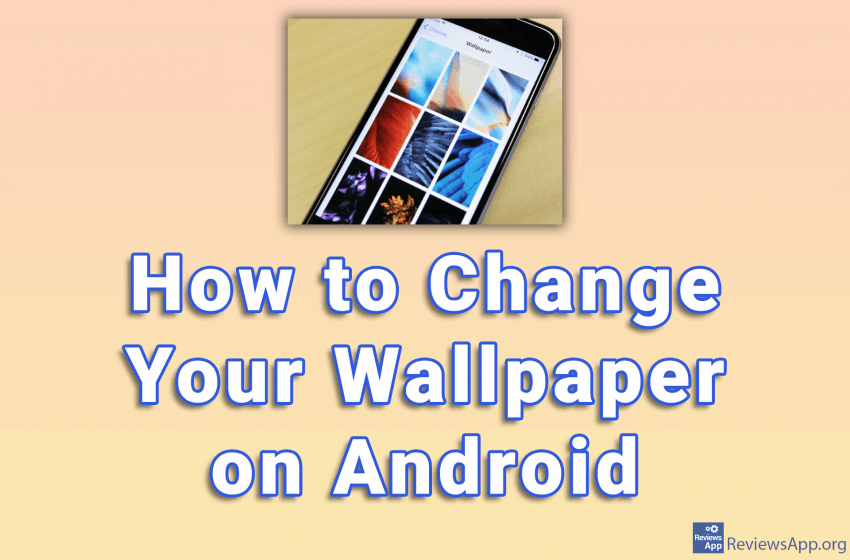
One of the easiest ways to add some flair to your Android device is to set a custom wallpaper. You can select one of the existing images, as well as the image you took with the camera or downloaded from the Internet. Depending on the Android device you have, this process may be slightly different, […]Read More
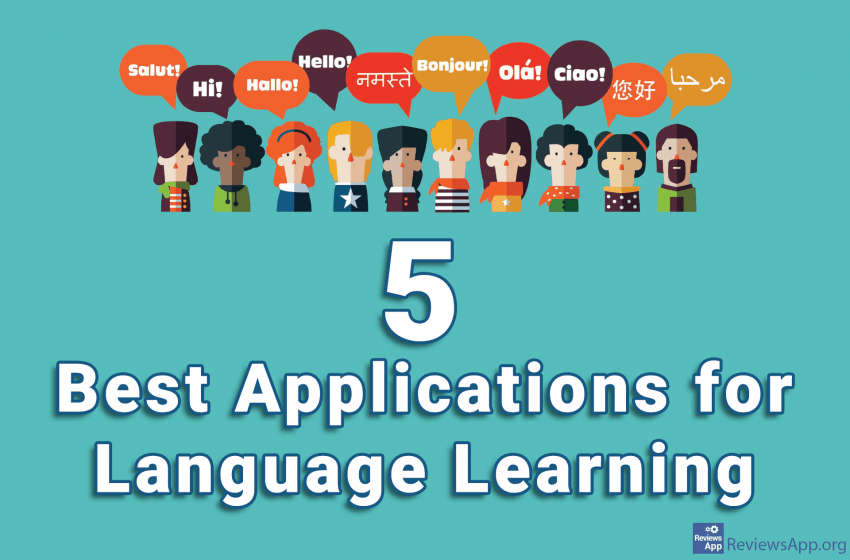
The ability to communicate effectively in more than one language has always been valued, and today more than ever. Finding time and money for language classes can be a challenge. If you are employed, finding free time and energy to study is very difficult, while if you do not work and have plenty of free […]Read More
Incognito mode is a standard option in most modern browsers. This option can be useful in other applications as well. Google Maps contains this option and it can be surprisingly handy. When you turn on Incognito Mode in Google Maps, a number of things will happen. First, just like in the browsers, everything you search […]Read More