We all know that looking at a computer screen for a long time is tiring, and this is due to the blue color that the monitor produces. In addition to feeling tired, this can lead to headaches and poor sleep. The solution is to adjust the brightness of the monitor, especially at night. However, doing […]Read More
Tags : monitor
If your job involves working on a computer, and you have never used a dual monitor setup, believe us you must try this. Working on two monitors will help you better organize your workspace, will significantly speed up your work, and at the end of the day, you will be less tired. The problem is […]Read More
Magnifixer is a free program for Windows 7, 8, and 10 that magnifies everything near the mouse cursor and displays it in a new window. This tool is intended for both designers and people with sight problems, which, you will admit, is a somewhat unusual combination. How does Magnifixer work? The very principle of operation […]Read More
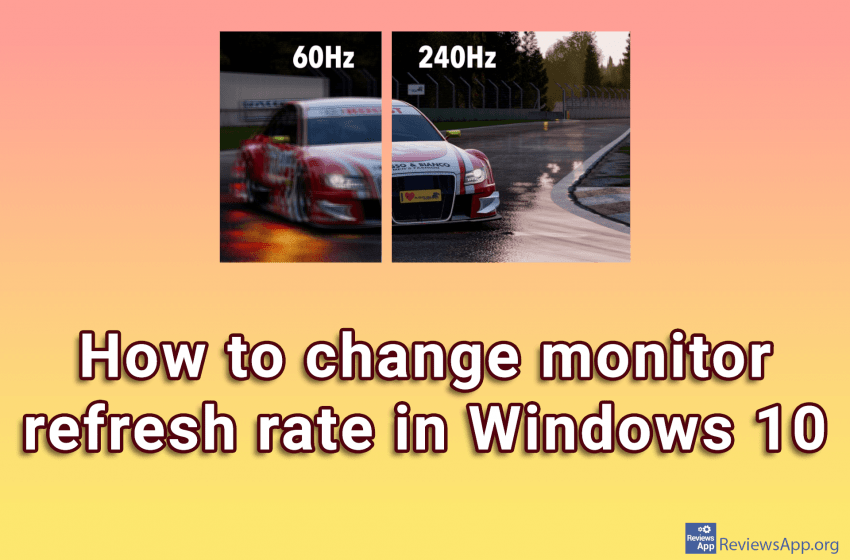
When we buy a new monitor for our computer, what we pay the most attention to is the screen size and color quality. We are not claiming that this is not important, but one very important item, that we often forget, is the refresh rate of the monitor. The refresh rate of the monitor is […]Read More
If, like us in the newsroom, you bought your monitor and once or twice played with the settings, adjusted the brightness to suit you best, and never touched the buttons on the monitor again. This is somewhat understandable since the buttons on the monitor are usually placed on the bottom or back, so they are […]Read More
A monitor is one of the main components through which your computer communicates with you. You can’t do much with a computer or laptop if you don’t have a screen. That’s why your eyes need to feel as little strain as possible when using a computer, and that’s why it’s most important that your monitor […]Read More