If you want to send someone your current location via WhatsApp, you can write the address and number where you are in the message. However, a much easier way is to simply share your current location. This will send a Google Maps image of your current location. Also, this image can be opened in the […]Read More
Tags : tutorial
When you have multiple tabs open in Google Chrome and you turn off your browser and then start it again, one empty tab will open. However, there is a handy setting that will launch all tabs that were opened before you turned off Chrome. Check out our video where we show you how to open […]Read More
If you want to save a message (email) from Gmail so that you can upload it to another email service, you need to save it as an EML (Electronic Mail Format) file. When you save the message like this, all Attachments, as well as text styling in the email, will be saved. This way it […]Read More
Did you happen to download a document, but then you can’t find it, or do you want to change the place where the files are downloaded to. In Google Chrome, we can set the location where the files are downloaded. Watch our video where we show you how to change the download folder location in […]Read More
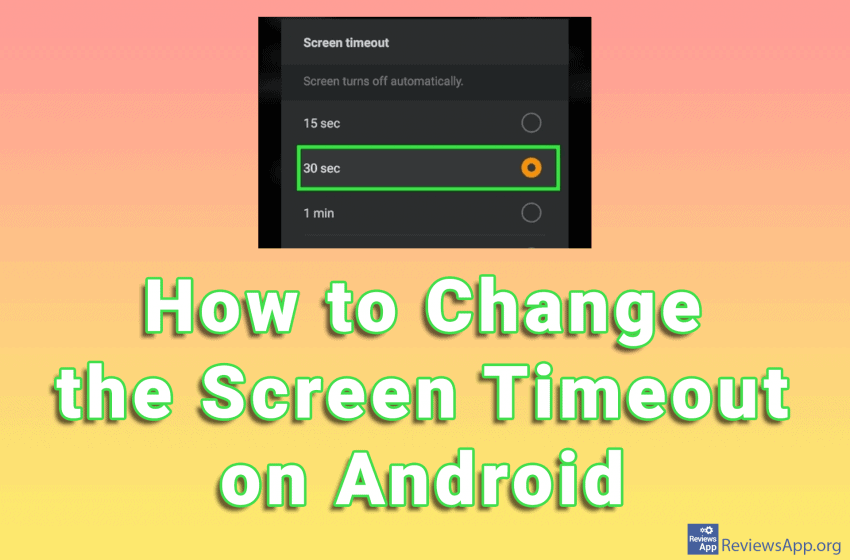
When we use a mobile phone, after a certain amount of time, the screen will turn off automatically. This is because we don’t want the screen to stay on when we’re not using the phone, to reduce battery consumption. However, you may want the screen to never turn off or the shutdown time is too […]Read More
Formatting text helps us better highlight some of its parts. However, this should not be overdone. When a paragraph or the whole text has a different font, color, and font size, reading can be difficult. In Google Docs, there is a handy option to remove all formatting from the document. This option can be used […]Read More
The percentage of the remaining battery on an Android phone is probably the most important information on the screen. However, on some devices, only the battery icon is displayed without percentage. This is not the best because we can’t tell exactly how much battery is left. Watch our video in which we show you how […]Read More
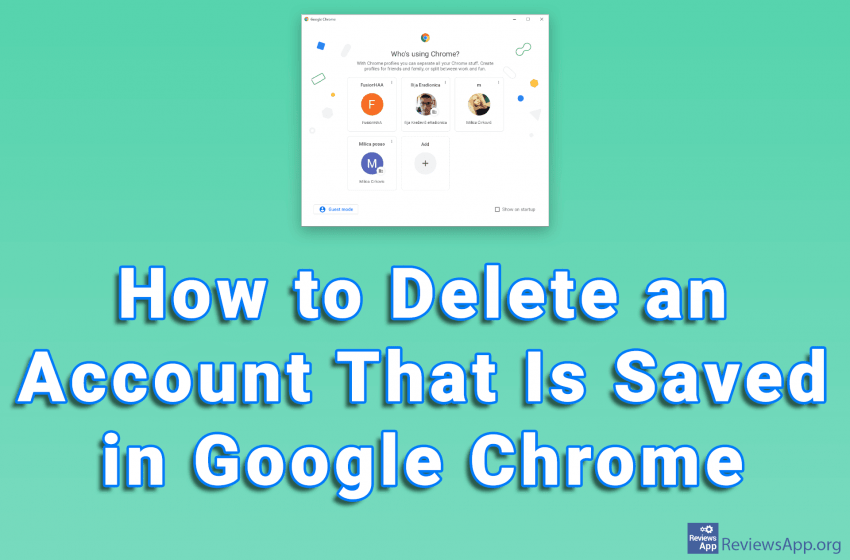
Google Chrome offers the ability to store multiple accounts on a single PC. This way, changing the account is quick and easy, because you don’t have to type in the username and password. Deleting an account is also very simple. Watch our video where we show you how to delete an account that is saved […]Read More
Dark Mode is a handy option when you want to reduce eye strain caused by looking at a monitor. The Dark Mode option on YouTube changes the standard white theme of the website to black. If you want to protect your eyes or the Dark Mode just looks cool to you, check out our video […]Read More