Magnifixer is a free program for Windows 7, 8, and 10 that magnifies everything near the mouse cursor and displays it in a new window. This tool is intended for both designers and people with sight problems, which, you will admit, is a somewhat unusual combination. How does Magnifixer work? The very principle of operation […]Read More
Tags : Windows
If you want to save a message (email) from Gmail so that you can upload it to another email service, you need to save it as an EML (Electronic Mail Format) file. When you save the message like this, all Attachments, as well as text styling in the email, will be saved. This way it […]Read More
Did you happen to download a document, but then you can’t find it, or do you want to change the place where the files are downloaded to. In Google Chrome, we can set the location where the files are downloaded. Watch our video where we show you how to change the download folder location in […]Read More
We are big fans of small and simple programs that easily solve a big problem. This category includes FreeMove, a free program for Windows XP, Vista, 7, 8, and 10 that allows us to move an installed program to another folder or partition on the hard disk without having to reinstall the program. How does […]Read More
VPN, or Virtual Private Network, is a service that provides greater security and privacy when using the Internet. It is used by installing a program on your computer that allows you to access a private and secure network. If you want to learn in more detail what a VPN is and what its advantages and […]Read More
Formatting text helps us better highlight some of its parts. However, this should not be overdone. When a paragraph or the whole text has a different font, color, and font size, reading can be difficult. In Google Docs, there is a handy option to remove all formatting from the document. This option can be used […]Read More
When you have an image with text that you want to have in a text format, typing that text, especially if it is long, is extremely tedious and impractical. A much better solution is to use a program that will scan that image, recognize the characters and give you the text from the image in […]Read More
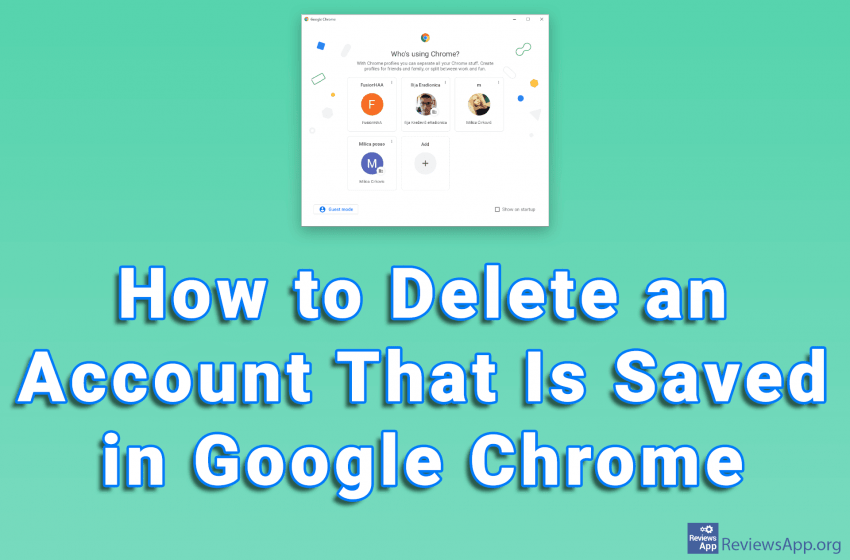
Google Chrome offers the ability to store multiple accounts on a single PC. This way, changing the account is quick and easy, because you don’t have to type in the username and password. Deleting an account is also very simple. Watch our video where we show you how to delete an account that is saved […]Read More
Windows Vista is not remembered as a good operating system. It was a version of Windows, which aimed to test the new technology. One of Vista’s innovations was the Windows System Assessment Tool, a computer benchmarking tool. We remember that users were, for the most part, dissatisfied with this tool, but it survived in versions […]Read More
Dark Mode is a handy option when you want to reduce eye strain caused by looking at a monitor. The Dark Mode option on YouTube changes the standard white theme of the website to black. If you want to protect your eyes or the Dark Mode just looks cool to you, check out our video […]Read More