Tags : Windows

Tutorials

How to turn off system sounds in Windows 10

System sounds in Windows 10 serve to give us notifications about things that are happening in the operating system and thus make it easier for us to use. In addition to sound notification, we always have visuals ones, so it is often the case that these sounds only annoy us. Watch our video where we […]Read More

Communications

TikTok

Like it or not, social networks have become an indispensable part of modern society. It all started with MySpace, the first social network whose concept was very simple. When you create an account, you get your personal page on a website that you can edit in order to present yourself and your interests. You could […]Read More

Tutorials

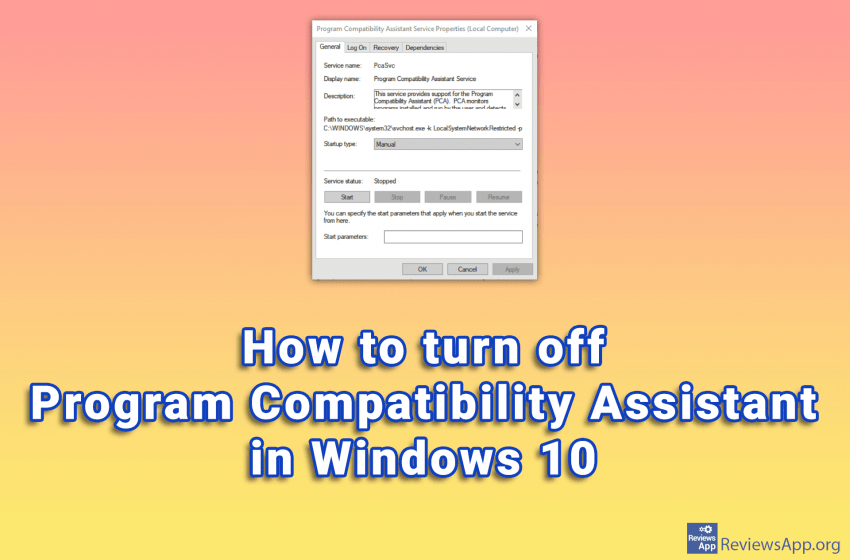
How to turn off Program Compatibility Assistant in Windows 10

Windows 10 has phenomenal compatibility with older programs. This means that old programs run on this operating system without problems or errors. One of the tools that Windows 10 uses to accomplish this is the Program Compatibility Assistant. If you’re trying to install an incompatible program on Windows 10, this feature is great. The Program […]Read More

Productivity Software

Pinterest Save Button

We recently wrote about Pinterest, a social network dedicated to creative people to find inspiration and new interests. We praised it, and we especially pointed out the very interesting function of this social network, its kind and friendly users, and functionalities that are at the highest level. Today we present you a very useful add-on […]Read More

Communications

Pinterest

Do you enjoy decorating your home? Do you like to collect pictures of cute dogs, cats, and other animals? Are you looking forward to finding new recipes to try? With Pinterest, you can create different boards for each of these interests. Before Pinterest, you would most likely see an interesting recipe in a magazine, cut […]Read More

Tutorials

How to turn on or off Game Mode in Windows 10

Game Mode option in Windows 10 aims to improve computer performance when playing video games. This is accomplished by the fact that when you run a game, Windows detects it and allocates computer resources to the game instead of background programs. Also, all updates will be stopped as long as you are in the game. […]Read More