Tags : Windows

Internet Software

RightInbox – upgraded Gmail

Whatever opinion you have about Google as a company, and ours is not so good, the fact is, some of their products are of very high quality. Gmail is one such product. It works great, and the options it has will easily satisfy most users’ needs. Even better is the fact that if you need […]Read More
Tutorials

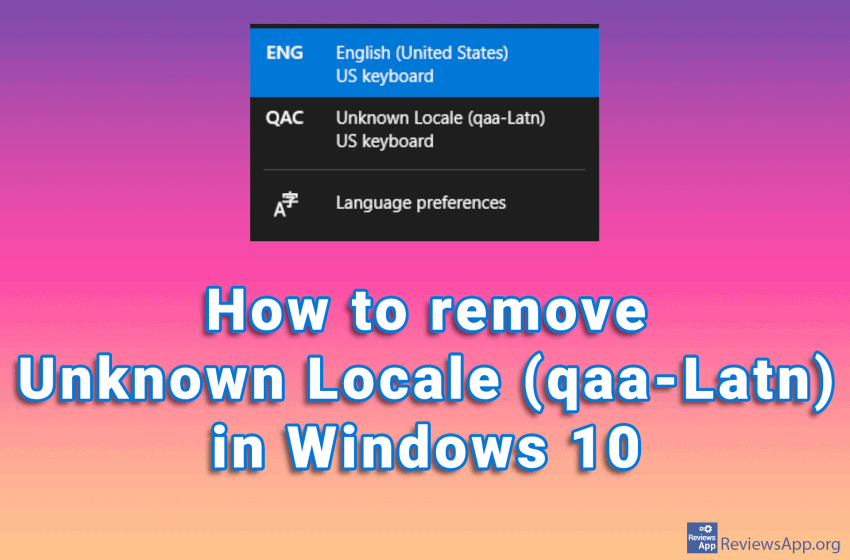
How to remove Unknown Locale (qaa-Latn) in Windows 10

Did you notice the Unknown Locale (qaa-Latn) language among the languages in the Windows Task Bar? If you go to the language settings in Windows 10 and try to delete this, you will notice that it is not among the installed languages. This problem can occur if you have corrupt system registries, also installing applications, […]Read More

Graphic Design Software

Jux – drawing fractals in Windows

A fractal is a mathematical function. It is a simple formula repeated many times and graphically presented. From seashells to spiral galaxies and the structure of human lungs, we find recognizable shapes whose structure we call fractals everywhere in nature. One of the interesting features of the fractal is that if you divide it into […]Read More

Tutorials

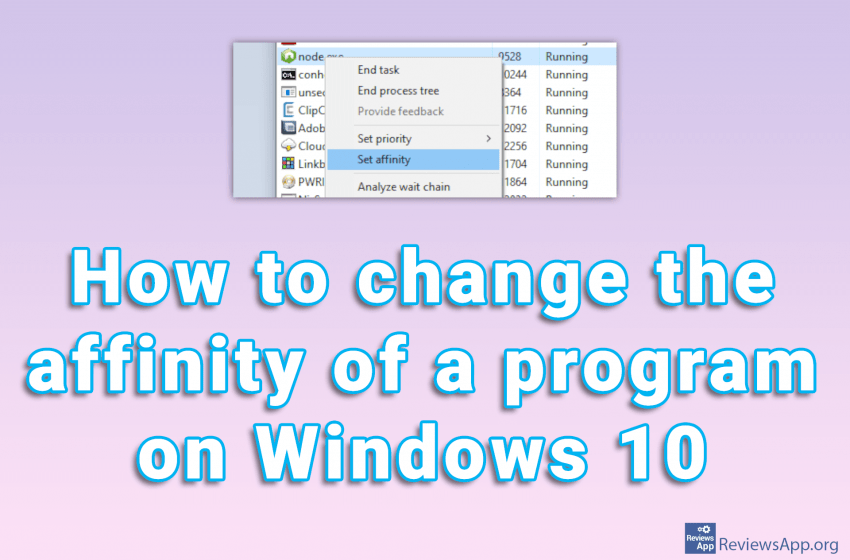
How to change the affinity of a program on Windows 10

Changing the process affinity means that you restrict the application from running only on certain processor cores. This can be very useful if you have a program that occupies the entire CPU. If this happens, your computer will be almost unusable until the program frees up resources. That’s why we’ve created a tutorial showing you […]Read More

Utilities & Operating Systems

Three best free alternatives for Windows Task Manager

Windows Task Manager, better known today as Task Manager, is a system program for Windows, which provides detailed information about everything related to the computer’s operation. With it, we can see data on the use of computer resources and detailed statistics for all processes. Processes are all applications and background programs currently running on your […]Read More

Tutorials

How to translate any document using Google Docs

We wrote about how to translate a document using Google Translate. The biggest advantage of this method is that you don’t have to have a Google account. However, most of us are already part of the Google family, so we’ll show you, in our opinion, a better method for translating documents. We will use Google […]Read More

Tutorials

How to translate any document using Google Translate

Google Translate not only translates words and phrases, this powerful translator can translate entire documents. The formats it supports are .doc, .docx, .odf, .pdf, .ppt, .pptx, .ps, .rtf, .txt, .xls, .xlsx, and HTML, and the maximum file size you can upload is 10 MB. All you have to do is upload the document you want […]Read More