Viber is a free application for Windows, macOS, Android, and iOS that provides a service of sending messages, audio, and video calls completely free of charge via the internet. All that is needed for free communication is that both parties have Viber installed on their device and internet access. Viber provides the most features of […]Read More
Tags : tutorial
We live in an era when we need a lot of information to function on a daily basis. We used to keep track of them with a pen and paper, and now we often grab our smartphone when we want to enter the account number, site name, or list of items to buy. Memorizing information […]Read More
Sometimes, when writing text, in Windows 10, special characters are needed (symbols: Ω, ♛, 💻, 🖧, ➤, etc.). For example, some languages may use characters that are not included in the currently selected keyboard language. In this case, the characters can be integrated into the document using a special character integration option called “Character Map.” […]Read More
Zoom is a free video-conferencing app for Android. With a huge number of people trying to social distance themselves as the world tries to cope with the spread of COVID 19, Zoom has become the most popular video conferencing app. A representative from Zoom said that in December 2019, Zoom recorded an average of 10 […]Read More
Zoom is one of the most popular programs for video conferencing, online video meetings, online classes, etc., and its user base exploded with the COVID-19 crisis, due to the huge number of people who started working from home. Zoom stands out for several reasons. It supports all popular operating systems: Windows 7, 8, 10, macOS, […]Read More
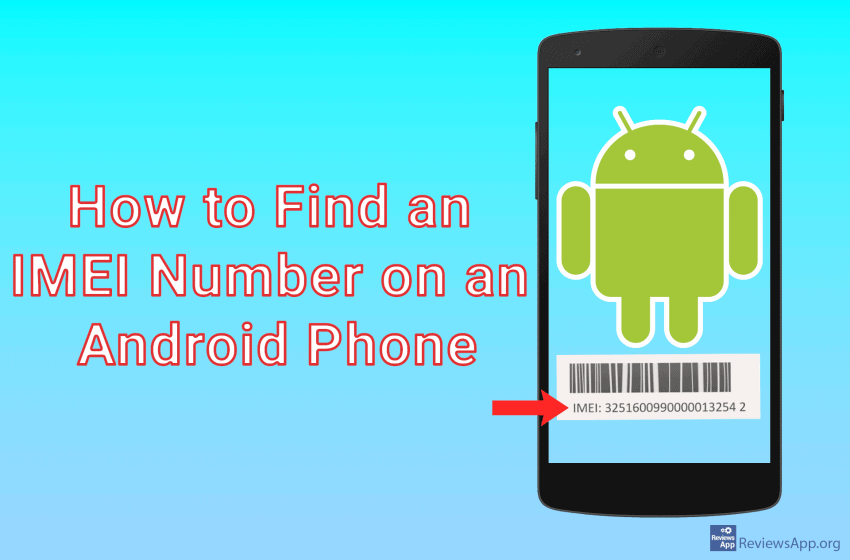
Each phone has its own unique IMEI number. IMEI stands for International Mobile Equipment Identify. It is a 15-digit number used to identify the device. Once an IMEI number is assigned, it cannot be changed in any way. The IMEI number is useful because it can be used to find your device or blacklist your […]Read More
Today we are overwhelmed with pictures and videos coming to us from our friends from various chat applications. We want to see most of these files only once, but they are automatically saved and thus fill our phones’ memory. This creates an additional obligation for us to delete redundant files. Fortunately, there is a way […]Read More
Deleting a Google account from an Android device is a relatively straightforward process. The account still exists, you will be able to access it via a web browser, and you can re-enable it later if you change your mind. However, you lose access to apps and content you purchased from the Google Play Store if […]Read More
After the huge success of Skype on PCs and with the popularization of smartphones, in 2013 an Android version appeared and brought with it all the options that made it so successful. Like its PC predecessor, the program has made it possible to call anyone, anywhere in the world, via the Internet, completely free of […]Read More
Mobile phones are increasingly replacing home computers. Therefore, the capabilities of computers are becoming necessary for our phones. One such capability is to pack and unpack files and folders. See how to zip and unzip files on Android, without downloading additional apps, in our video below. Video transcript: Open Files Tap on Internal storage First, […]Read More