When Skype was launched in 2003, it changed the way people communicate, enabling free voice and video calls, as well as free online chatting. The program has made it easy to call anyone, anywhere in the world, via the Internet, completely free of charge. All that is required for free communication is that both parties […]Read More
Tags : tutorial
Cortana is a virtual assistant developed by Microsoft that uses Bing search engine to perform tasks such as setting reminders and answering questions. However, the fact is that most users do not use this tool. If you are one of these users, it is probably best to deactivate Cortana. See how in our video below. […]Read More
Sending large files over the Internet in Windows 10 can be challenging, even if you previously zipped a file because the standard Email services such as Gmail, Yahoo, and Outlook have limits on the maximum attachment size you can send. So you can send a maximum of up to 25 MB in one email via […]Read More
You will often encounter ZIP and RAR files while using your computer. These formats are used to compress one or more files at once (you can also compress entire folders) and reduce their size. In order for these files to be used later, they need to be unpacked. We show you how you can do […]Read More
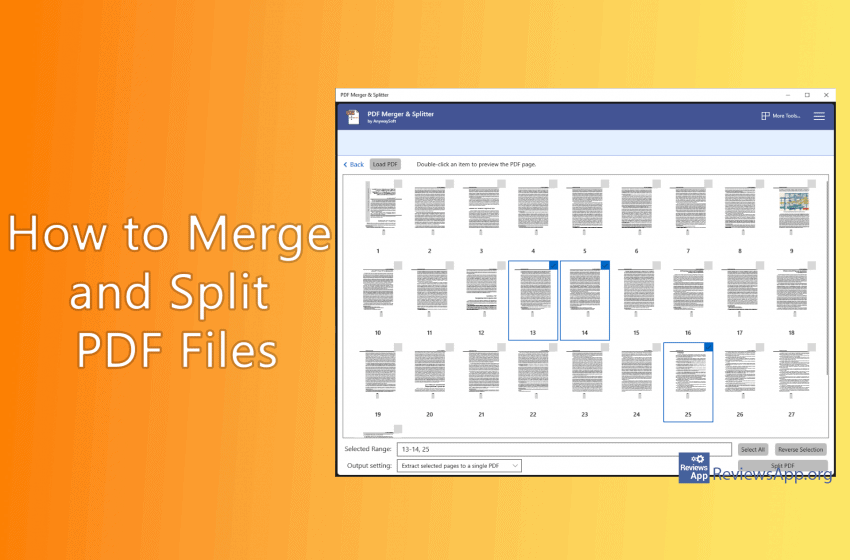
How to Merge and Split PDF Files? Working with PDFs can be tricky, especially if you’re trying to merge multiple PDFs documents into the one or to split one document into several ones. PDF Merger & Splitter is a great free program that will make this process simple with just a few clicks. See how […]Read More
Microsoft’s new Edge browser may have the same basis as the popular Chrome, but it takes a much more active role in protecting your privacy. Edge, which is based on Chromium for Windows 10 and macOS, gives you control over how you are tracked across the web and the data it has access to. It […]Read More
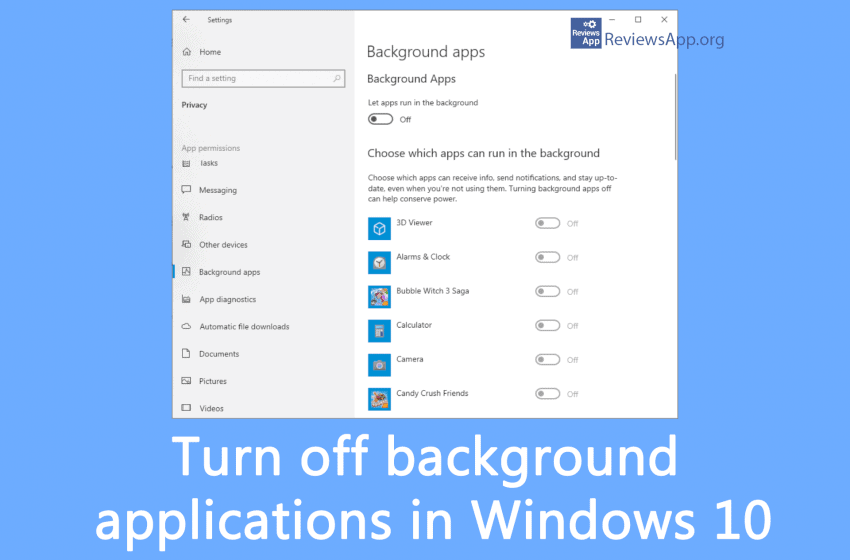
Apps that run in the background of Windows 10 can receive info, send notifications, and stay updated, even when you aren’t using them – which can be useful, but they can also reduce your laptop battery life and increase your data flow, which can be pretty inconvenient if you’re connecting to the internet via a […]Read More
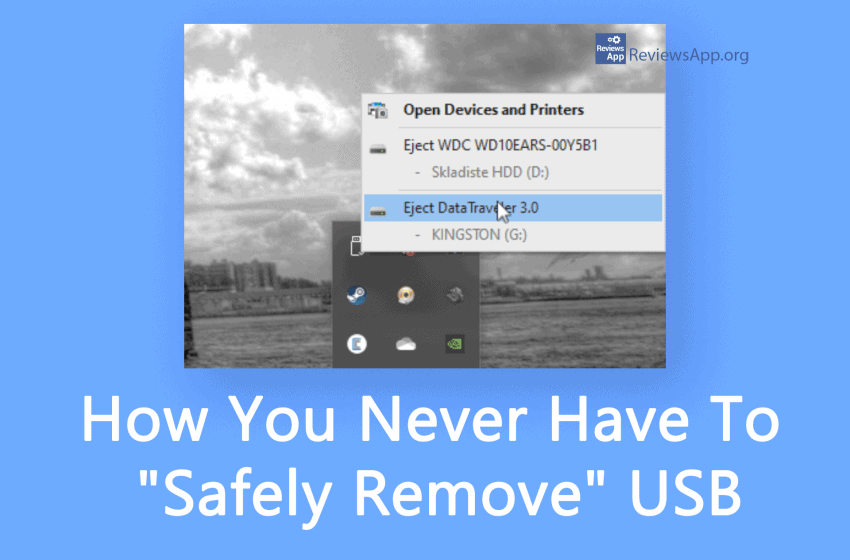
Do you always “eject” your USB drives before unplugging them? You can save yourself some clicks and some time with this simple tip because you’ll never have to eject a flash drive again. See how in our video below. Video transcript: Make sure that your USB device is plugged in In the search field type […]Read More
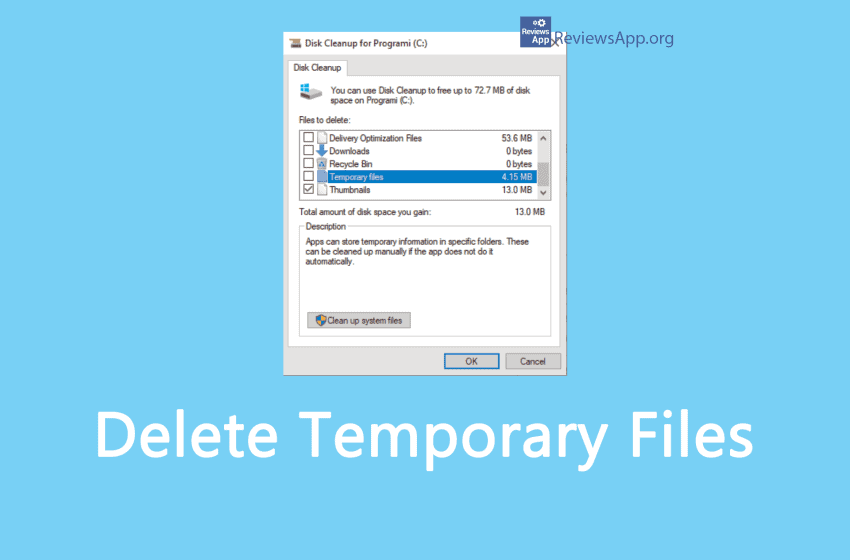
Temporary files are created to contain information while creating a new file temporarily. They can be created by computer programs for various purposes; mainly when the program cannot allocate enough memory for its tasks, when the program works on data larger than the address space of the architecture, or as a primitive form of interprocess […]Read More
Facebook’s Messenger app does not include a logout option. Quite a big omission in our opinion, but fortunately there is an easy way to do this. See how in our video below. Video transcript: Messenger does not have the option to logout within the application. However, there is a relatively easy way to do this. […]Read More