Are you tired of looking at the same image on your computer desktop? Even the most beautiful pictures can be boring when you look at them for weeks or months. We suggest you try the slideshow option. When you turn on the slideshow option, the images in the folder you selected for the slideshow will […]Read More
Tags : Windows 10
Installing Windows 10 is fairly simple, and once you’re done with the installation, setting up your operating system is the next important step. While there are no rules on how best to set up Windows 10, there are certain steps that are recommended to ensure that everything will work smoothly. We’ll look at the first […]Read More
Microsoft Defender Antivirus is a free antivirus program that comes bundled with the Windows operating system. It is recommended that this antivirus be always on, especially if you do not have another antivirus installed on your computer. Watch our video where we show you how to turn on Microsoft Defender Antivirus in Windows 10. Video […]Read More
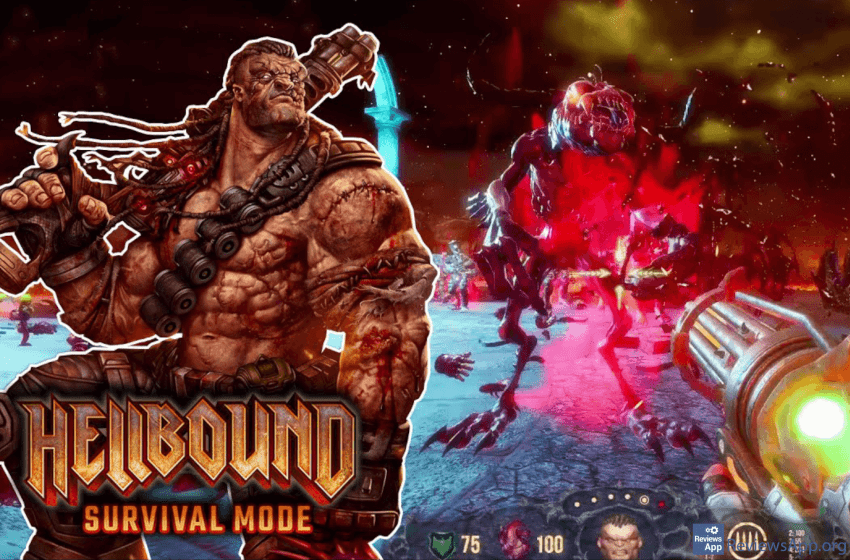
As early as the late 1990s, first-person shooters became the most popular genre of video games. This trend has not changed to date. What has changed is that games that mechanically resemble “old school” shooters like Quake, Doom, and Duke Nukem 3D are becoming popular again. One such game is Hellbound: Survival Mode, a free […]Read More
Windows 10 has many features that help and make it easier for people with disabilities to use this operating system. One of those features is a filter for colorblind people. When you turn on this option, you can choose between filters for protanopia, deuteranopia, and tritanopia, depending on the type of color blindness you have. […]Read More
Websites use cookies to store data such as your login information or settings and create personalized content depending on your behavior on the website. For example, if you go to YouTube and type something in the search field, the website will use that information to offer you similar videos because it thinks that is what […]Read More
Do you remember the good old days when you fell asleep watching television? If this is the case, you have probably used the timer function to turn off the TV after a certain time. Nobody likes to have his TV working all night. What if you don’t watch TV that often anymore, but use a […]Read More
Choosing a video player is like choosing a browser. There are a lot of conflicting opinions, everyone has their favorite, and if you choose one of the popular brands, you usually won’t go wrong. However, there are differences, and the goal of this top list is to help you find the perfect solution for you. […]Read More
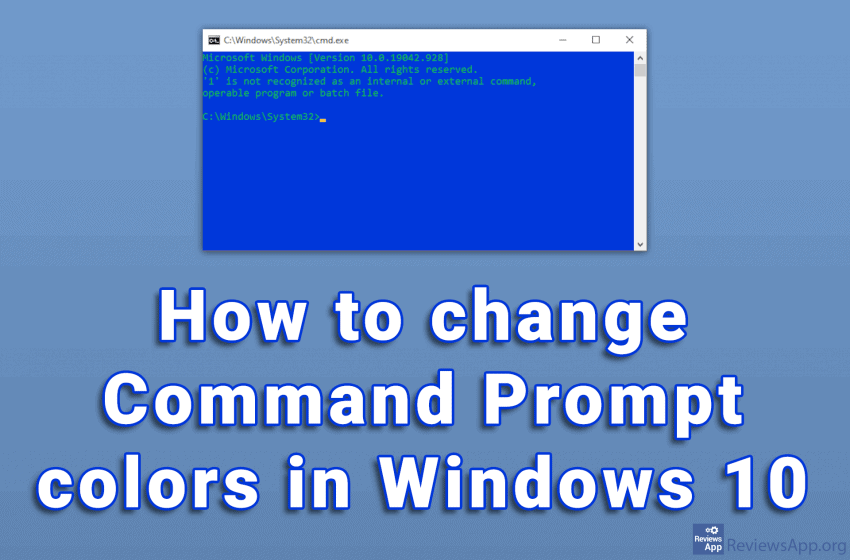
The white text on the black background of the Command Prompt looks very outdated. To be honest, the overall design of the program is not very modern. Given what it does, we do not need anything more than that. The problem is that with this color scheme, the text can sometimes be difficult to read. […]Read More
The taskbar is an essential part of Windows, and it is one of the best tools we use to manage running programs. With it, we can quickly navigate between the programs, we have the Start button that allows us to launch programs and the System Tray, which contains the clock and icons of programs running […]Read More