Tags : Windows 10

Tutorials

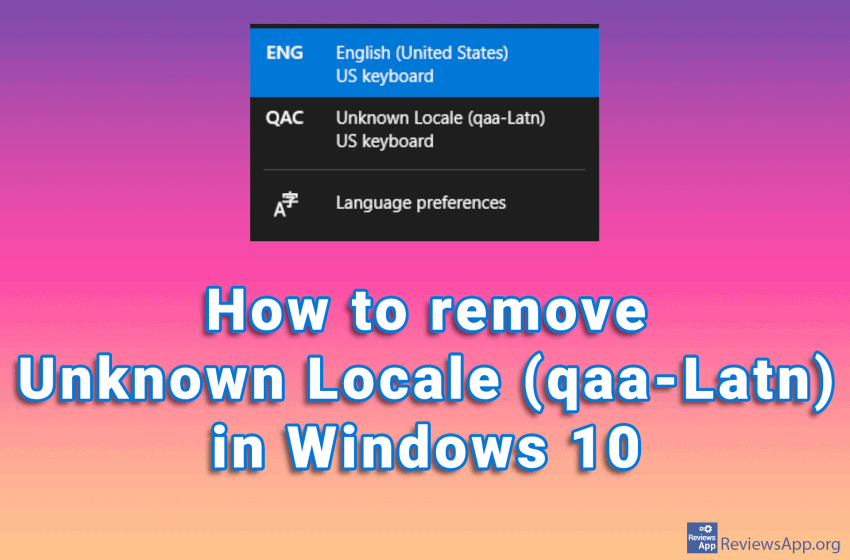
How to remove Unknown Locale (qaa-Latn) in Windows 10

Did you notice the Unknown Locale (qaa-Latn) language among the languages in the Windows Task Bar? If you go to the language settings in Windows 10 and try to delete this, you will notice that it is not among the installed languages. This problem can occur if you have corrupt system registries, also installing applications, […]Read More
Graphic Design Software

Jux – drawing fractals in Windows

A fractal is a mathematical function. It is a simple formula repeated many times and graphically presented. From seashells to spiral galaxies and the structure of human lungs, we find recognizable shapes whose structure we call fractals everywhere in nature. One of the interesting features of the fractal is that if you divide it into […]Read More

Tutorials

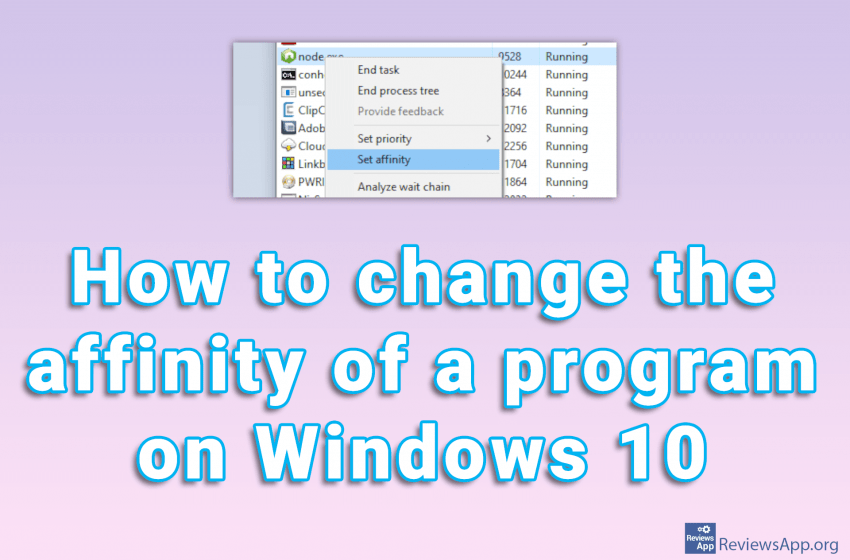
How to change the affinity of a program on Windows 10

Changing the process affinity means that you restrict the application from running only on certain processor cores. This can be very useful if you have a program that occupies the entire CPU. If this happens, your computer will be almost unusable until the program frees up resources. That’s why we’ve created a tutorial showing you […]Read More

Utilities & Operating Systems

Three best free alternatives for Windows Task Manager

Windows Task Manager, better known today as Task Manager, is a system program for Windows, which provides detailed information about everything related to the computer’s operation. With it, we can see data on the use of computer resources and detailed statistics for all processes. Processes are all applications and background programs currently running on your […]Read More

MP3 & Audio Software

Moo0 Audio Recorder

Recording sound on Windows computers is very easy with Voice Recorder, which comes bundled with the operating system. The biggest advantage of this program is its simplicity. Other than to start and stop recording, you will not find any additional options here. For most users, this is quite enough. We do not need professional programs […]Read More

Tutorials

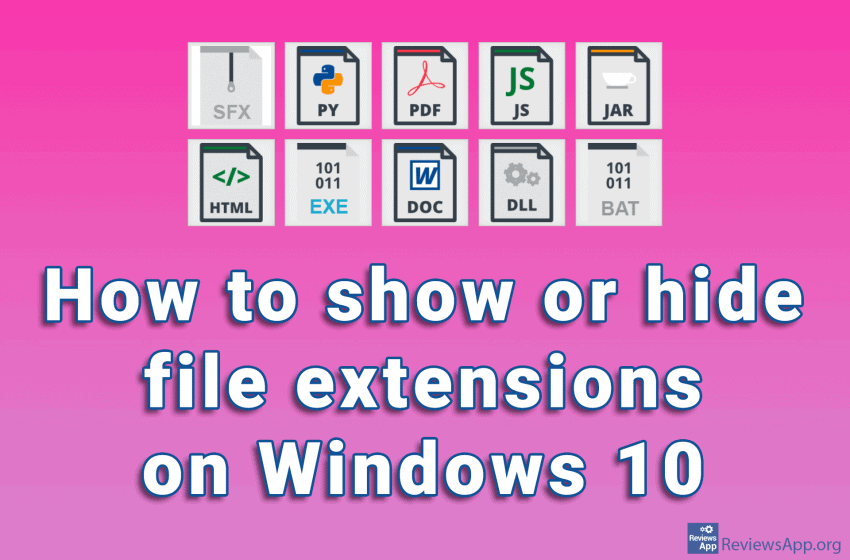
How to show or hide file extensions on Windows 10

Every file on your computer has an extension that tells Windows what type of file it is. File extensions have three or four characters, although they can be longer. If, for example, we have the file “Example.docx”, Windows knows that it is a Word document due to the .docx extension, so it will start Microsoft […]Read More