When you have a lot of work to do, it’s not always convenient to physically go to the fax machine and send a fax. A much better solution is to use Gmail. Gmail offers the option to send a fax, and the best part is that sending a fax is just like sending a regular […]Read More
Tags : Google
When working with multiple documents, occasionally you need to compare two documents. Google Docs includes an option that will compare two documents and create a new document that will clearly show all the differences and similarities between the documents you are comparing. Watch our video tutorial where we show you how to compare two documents […]Read More
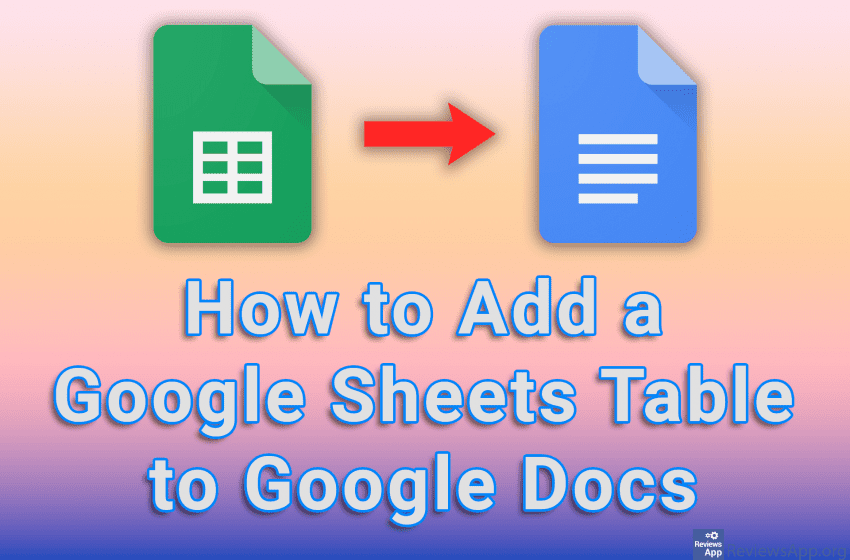
Working with large tables and lots of data, while possible in Google Docs, is much easier in a program specifically made for this, such as Google Sheets. However, if you need to transfer the data processed in Sheets to Docs, you can easily do that. The best thing is that if you change something in […]Read More
YouTube, when it first appeared, was an amazing platform. A website where you can upload videos, as well as watch videos uploaded by other users, without any restrictions and completely free. Unfortunately, on this once phenomenal platform, ways to make money have been piling up for years, and this has not only ruined the viewing […]Read More
When making presentations, it often happens that we have the same slides that we use in every presentation. This could be location information, contact details, or a description of the company or organization. Instead of creating these slides over and over again, a much better solution is to simply import them from an already created […]Read More
If you often need to download photos from the Internet for work or for the love of art, you can easily do that. Simply right-click on the image you want to download, select the Save Image option, and you’re done. However, what if you need to download a large number of images? Then this simple […]Read More
Text-writing programs, such as Word and Google Docs, have a handy option that allows you to count the words and characters in a sentence. This is an extremely convenient option, especially when you have the task of writing a text of a certain length or when you are filling out a form for a cover […]Read More
When you give the same presentation several times, it often happens that, depending on the audience, you don’t want to show certain slides. One solution is to delete the unwanted slide, but then the problem arises that if you want to show that slide in another presentation, you will have to create it again. A […]Read More
Google Chrome is notorious for using a lot of computer resources, which means it consumes a lot of power while running. For desktop users, this is not such a big issue, but for laptop owners, battery life is extremely important. Recently, Google Chrome added an option to save battery, and we’ll show you how to […]Read More
A Venn diagram pictorially represents the relationship between two or more things and can be extremely useful when you want to graphically represent these relationships. Using the drawing tool available to us in Google Docs, we can quickly and easily draw our own Venn diagram. Watch our video tutorial where we show you how to […]Read More