The organization of the desktop icons in Windows has not changed much since the earliest versions of this operating system. The icons can be freely moved and arranged on the desktop, and it is also possible to change their size, while grouping icons, like on a mobile phone, is not possible and for this, it […]Read More
Tags : organization
Tree Style Tab is a free plugin for the Mozilla Firefox web browser that turns the bar with open tabs into a hierarchy-based sidebar. It is important to note that there is a plugin in Google Chrome with exactly the same name and similar function, but it is a product of another company and it […]Read More
A desktop full of icons not only looks ugly, but it is almost impossible to find your way around. However, how to resist when access to programs is by far the easiest and most convenient here? We have a solution that will help you better organize your desktop. Astounding Dock is a free program for […]Read More
Storing data has never been easier. In addition to Hard Drives, we have USB drives, CDs, and DVDs, as well as external Hard Drives. The biggest problem we may encounter is finding out which storage device contains the data we need. Easy Disk Catalog Maker is a free program for Windows XP, Vista, 7, 8, […]Read More
Not so long ago, it was not uncommon to see a desktop full of icons. It’s easy to look at this and make fun of those who had such a messy desktop, but keep in mind that we didn’t have as many different options for running programs then as we do today. Fortunately, things have […]Read More
Imagine a situation where you are working on a computer and you have multiple opened windows. One of these windows contains data that you must constantly monitor and, depending on it, do something in other windows. In this case, it would be best to always keep that window above the other windows, and even if […]Read More
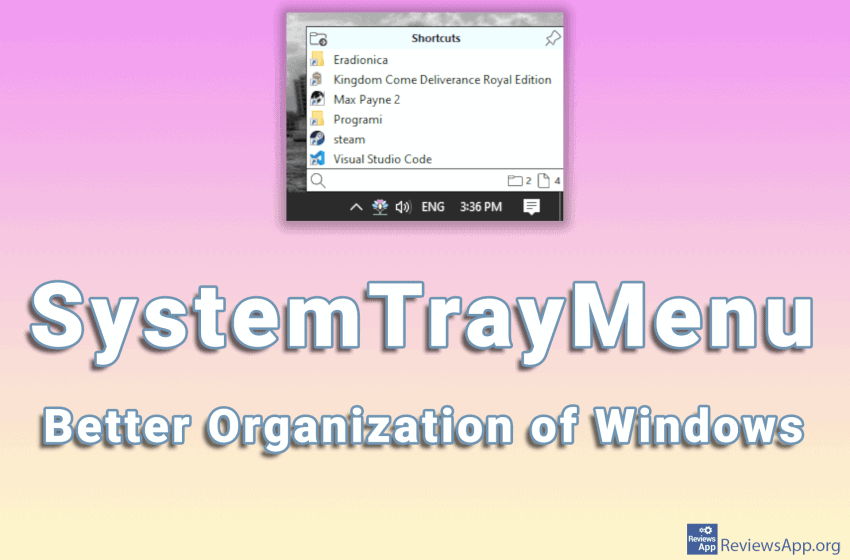
Accessing installed programs on Windows is most convenient using desktop shortcuts. However, the space on the desktop is limited and it is easy to overload it with icons and make navigating very difficult and slow. The purpose of the Start menu is to take some of the work from the desktop and provide another way […]Read More
Do you often write messages to yourself on sticky notes and stick them on the monitor, table, shelf, or who knows what, with the hope that you will notice them and remind yourself to complete the chore written on the message. A much better solution is to use a program instead of paper notes. Introducing […]Read More
One feature in Windows that is used relatively infrequently, but is sometimes incredibly useful, is the ability to hold a particular window above all others. Even if you click on another window, this one will always stay on top. This function is called “Always on Top”. Although it is not used very often, it is […]Read More