It’s interesting and a bit scary how much the users have become a product for big tech companies. Serving advertisements at every step has become a business model of many companies. Very sad are the statistics that show that “free” programs with advertisements are often more profitable than traditional paid programs. Unfortunately, the mania of […]Read More
Tags : tutorial
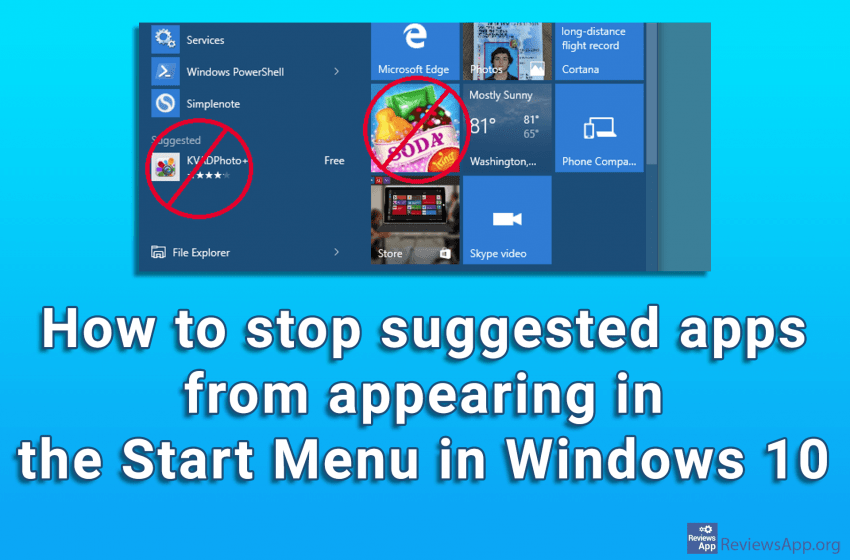
Windows 10 will occasionally display suggested applications in the Start menu. The suggested apps aren’t necessarily free, and we’ve seen Microsoft use this feature for advertising programs and computer games from its store. Even if you don’t mind this, there are better ways to get information about the products you want to buy, and in […]Read More
Dark Mode is a feature that allows us to switch the color of the application to black. This option was designed with the idea of reducing eye strain when using the application in the dark. Of course, users did not listen to the designers, so many keep the Dark Mode always on because they prefer […]Read More
The Google Maps app for Android was created in 2015 and today is the most used map app on this operating system. Although we here in the editorial office are often critical of Google, we must admit that, at least for Maps, Google listened to the wishes of its users and implemented new options relatively […]Read More
The Google Maps app has definitely changed the world. There is no more fear of big, unknown cities, nor wandering the secluded streets searching for an address that is simply not where it should be, not to mention information about objects or public transport stops. All this, of course, if you have internet access. Although […]Read More
When using email services, careful contact management has always been one of the most important tasks. If all important contact information is stored and available, sending private or professional emails is nothing more than a mere formality. In addition to the ability to manually add contacts, most email services have a function to import contacts. […]Read More
When we hear that big tech companies keep our private information, we immediately think of the worst. However, sometimes obsessively recording and storing everything we have ever done online can be useful to us, provided we can access that data. Gmail keeps contact information of everyone we’ve ever contacted using this service. Standard contact information […]Read More
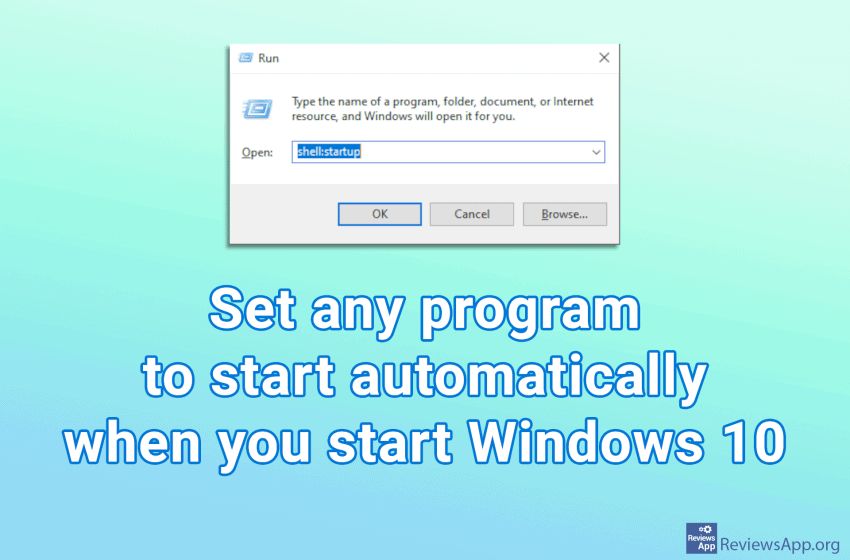
When you turn on your computer, certain programs will start automatically when Windows starts. This is good because there are programs we use often so we want them to always be on, for example, Skype or Viber. Some programs, in their settings, have an option that tells them to start along with Windows, however, this […]Read More
Storage Sense is a Windows 10 program that makes sure that temporary files stay just that, temporary. Namely, it automatically deletes temporary files from the Internet or applications and programs. It also deletes files from the Recycle Bin and Downloads folder. Files from the Recycle Bin will be deleted automatically after a while, while files […]Read More
When you scan a document, the file format you get is usually JPG or PNG, that is, you get an image. It is not possible to change the text with such files, so they are not very useful. In order to use scanned documents, it is necessary to convert them into a text document. Probably […]Read More