When you type keywords in the Google Chrome browser URL field instead of the correct website address, a Google search will be performed. This is a handy option because when you want to search for something, you don’t have to go to Google’s website and do a search there. However, what if you want to […]Read More

Tags : Windows
Image editing programs, whether designed for professionals or beginners, try to give us the best possible way and as many tools to edit the image as we imagined. However, few of them are designed with the idea of being used in office conditions, where efficiency is often more important than artistic expression. Introducing PicPick, a […]Read More
Windows 11 looks different from Windows 10 thanks to rounded corners and subtle transparency effects. Recently, Google Chrome added an option to include a theme that matches the look of Windows 11. Keep in mind that this is an experimental feature and can lead to browser errors. If you encounter an error, we suggest disabling […]Read More
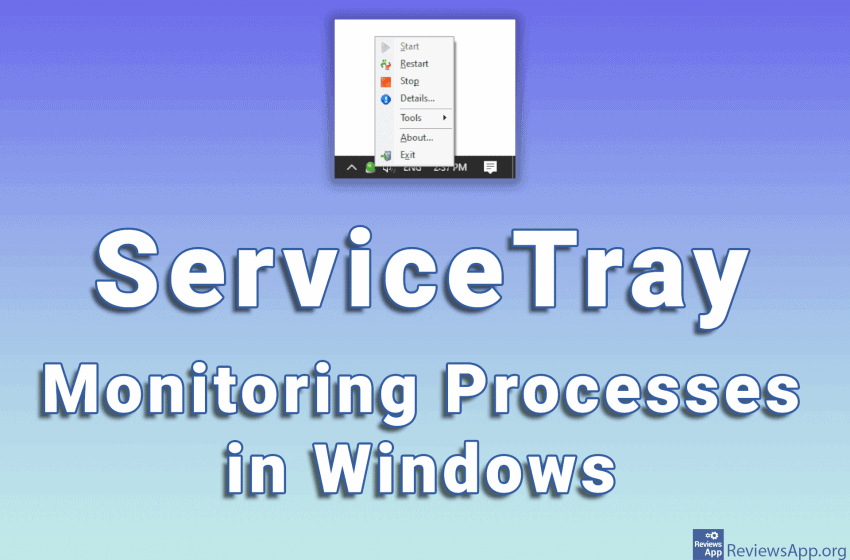
At any given time, a large number of programs, called processes, are running on your computer. These processes run in the background and are necessary for the proper operation of the computer. However, sometimes it happens that a certain process stops working, which can lead to errors or incorrect operation of programs. When this happens, […]Read More
If you have a Word document with a watermark that you want to remove, the good news is that you can do this directly from Word. Keep in mind that this can potentially be illegal, especially if you want to print and sell the document. Watch our video where we show you how to remove […]Read More
When working with tables, it often happens that you need to mark the columns with numbers. You can do this manually by entering numbers in each column, but this is tedious and inefficient. Google Sheets includes an option to automatically number columns. You can start numbering from any number, and it is possible to number […]Read More
Most websites require registration before allowing us full access to their content. This means that we have to leave our email address on almost every website. In theory, there is nothing wrong with that. All platforms guarantee the privacy and protection of the personal data of their users. However, in practice, the situation is much […]Read More
Windows 10 has a handy option that allows you to save an image as a PDF file. This will work with all popular image formats and best of all, you don’t need to instal any additional programs. Don’t be confused that we use the Print option. Whether you have or do not have a printer, […]Read More
Mozilla Firefox includes an option to export bookmarks in HTML format. This is very handy whether you want to import them into another browser or just want to have them saved, just in case. Watch our video where we show you how to export Export Bookmarks in Mozilla Firefox using Windows 10. Video transcript: How […]Read More
Setting up the look of Windows 10 is easy and all the options are readily available in the settings. In addition to the wallpaper, we can change the colors of the taskbar, window colors, increase or decrease the font size and much more. Best of all, we can save all these settings as a theme, […]Read More