If you are a Windows user, you certainly had a problem with the lost data from your hard drive. But from today on, you should not worry any more, because Microsoft has announced a brand new tool: Windows File Recovery, a native Windows program meant to recover lost data. If you accidentally delete an important […]Read More
Tags : Windows 10
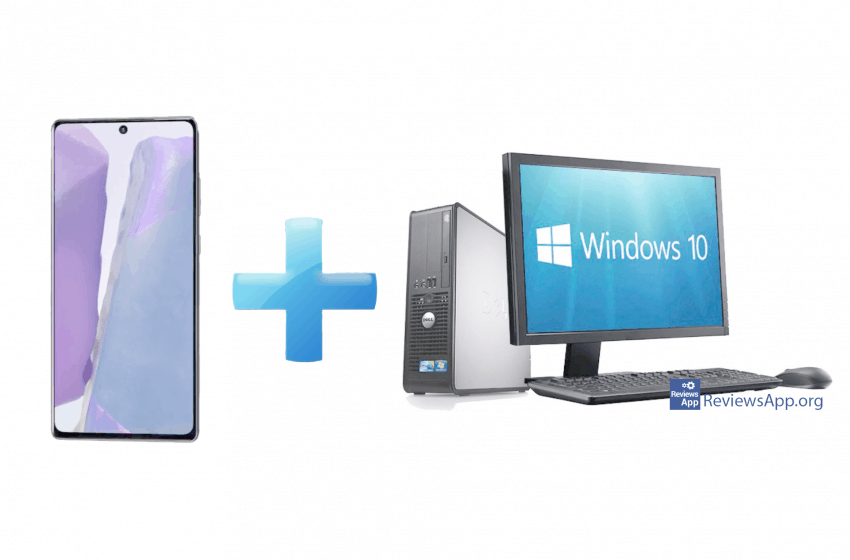
If you own a new Samsung smartphone and you are also a Windows 10 user you are on the right track. Samsung has announced new functionality in using android applications – “Link to Windows”, running phone applications from PC. Application Your Phone already allows users to see notifications, files and texts on Windows 10, but […]Read More
High-Efficiency Video Coding or HEVC, also known as H.265 and MPEG-H Part 2 is a successor to the widely used Advanced Video Coding (AVC, H.264, or MPEG-4 Part 10), designed as part of the MPEG-H project. HEVC offers from 25% to 50% better data compression at the same level of video quality as AVC. Supported […]Read More
After 25 years web browser Internet Explorer is being retired. As officials from Microsoft confirmed, the support for this browser will cease next year. More precisely from august 17th, 2021 Internet Explorer will officially be discontinued. This refers to all services and applications from Microsoft 365 package: Office 365, OneDrive, Outlook, OneNote and others. Microsoft […]Read More
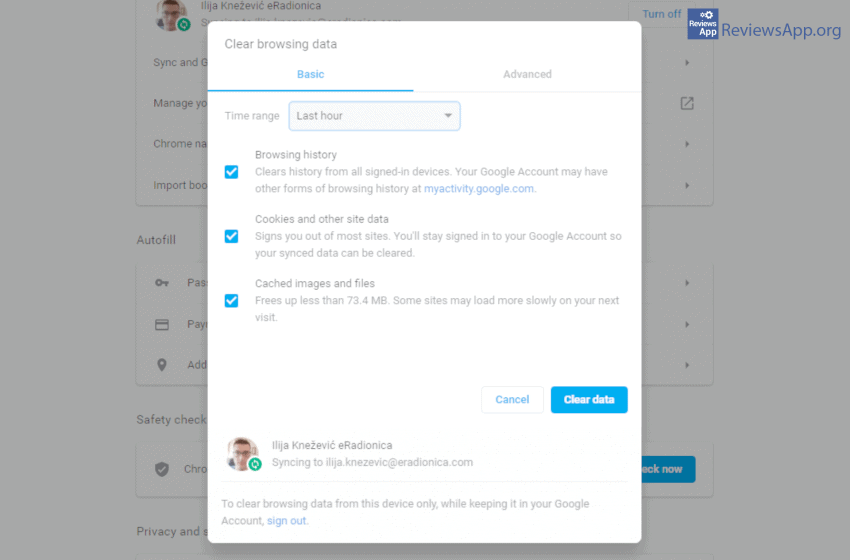
When user online activity tracking is mentioned, we all instinctively think of malicious intent. In practice, most of this is exclusively for users benefit. Still, after some time, all that data starts to take up quite a lot of space. Watch how to clear browsing data in our video below. Video transcript: Open Google Chrome […]Read More
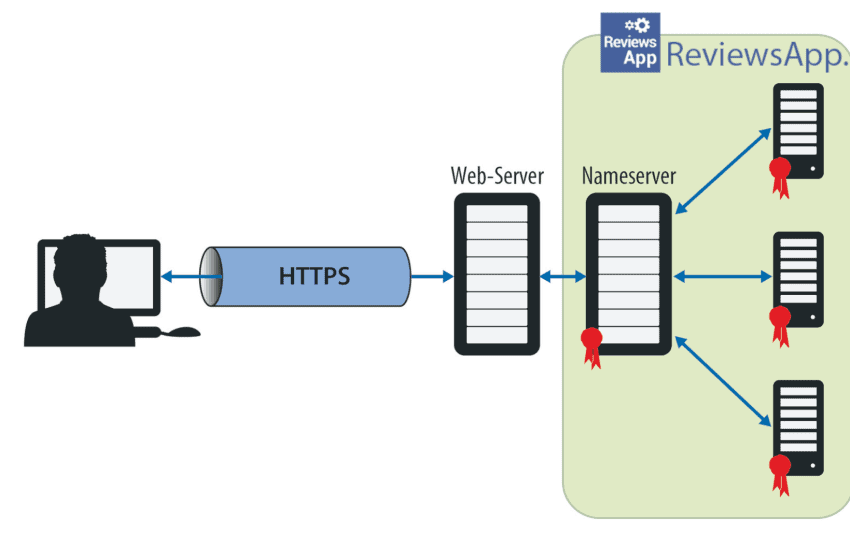
Internet privacy is crucial to us all, and our trust in internet providers and other services is at the all-time low. Therefore we are always looking for new ways of protecting our privacy. To help us with that we have DNS over HTTPS (DoH). What is DoH? DoH is an internet protocol that encrypts our […]Read More
One of the very handy and useful functions of Dropbox is the ability to share files from a local folder to online service automatically. This way, everything you put in that folder will automatically be uploaded to the online Dropbox folder. Check out how this works in the video below. Video transcript: Open Chrome Type […]Read More
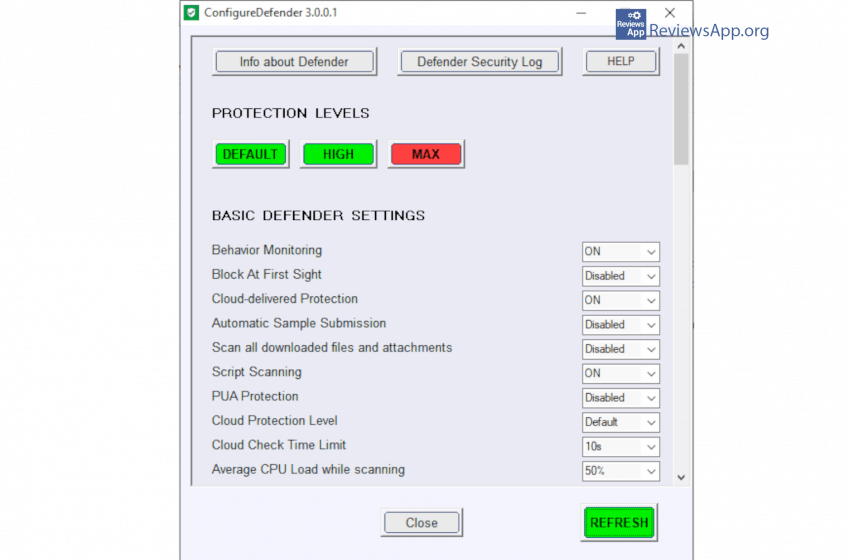
In the sphere of antivirus protection, Windows operating system do give us some good solutions. In previous versions of Windows antimalware software had to be downloaded for Microsoft’s site and installed. This has changed in Windows 10 where we get Windows Defender out of the box. So what is ConfigureDefender? Windows Defender offers many open […]Read More
After a few decades of mems and ridicule, Microsoft’s Edge is once again conquering the market. In the beginning of April, by the number of users, this browser became the second most used on the market-beating Firefox for that position. Pretty good score for the relatively new product. What’s new? New Microsoft Edge is based […]Read More
It looks like Windows updates always happen in the worst possible time. We show you how to pause, postpone, and even set an exact date for when they happen. Check out our video below. Video transcript: Click on Start Click on Settings Click on Update & Security Clicking on Pause updates for 7 days you […]Read More